






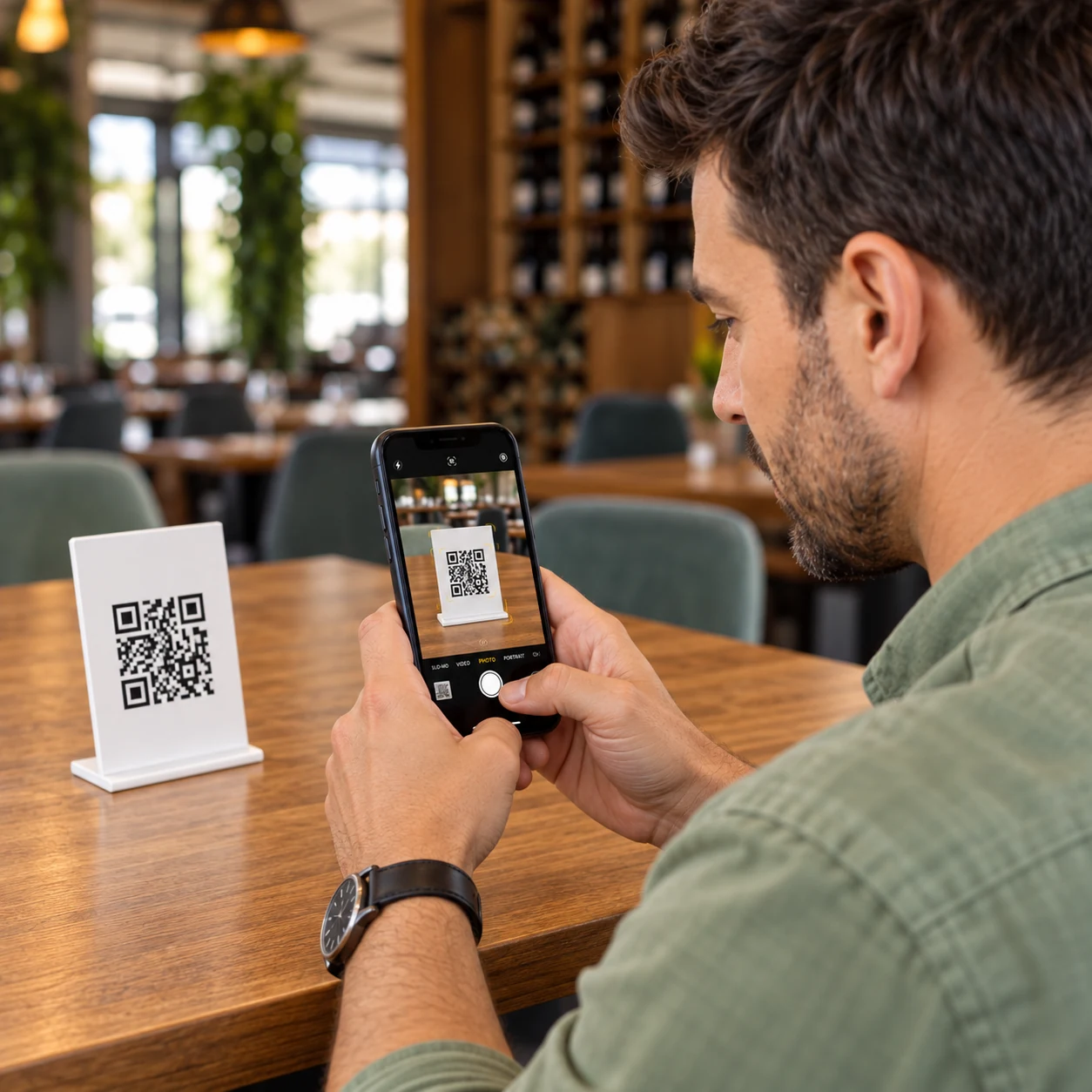
The customer orders when ready
Their phone provides immediate access to the menu and another order.
They scan the QR code, view the menu, and place an order without installing an app. The order enters the venue flow and continues to the preparation team.

The experience starts at the table, while the order is then managed together with the venue's other orders.
They access the menu directly in the browser on their own phone.
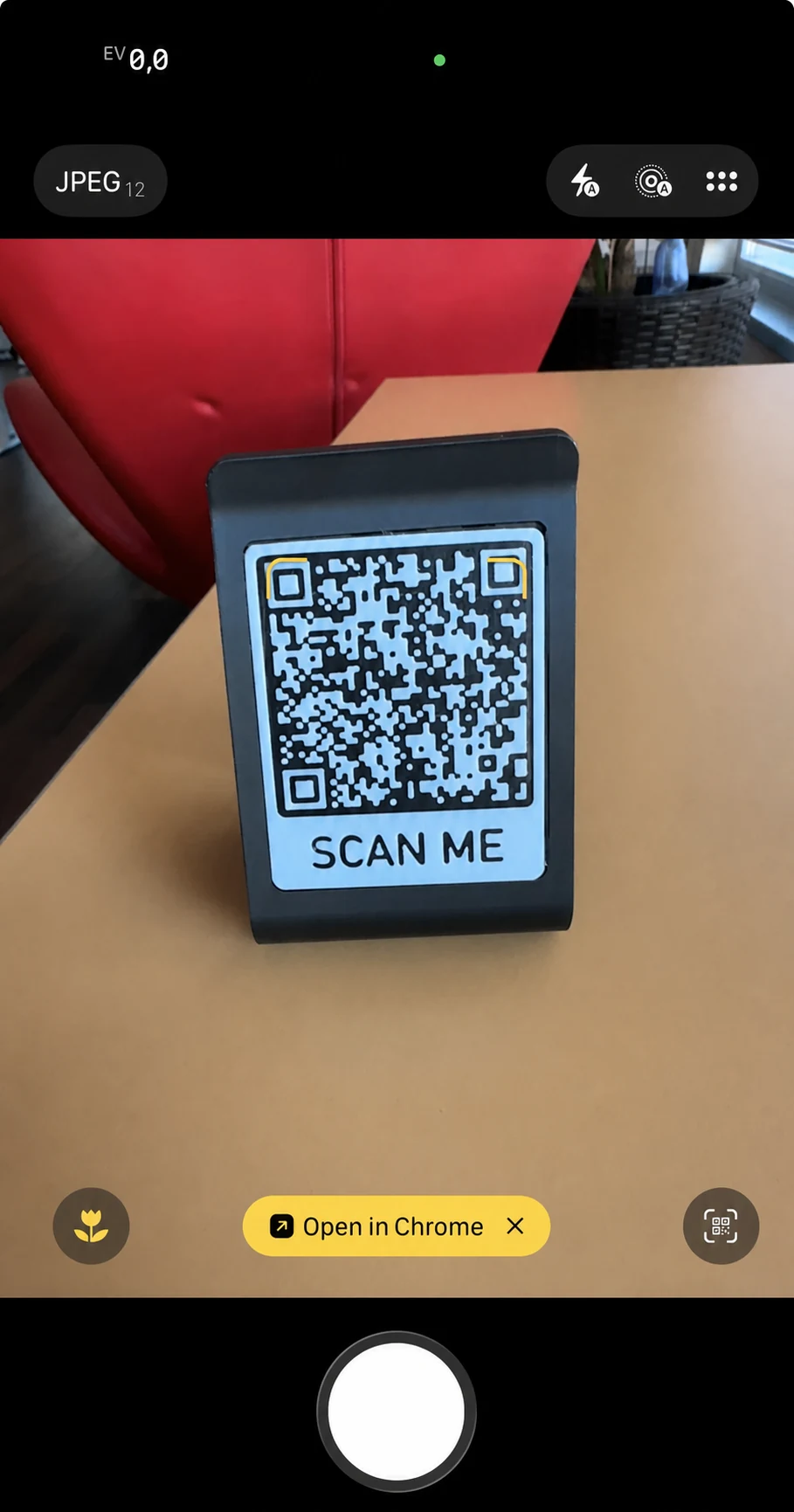
They can see available products, customize them, and prepare their order.
The order is sent directly to Nexus Retail without being re-entered by an employee.
The order can be tracked in POS & Orders and sent to Kitchen Display (KDS) when preparation is needed.
They access the menu directly in the browser on their own phone.
They can see available products, customize them, and prepare their order.
The order is sent directly to Nexus Retail without being re-entered by an employee.
The order can be tracked in POS & Orders and sent to Kitchen Display (KDS) when preparation is needed.
QR table ordering can complement classic table service. Customers can place an order when they want, while the team continues to handle service, recommendations, and interaction in the venue.
The QR code does not replace the waiter. It can take over only the steps the venue wants to simplify.
Their phone provides immediate access to the menu and another order.
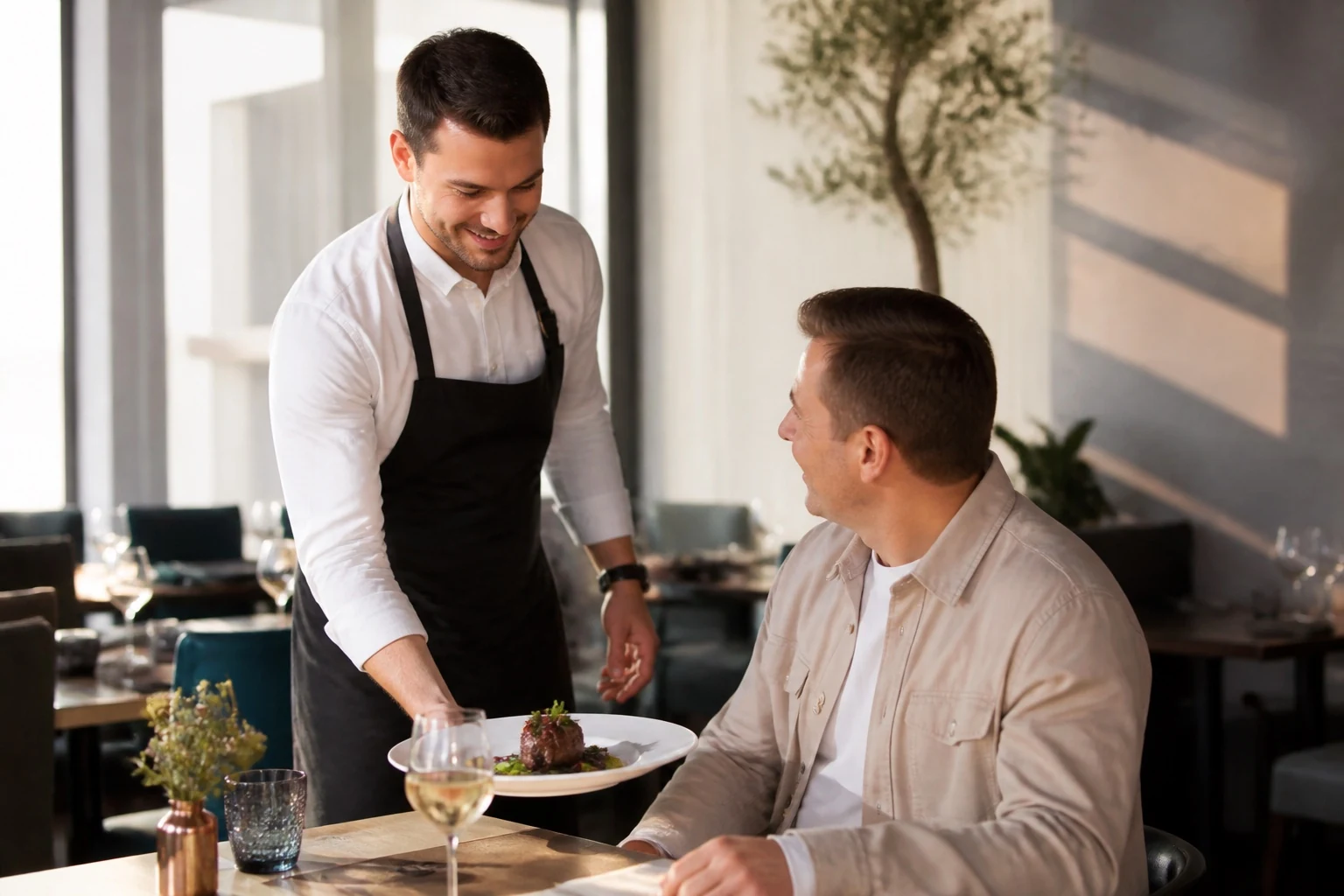
The team continues service, recommendations, and interaction in the venue.
There is no app to install and no dedicated device is needed. The customer scans the QR code and directly opens the menu configured for the venue.
The order is placed directly in the browser.
The customer sees the available information before placing the order.
They do not have to wait for someone to return to the table just to take an additional order.
QR ordering can be integrated into a fully self-service flow or complement classic table service. The configuration can adapt to the venue type and the way the team works.
The customer orders on their phone and the waiter brings the products.
Discover Online & QR OrderingThe order passes automatically from the customer to the preparation team.
Explore the Restaurant moduleNo. The menu and ordering are accessed directly in the browser after scanning the QR code.
Yes. In configurations with table-linked orders, each table can have its own QR code, which keeps the context of the table where the order is placed.
Yes. The order enters the Nexus Retail ecosystem and can be received in POS & Orders and sent to Kitchen Display (KDS), depending on the configuration.
The products and options available for ordering are managed through the Nexus Retail configuration.
We will show you the full flow, from scanning the QR code and choosing products to the team receiving the order.
