

Products
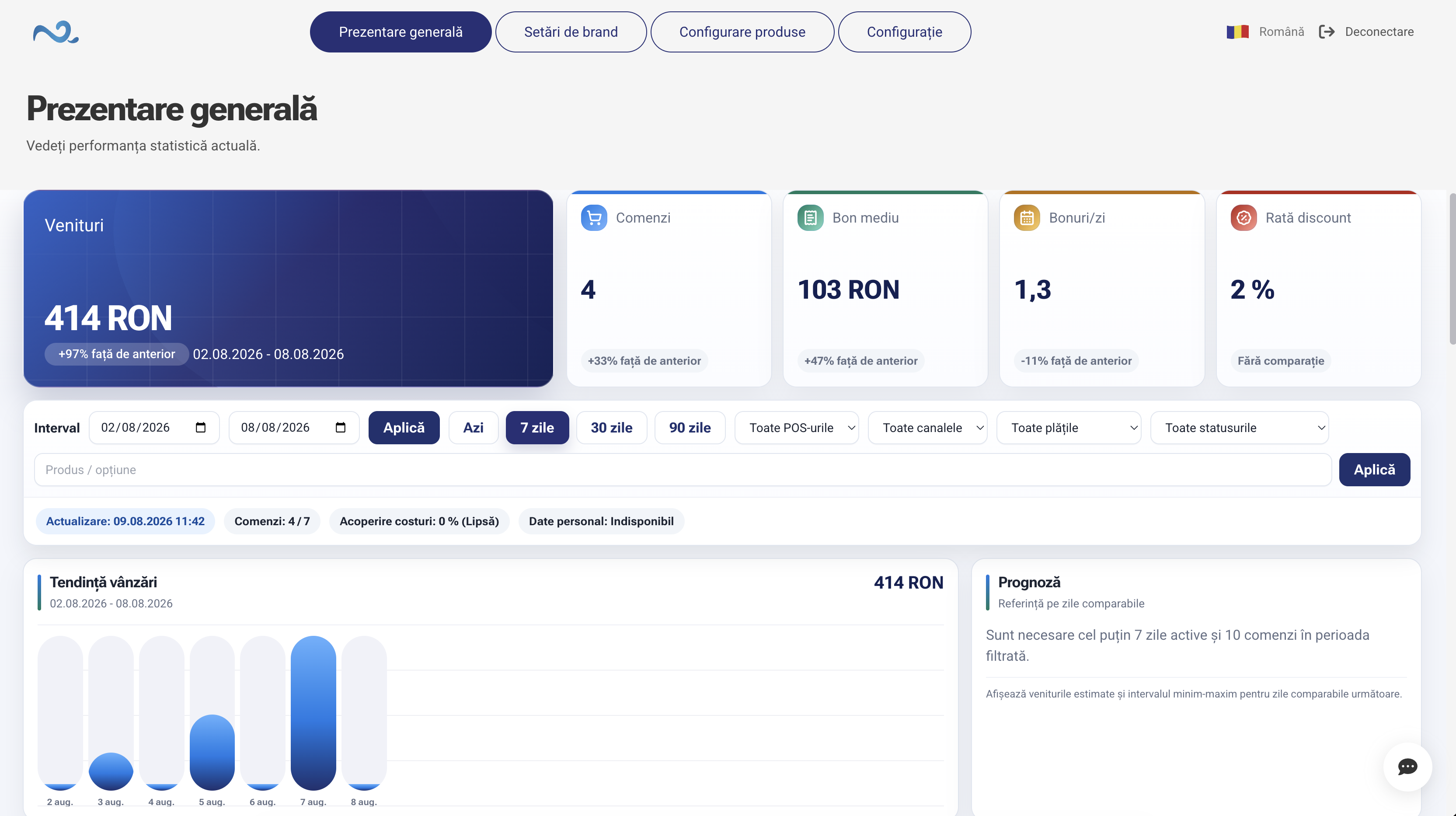
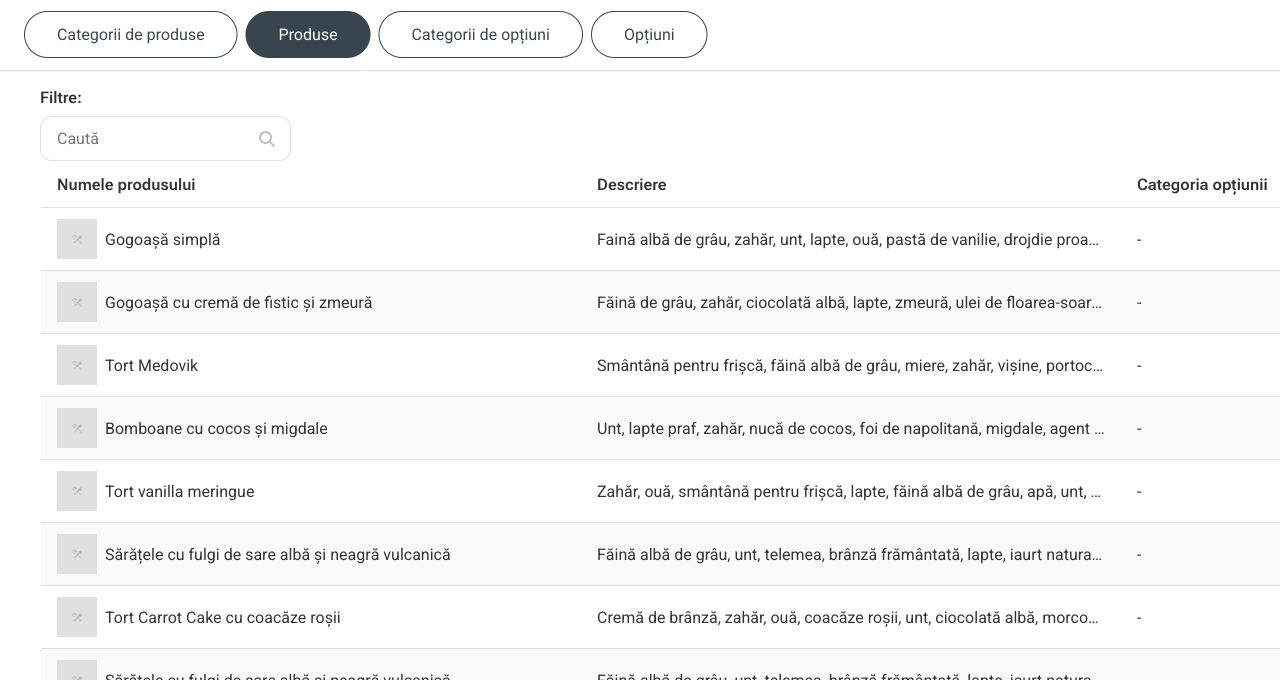
Information available for sales is managed centrally.
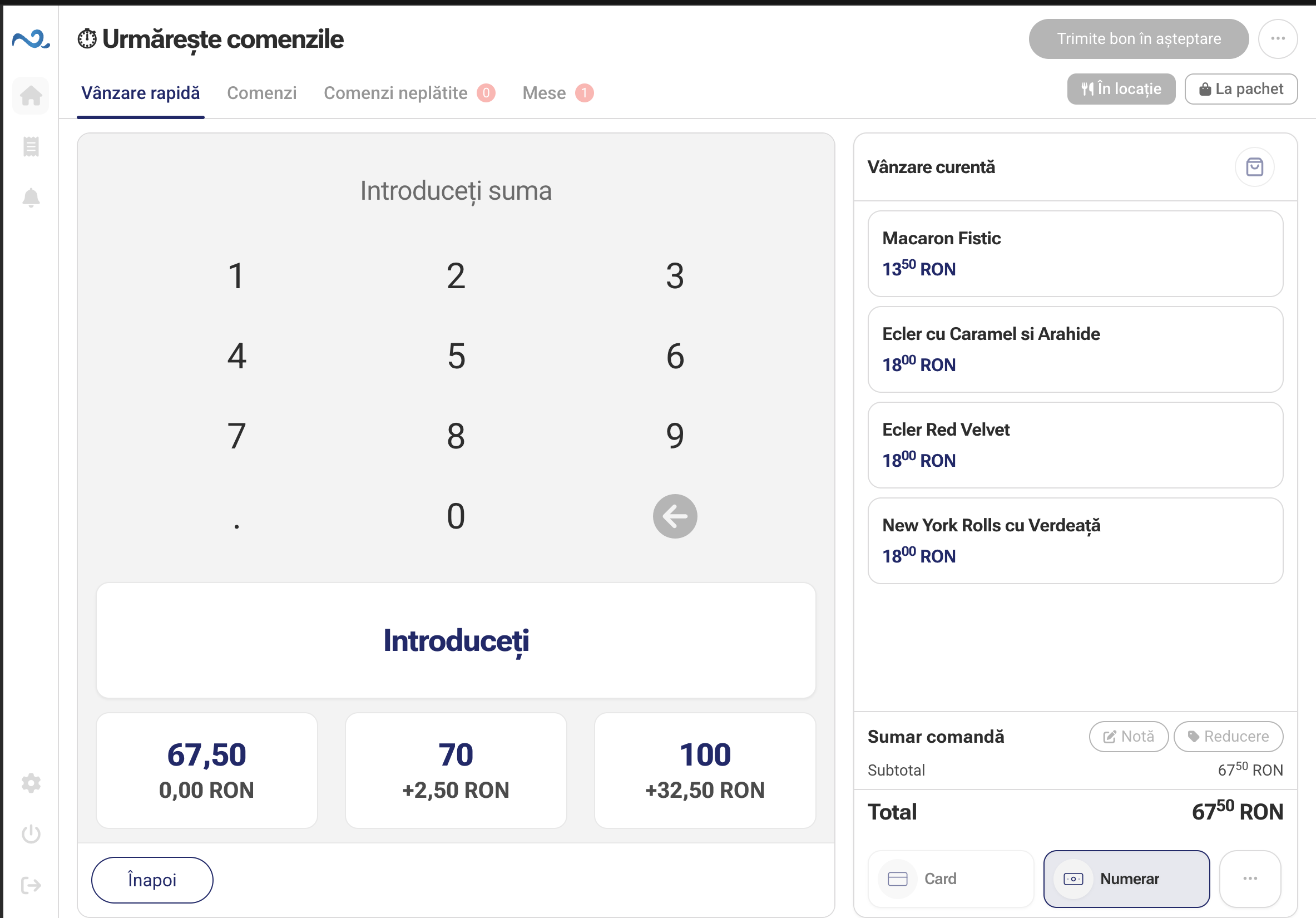
Nexus Retail provides a fast workspace for in-store sales, where products can be added, checked and paid for without unnecessary steps.

The interface keeps the whole flow in context, from adding a product to completing the sale.
The employee selects the product in the interface or identifies it using the scanner available in the store.
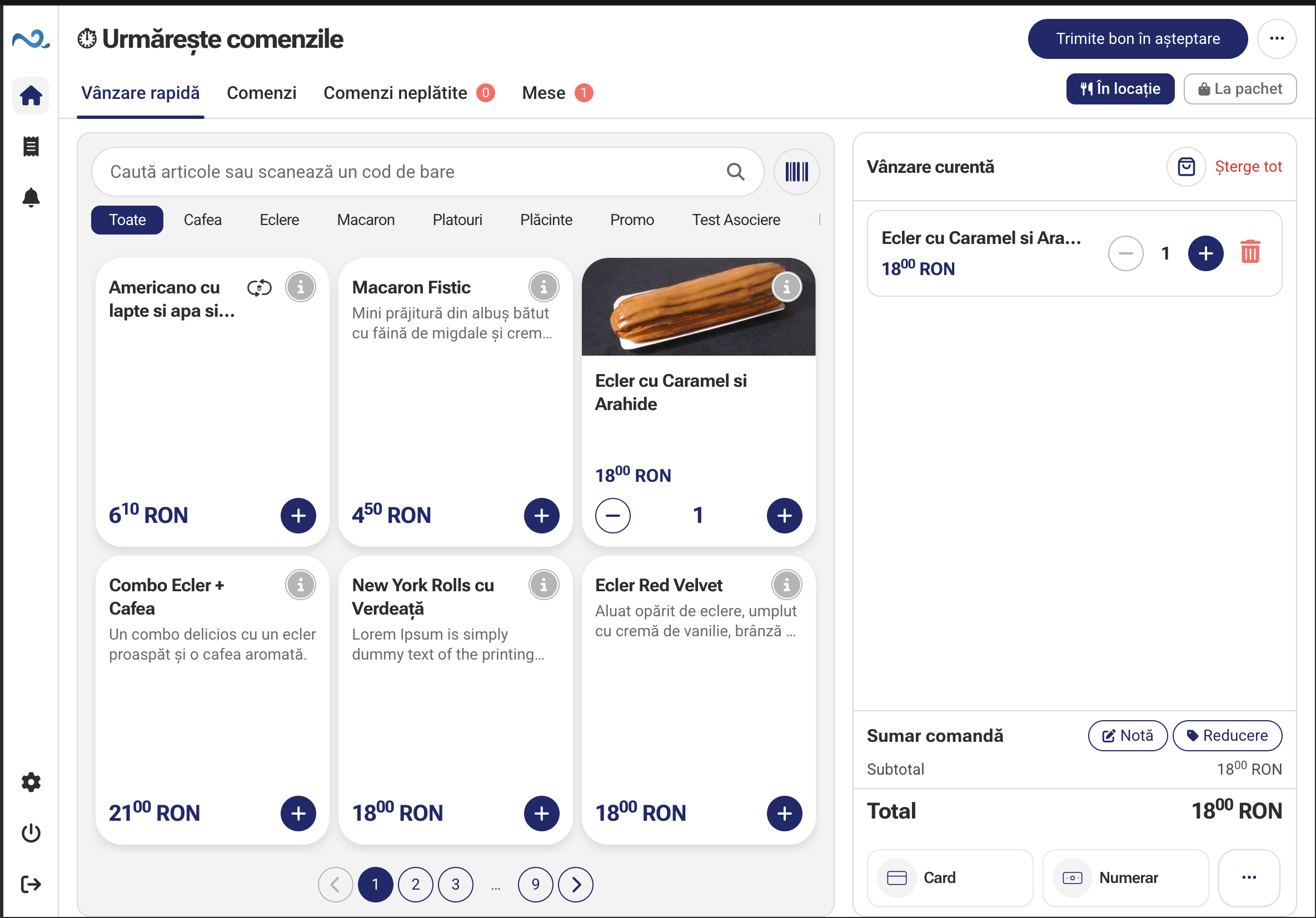
Products, quantities and prices remain visible as the sale is prepared.
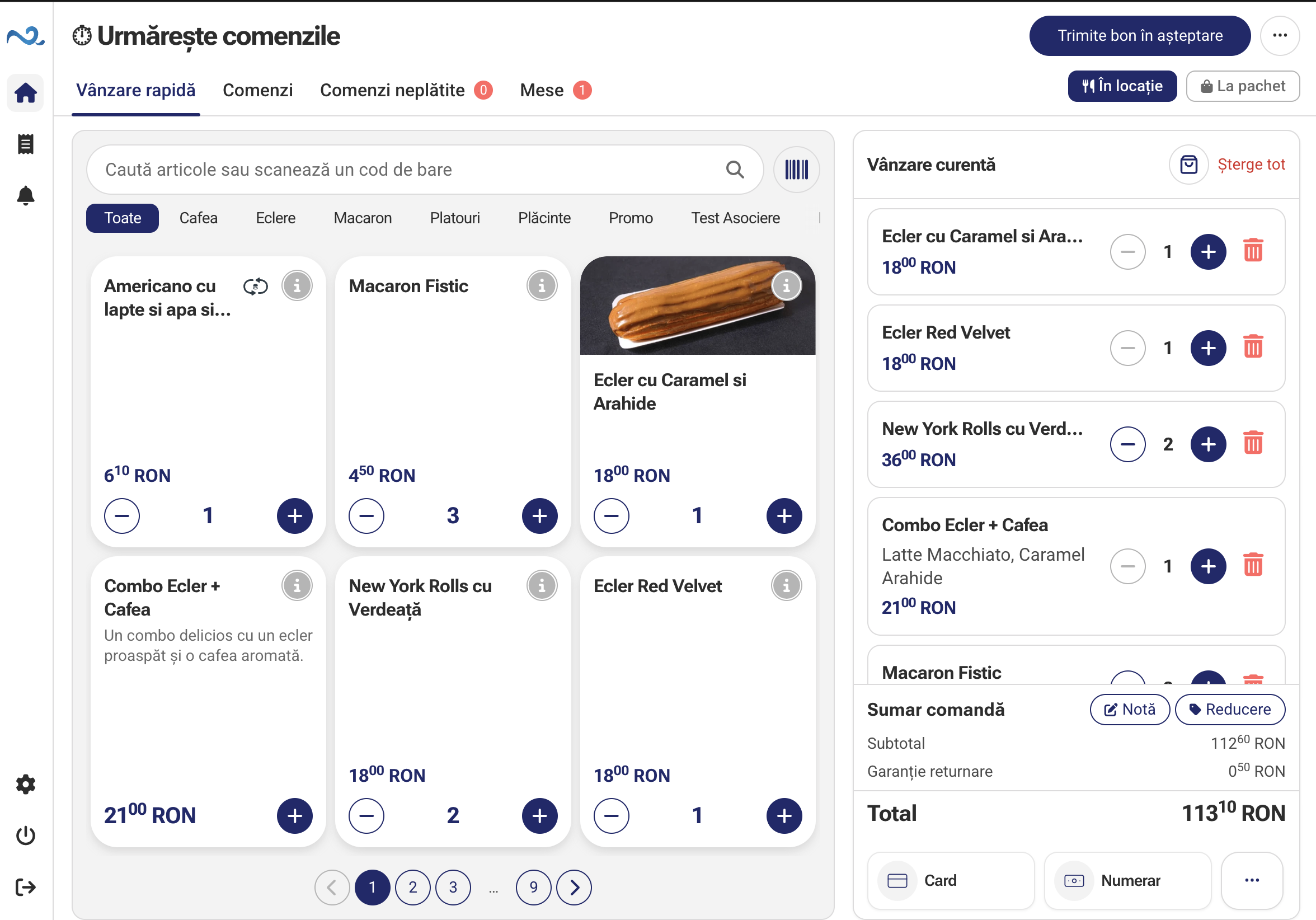
The sale is completed using one of the configured payment methods.
Sale information remains available in the Nexus Retail ecosystem and can flow to connected systems.
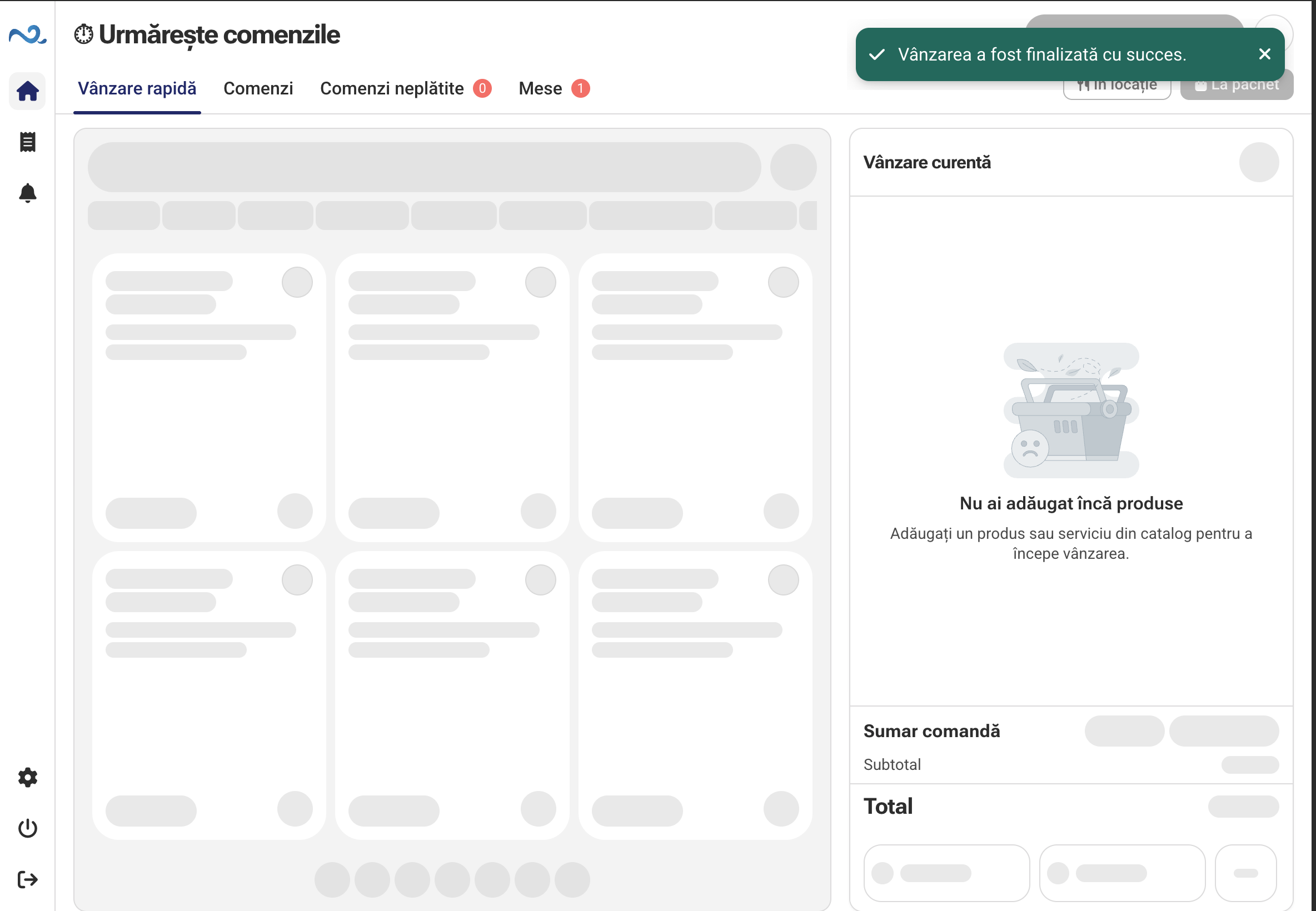
The employee selects the product in the interface or identifies it using the scanner available in the store.
Products, quantities and prices remain visible as the sale is prepared.
The sale is completed using one of the configured payment methods.
Sale information remains available in the Nexus Retail ecosystem and can flow to connected systems.
With Customer Display, products added to the sale, quantities, discounts and the total can appear on a screen facing the customer.
The same sale is visible to the employee and customer at the same time.
Administration manages the information and settings used by in-store applications, keeping the point of sale simple for employees.
Information available for sales is managed centrally.
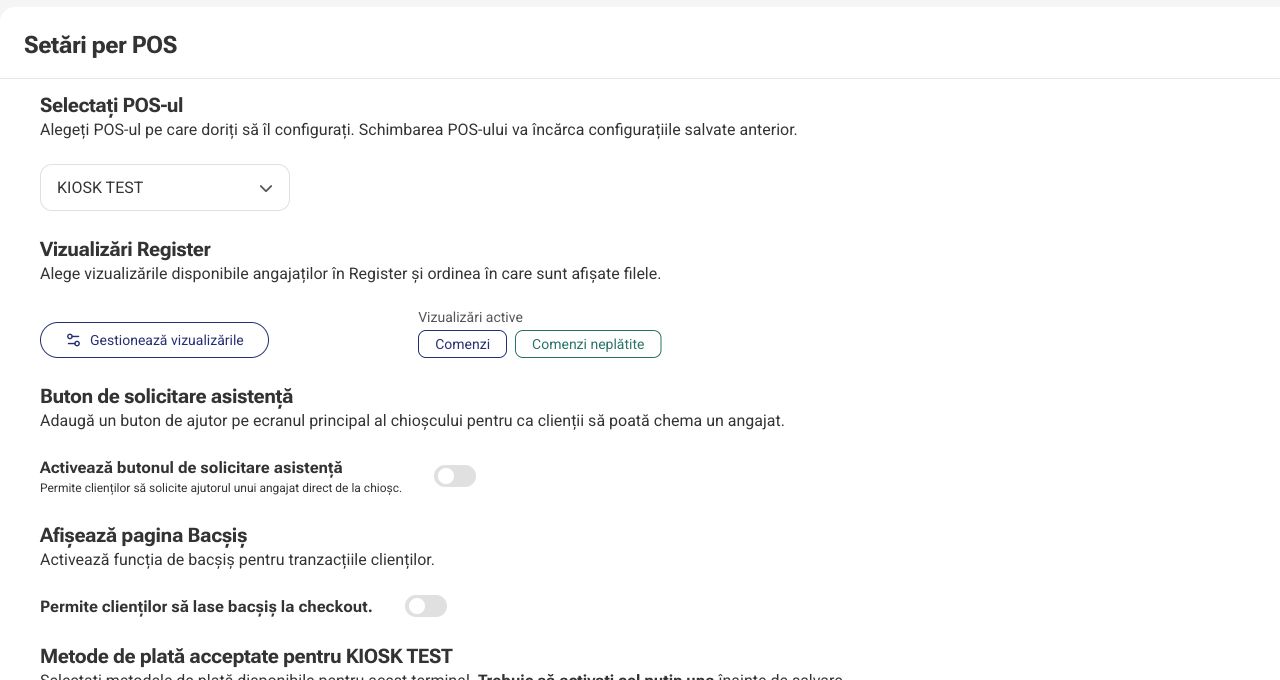
Configure the equipment and applications used in the store.
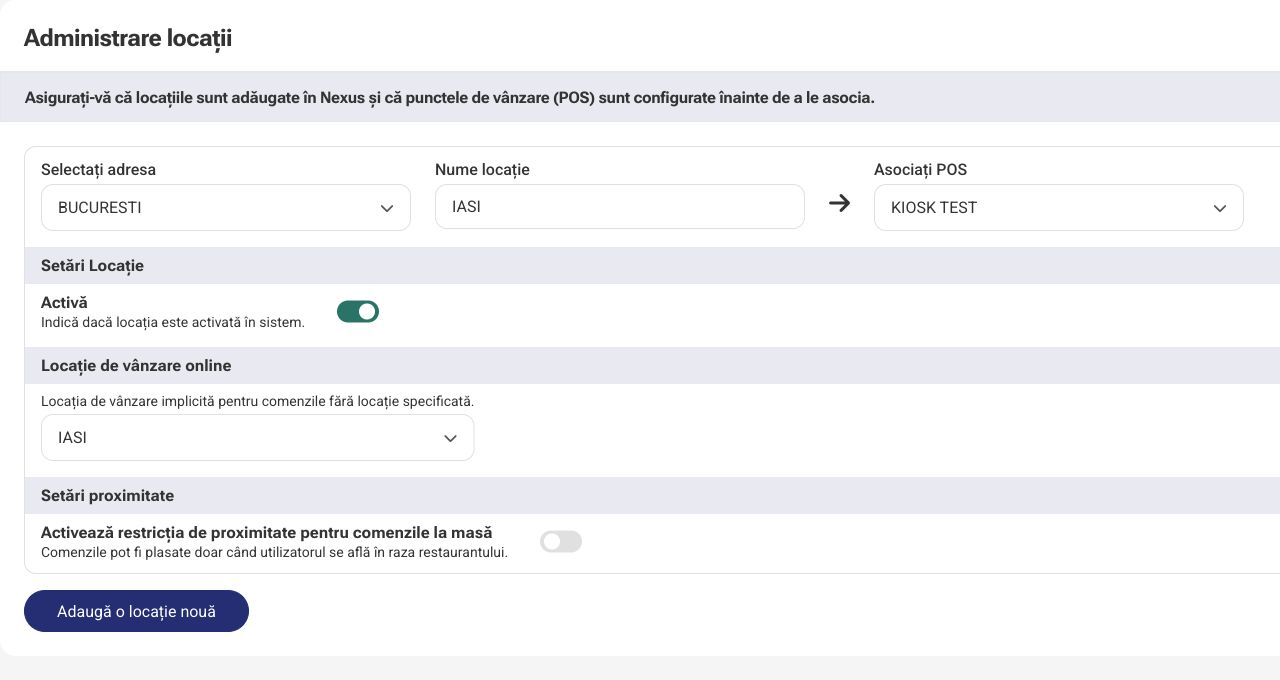
Each location can use the applications and settings that suit its way of working.
Shows customers the products and sale total in real time.
See Customer Display in actionNo. Nexus Retail can also be configured for direct sales, where products are added and paid for at the point of sale.
Yes. The flow can include scanning devices configured for the point of sale.
Yes. Products can be accessed directly in the sales interface and organized for quick discovery.
Yes. Customer Display can show products, quantities and the sale total in real time on a customer-facing device.
Available payment methods are defined in the store configuration and shown to the employee when completing the sale.
Yes. Nexus Retail integrates with Nexus ERP for the flows and data available through integration.
Nexus Retail can be configured for multiple locations, depending on how the company is organized.
No. A store may only need POS & Orders, Administration and optionally Customer Display or other components required by the location.
Tell us what you sell, how your team works at checkout and which devices you use, and we will show you a flow tailored to your point of sale.