

The total is filled in automatically
The payment page uses the order total. Customers do not need to enter the amount themselves.
Through the Stripe integration, customers can pay online or through the QR workflow available on site. Nexus Retail tracks payment confirmation and links it to the corresponding order.
Managers offering online ordering or self-service
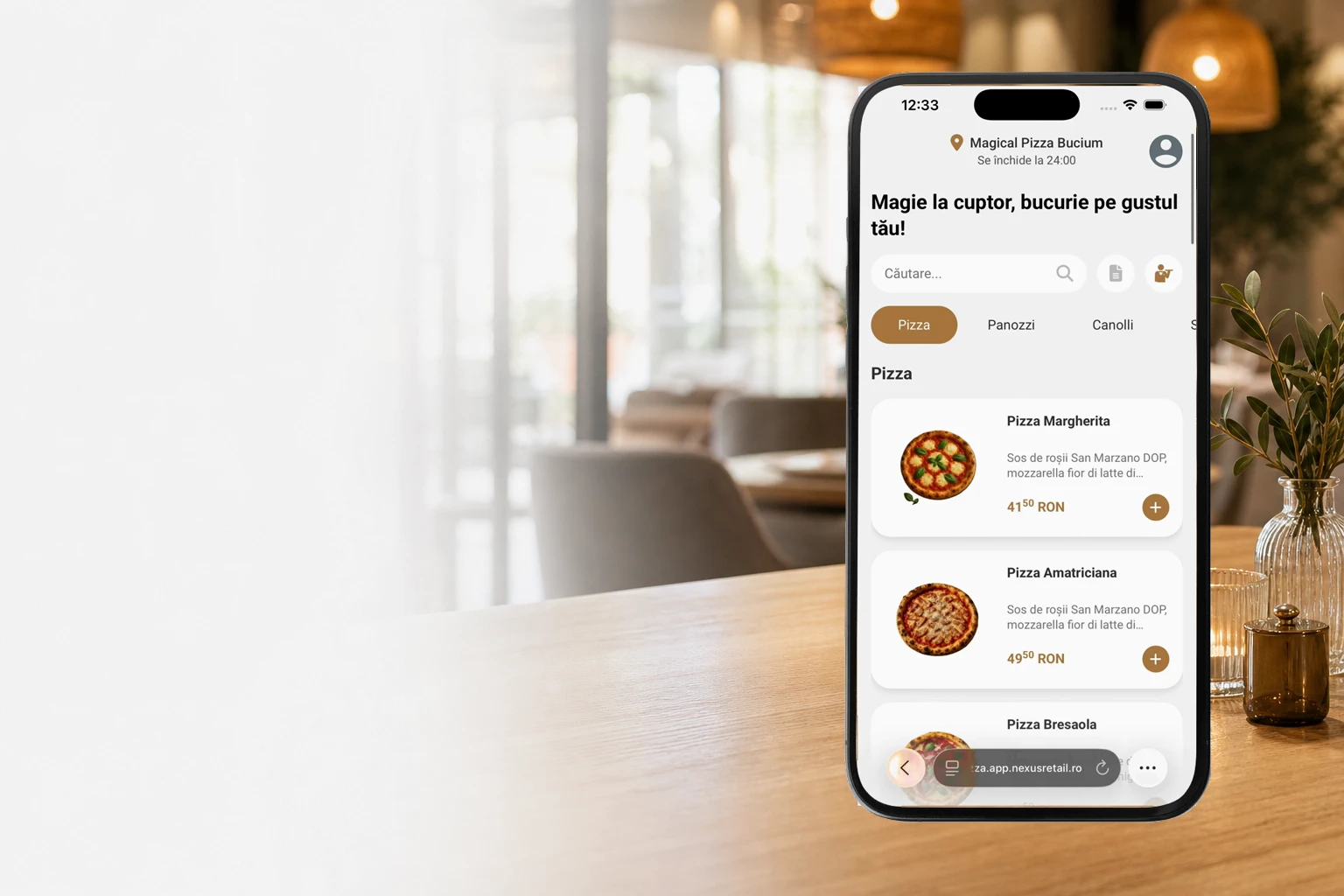
Customers build their order in the online app. When online payment is enabled, they continue to Stripe to pay for the order.
The payment page uses the order total. Customers do not need to enter the amount themselves.
Confirmation from Stripe is linked to the order, so the team sees payment in the same workflow.
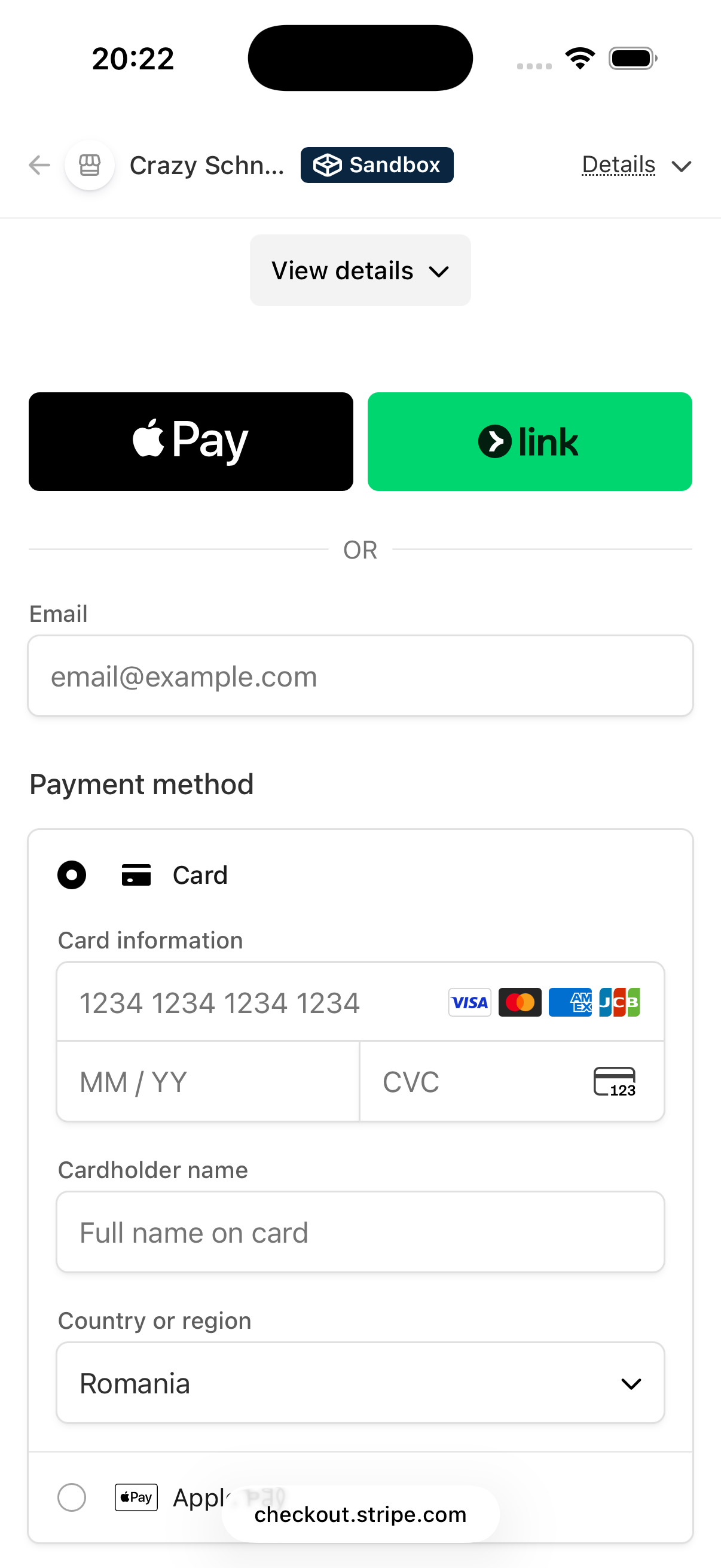
Stripe shows eligible payment methods such as card, Apple Pay or Link, depending on account settings and the customer’s device.
The customer scans the QR code to open the location’s menu on their phone, directly in the browser.
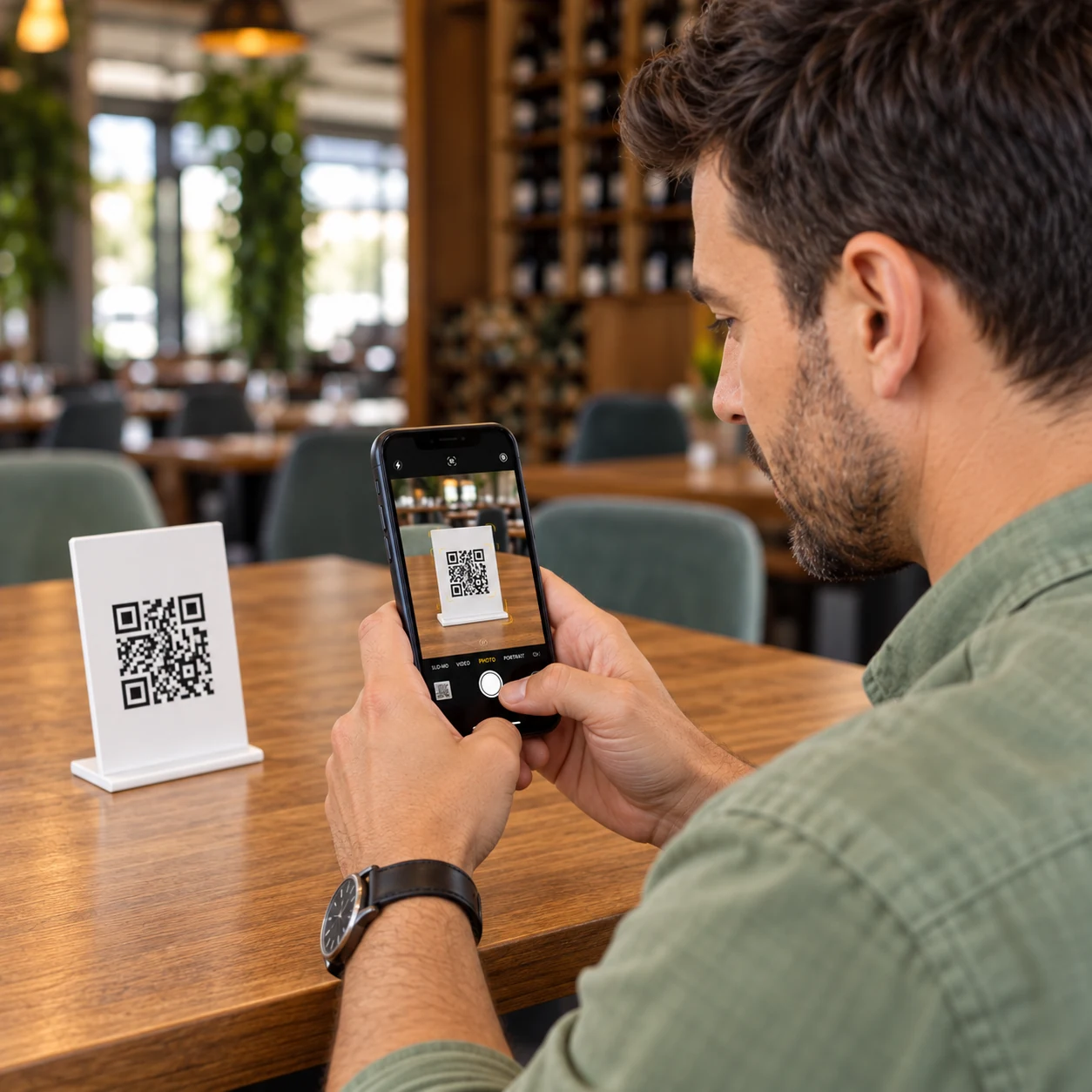
They add items and options, then check the total before paying.
They continue to Stripe’s secure payment page and choose an available payment method.

After payment is confirmed, the order reaches POS & Orders and continues to preparation according to the location’s settings.
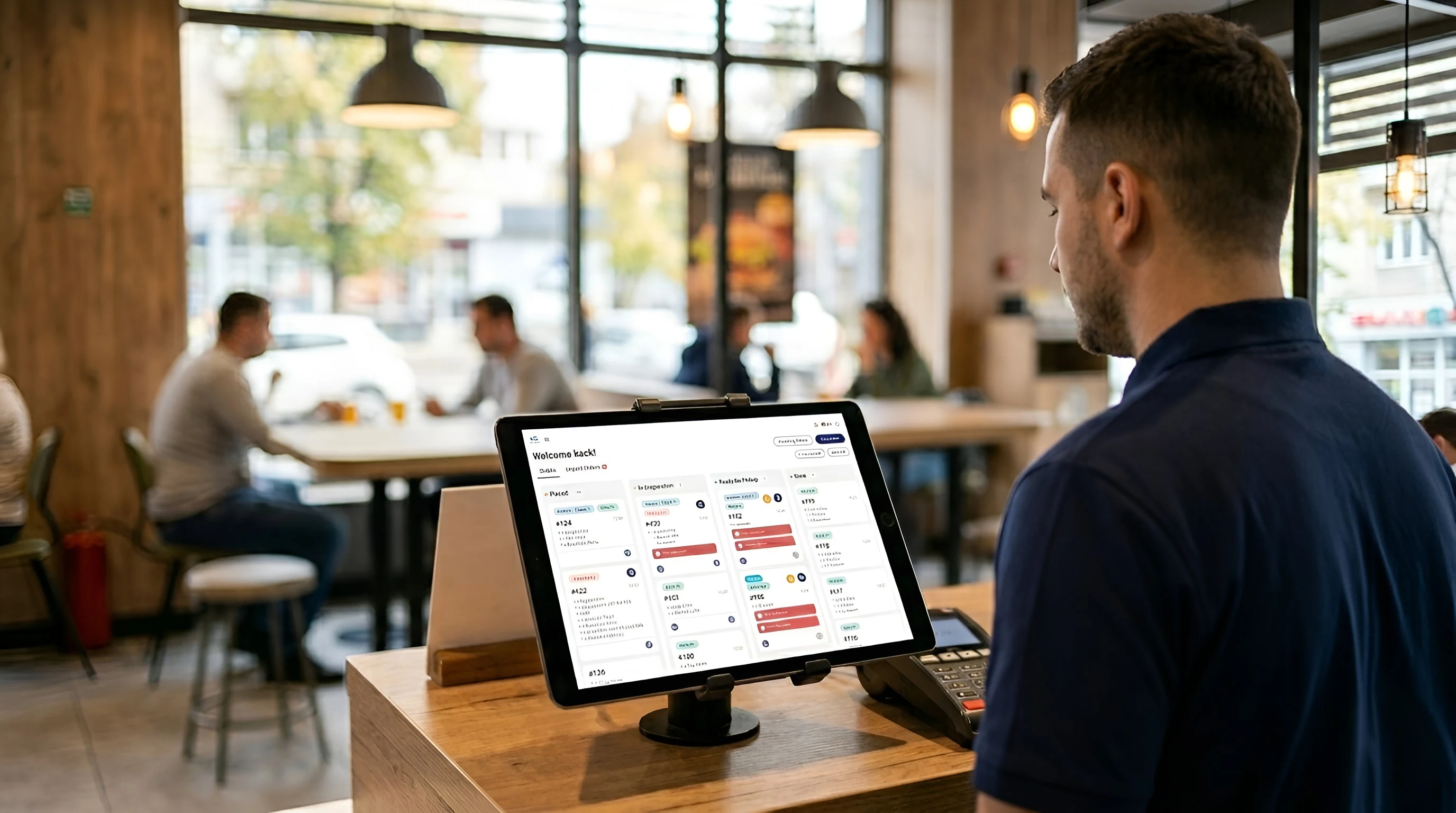
The Stripe account is connected to the company setup. Online payment complements the methods used on site; methods available at the counter or kiosk depend on enabled devices and settings.
Explore Online & QR OrderingConnect the company's Stripe account and check the payment setup.
Choose the apps and payment methods available at the location.
Check the complete journey: order, payment, confirmation and the customer's return to the app.
Online and QR payment workflows currently use Stripe. Availability depends on account and location setup.
Not for online ordering. Customers can order in the browser and continue to the payment page.
Yes. Your company’s Stripe account must be connected to Nexus Retail, and online payments must be enabled for the apps and locations where you want to use them.
We'll show the customer journey and identify payment methods that fit the apps you use.