
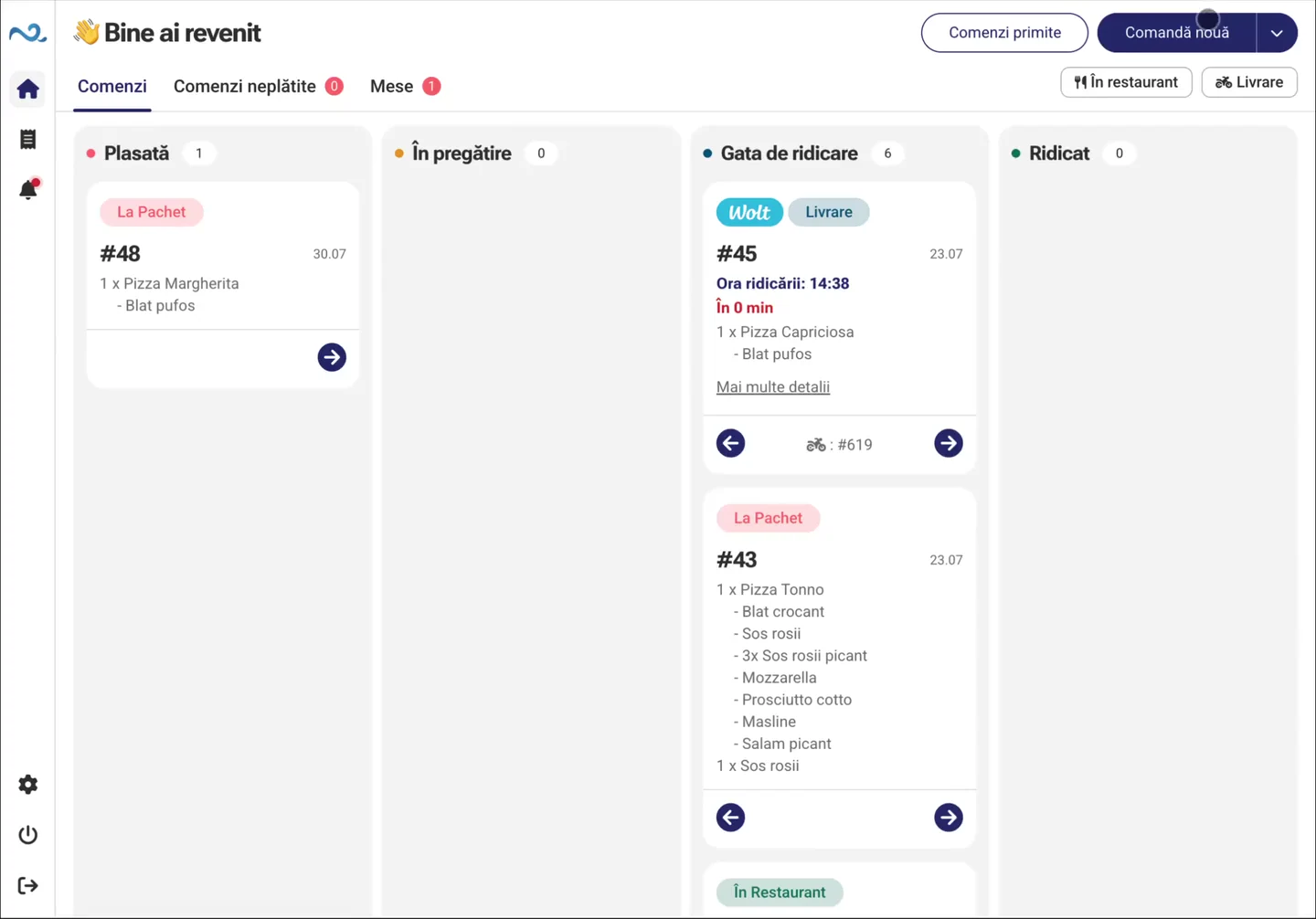

Manage products and integrations centrally
Manage products and integrations in the administration app, linked to the items and records in Nexus ERP.
Nexus Retail products, points of sale and sales documents stay connected to Nexus ERP. Staff use the apps on site while managers keep sales connected to the company's business records.
Location managers and commercial teams
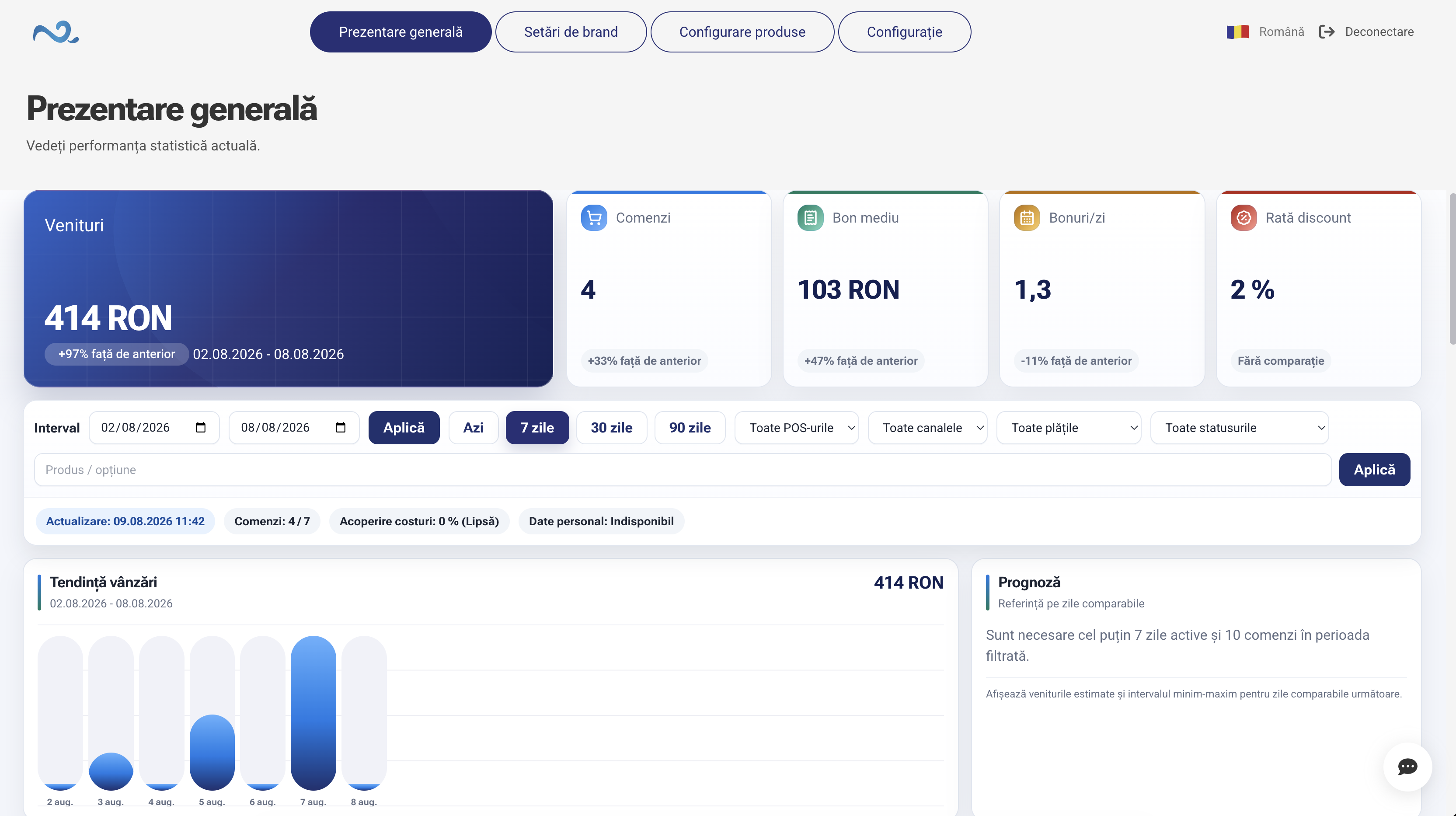


In Administration, you organize customer-facing products and associate them with commercial items. POS & Orders gives staff the catalog prepared for their location.
Manage products and integrations in the administration app, linked to the items and records in Nexus ERP.
Choose the settings, stock locations and apps used at each point of sale to suit its activity.
Track Nexus Retail sales and their documents in Nexus ERP, including online orders from connected locations.
Set up the items, inventory locations and points of sale used on site.
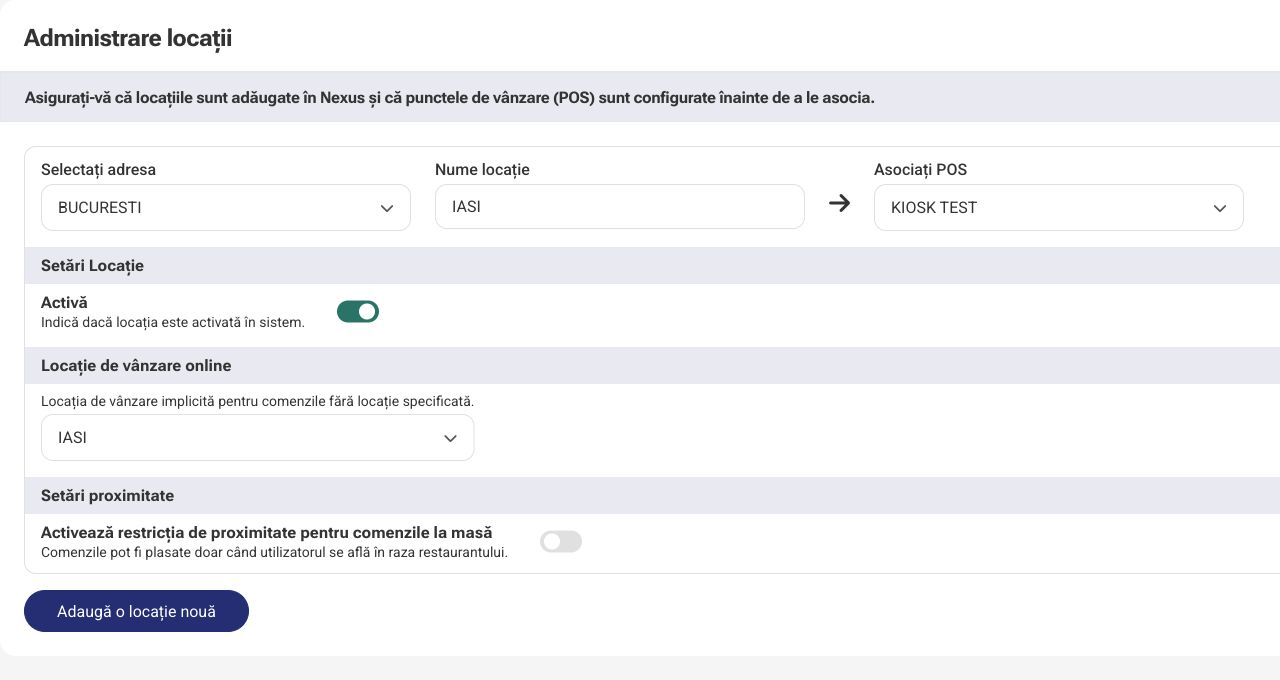
In Administration, organize the catalog and product mappings for the apps.
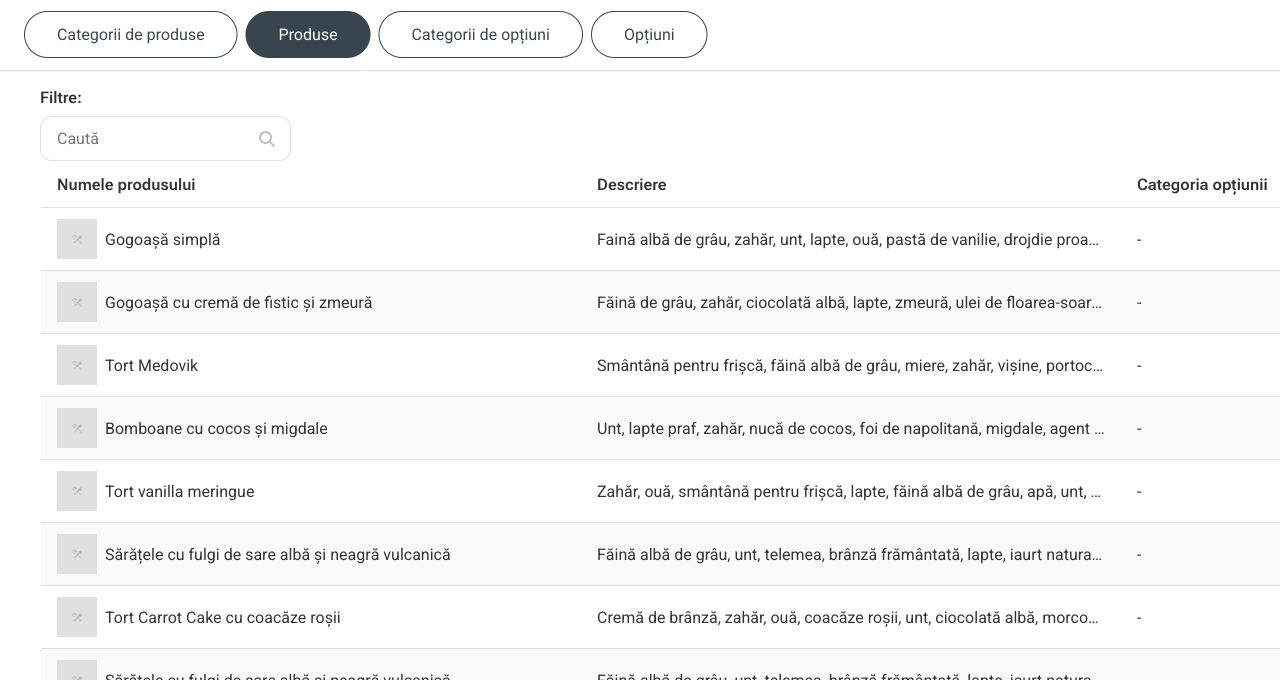
Staff use POS & Orders with the products available at their location.
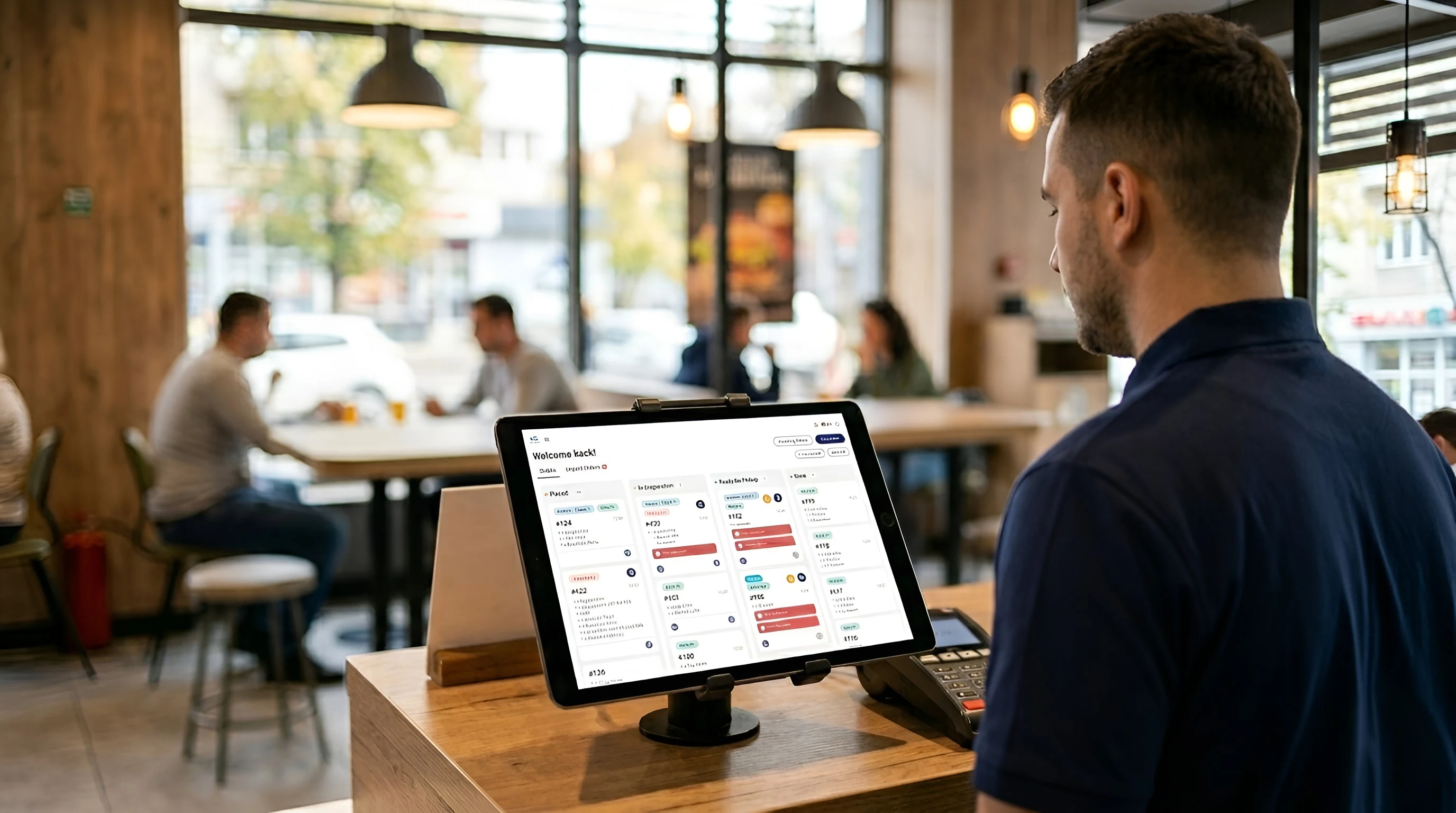
Items and payment are recorded through the point of sale's document workflow.
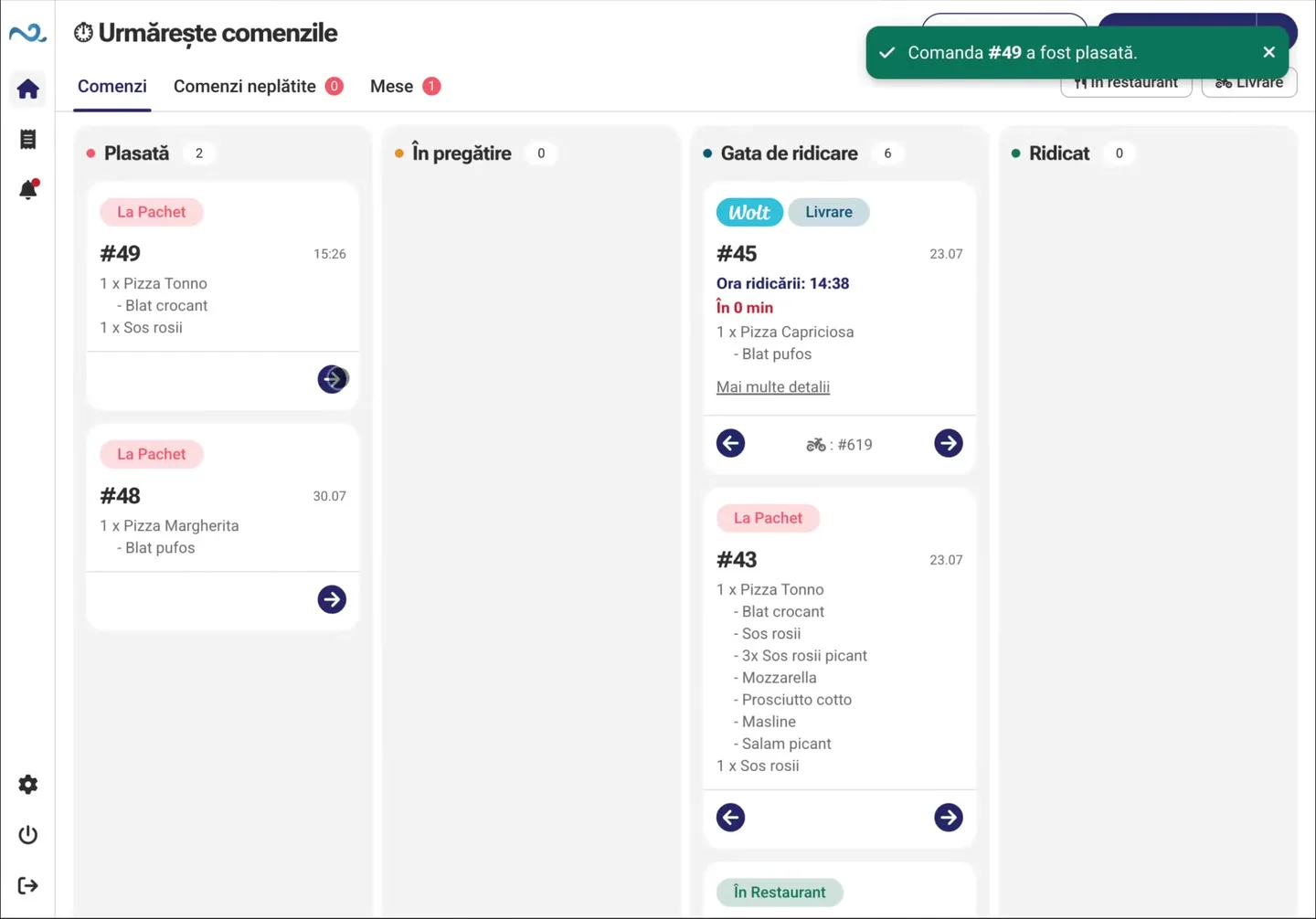
Administration organizes the app experience: products, options and devices. Nexus ERP connects it to commercial items and documents. Each has a clear role in daily operations.
Explore AdministrationWe check the Nexus ERP connection and the locations that will use Nexus Retail.
We define the catalog, item mappings and point-of-sale settings.
We test a complete sale, from product selection to recording payment.
No. Administration configures Nexus Retail apps. Nexus ERP remains connected to the business data and documents used on site.
The setup takes workplaces and points of sale into account. The catalog and mappings follow the way your company is organized.
Yes. Checking items, prices and sales settings is part of preparing the location for use.
Tell us how your locations and sales are organized. We'll show how Nexus Retail apps fit your existing setup.