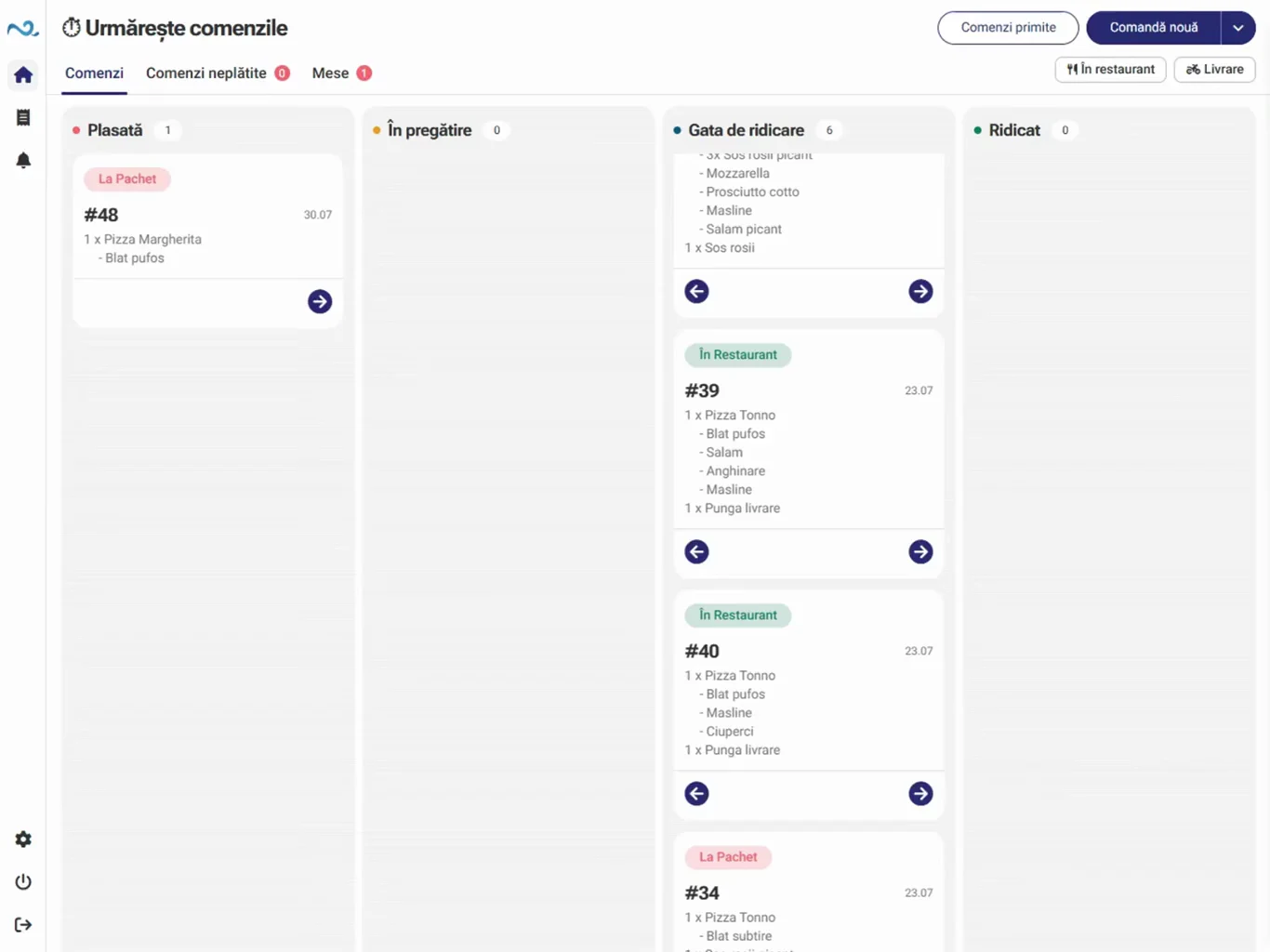

No retyping orders
Products and options are imported from the order using the configured mappings.
Nexus Retail brings Glovo and Wolt orders into POS & Orders alongside the location's other orders. Staff see products, options and progress in one place.
Managers of restaurants, coffee shops and delivery locations
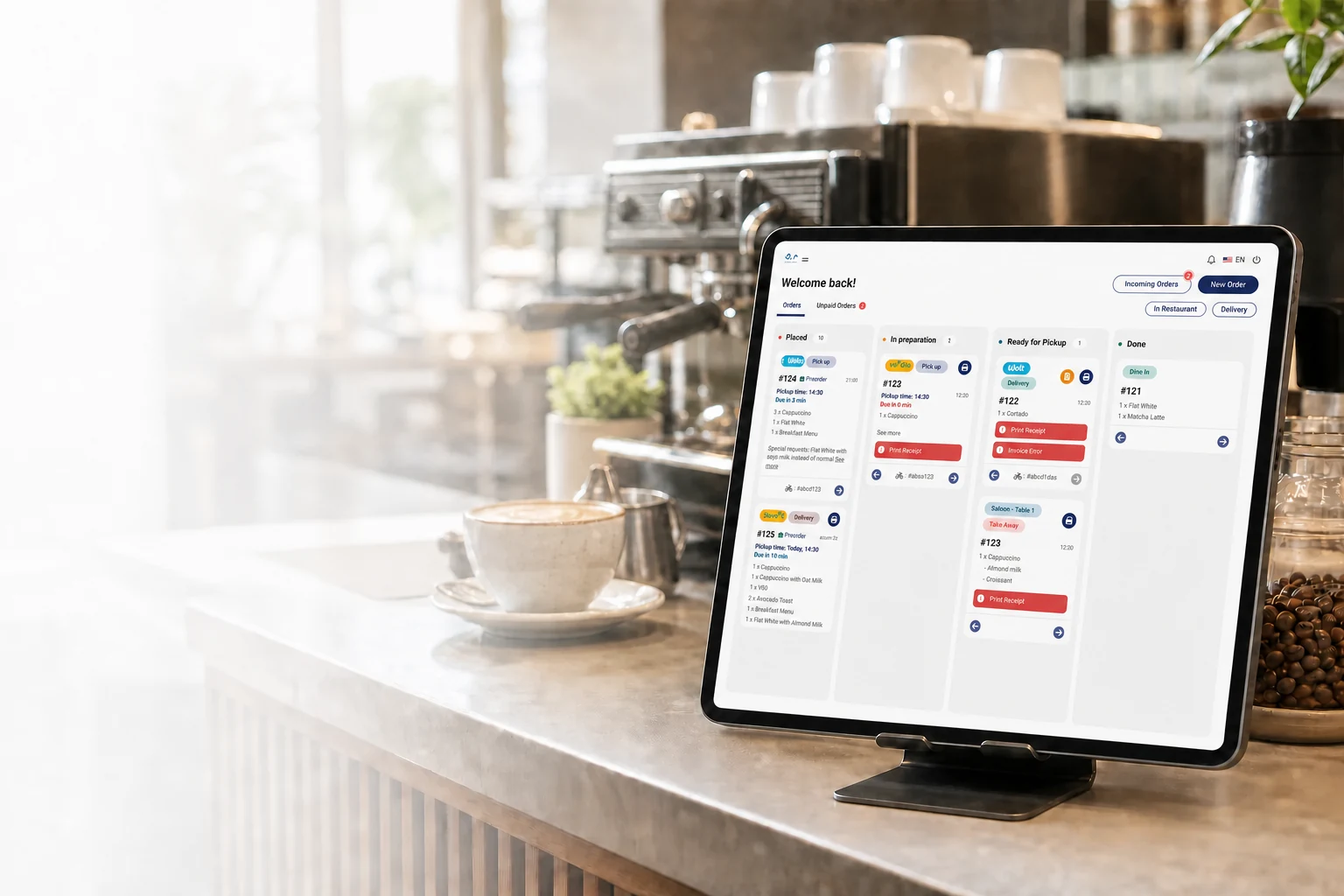


The order source remains visible. Ordered products and preparation details enter the workflow staff already use.
Products and options are imported from the order using the configured mappings.
Staff can identify Glovo and Wolt orders among the other active orders.
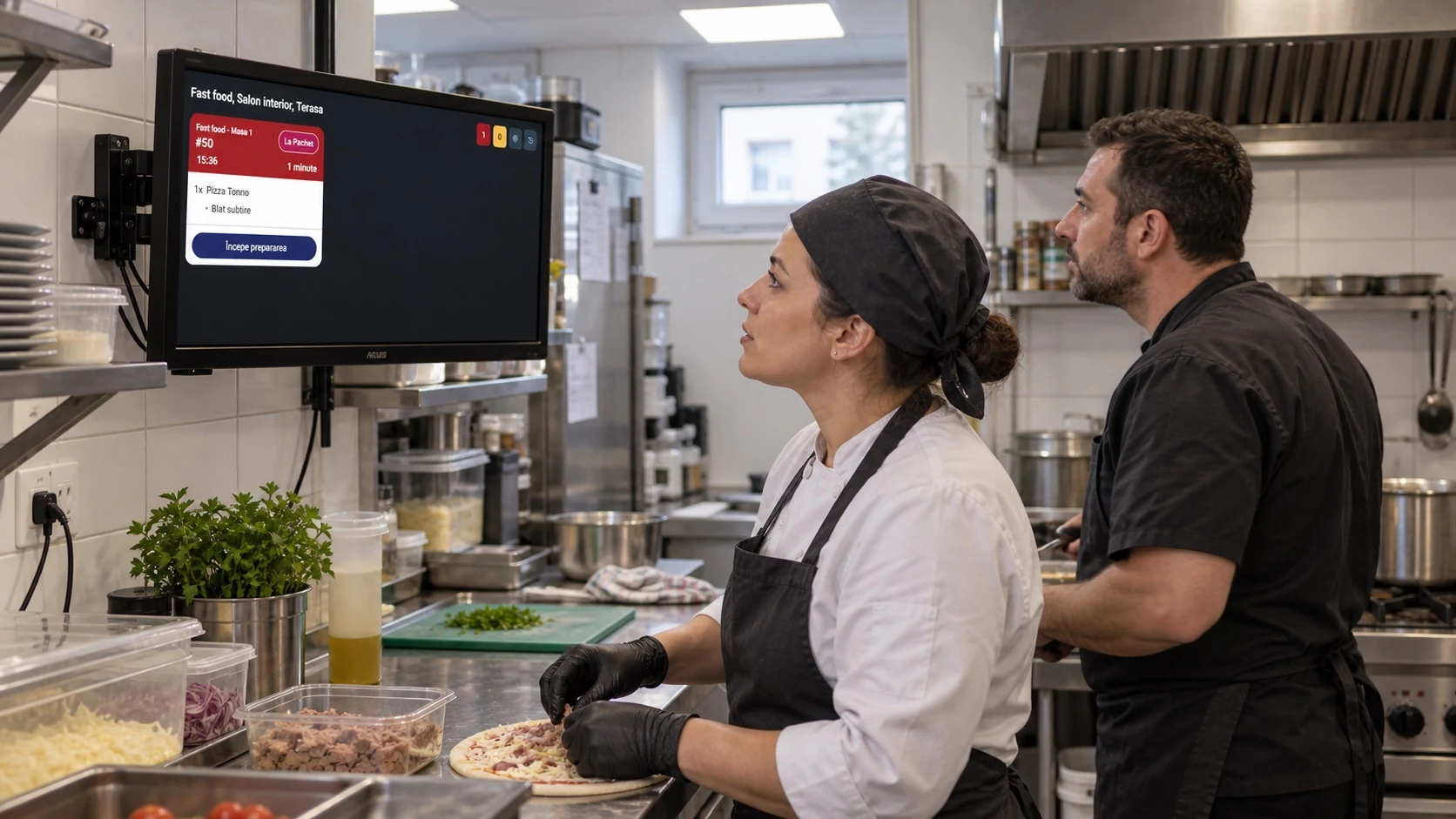
Items requiring preparation can reach KDS when it is enabled for the location.
The order is placed in Glovo or Wolt for the connected location.

Products and order details are imported into Nexus Retail.
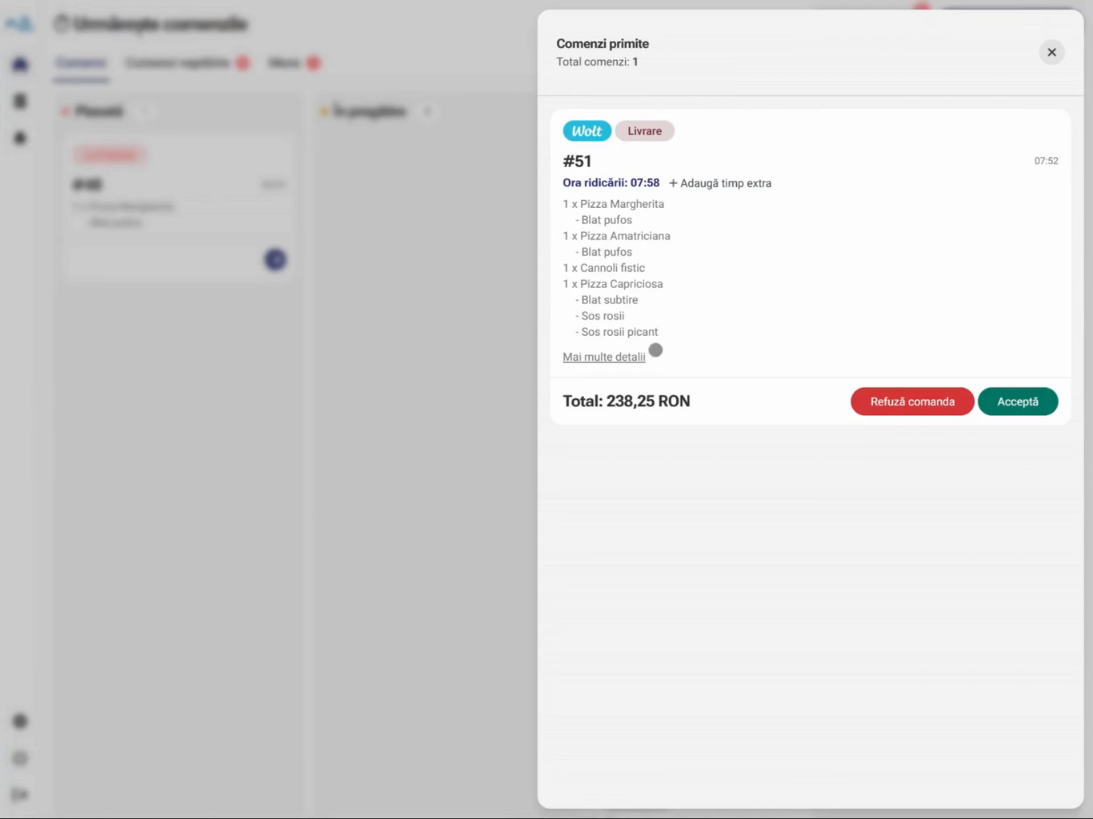
Staff track progress and prepare products, including through KDS where configured.
Staff update the work stage, with updates sent according to the platform's workflow.
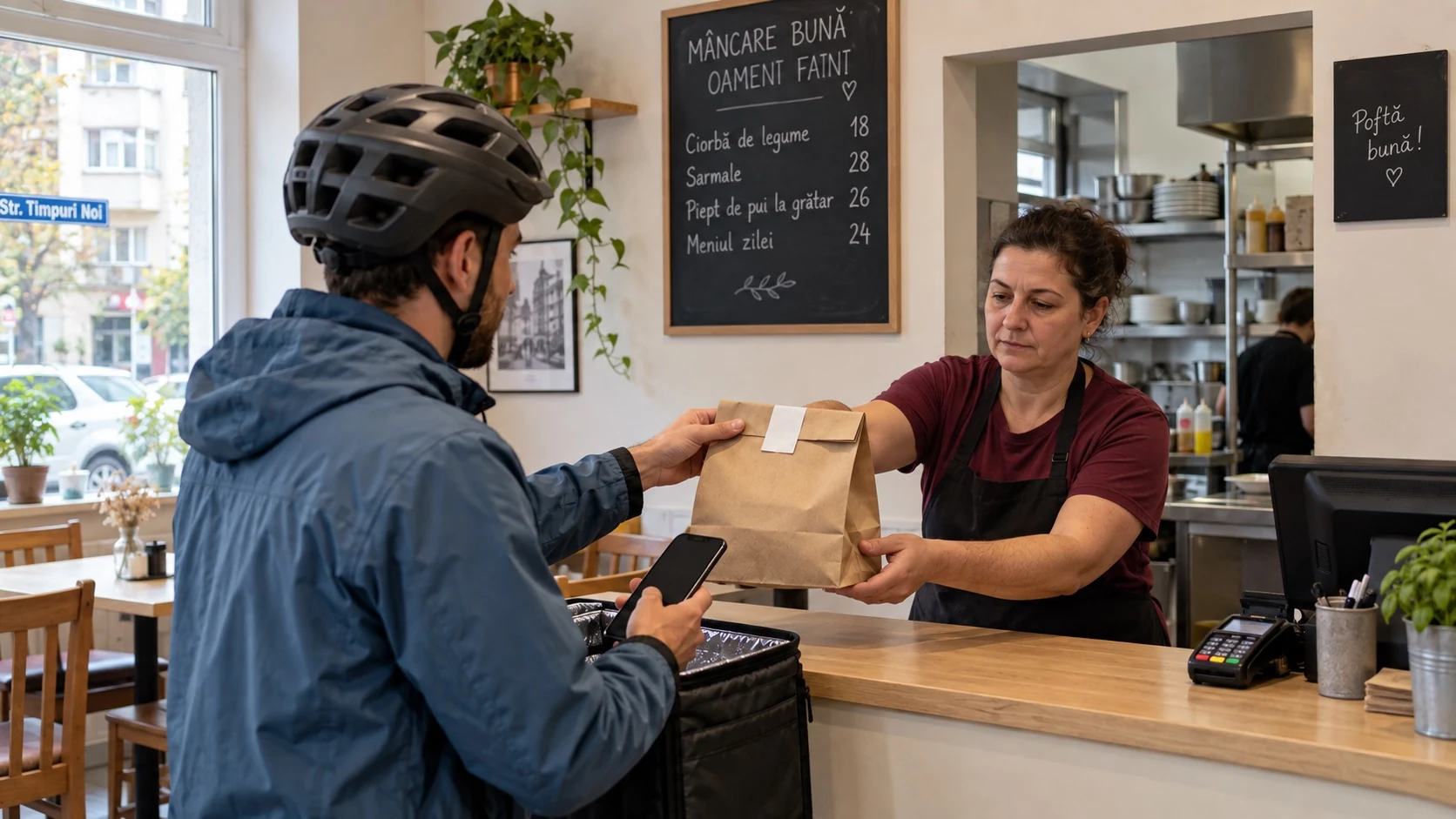
With Kitchen Display enabled, items to prepare enter the kitchen workflow. Options and notes stay with the order so staff can prepare what the customer requested.
Explore Kitchen DisplayConnect the platform account to the correct location and point of sale.
Check product mappings, options and prices used for external orders.
Test an order, preparation and status updates before daily use.
For connected locations, orders are imported through the integration. Products and options need correct mappings in the setup.
No. Orders are managed in POS & Orders. KDS can continue the workflow for items requiring preparation when enabled on site.
The integration handles orders received through Glovo and Wolt. In-house delivery is a separate workflow under development in Nexus Retail.
We'll show how an order reaches POS, how it is prepared and what needs configuring for your menu.
