

The customer chooses and orders
At the kiosk, the customer selects products, quantities and options. They complete the order using the payment steps set up for that device.
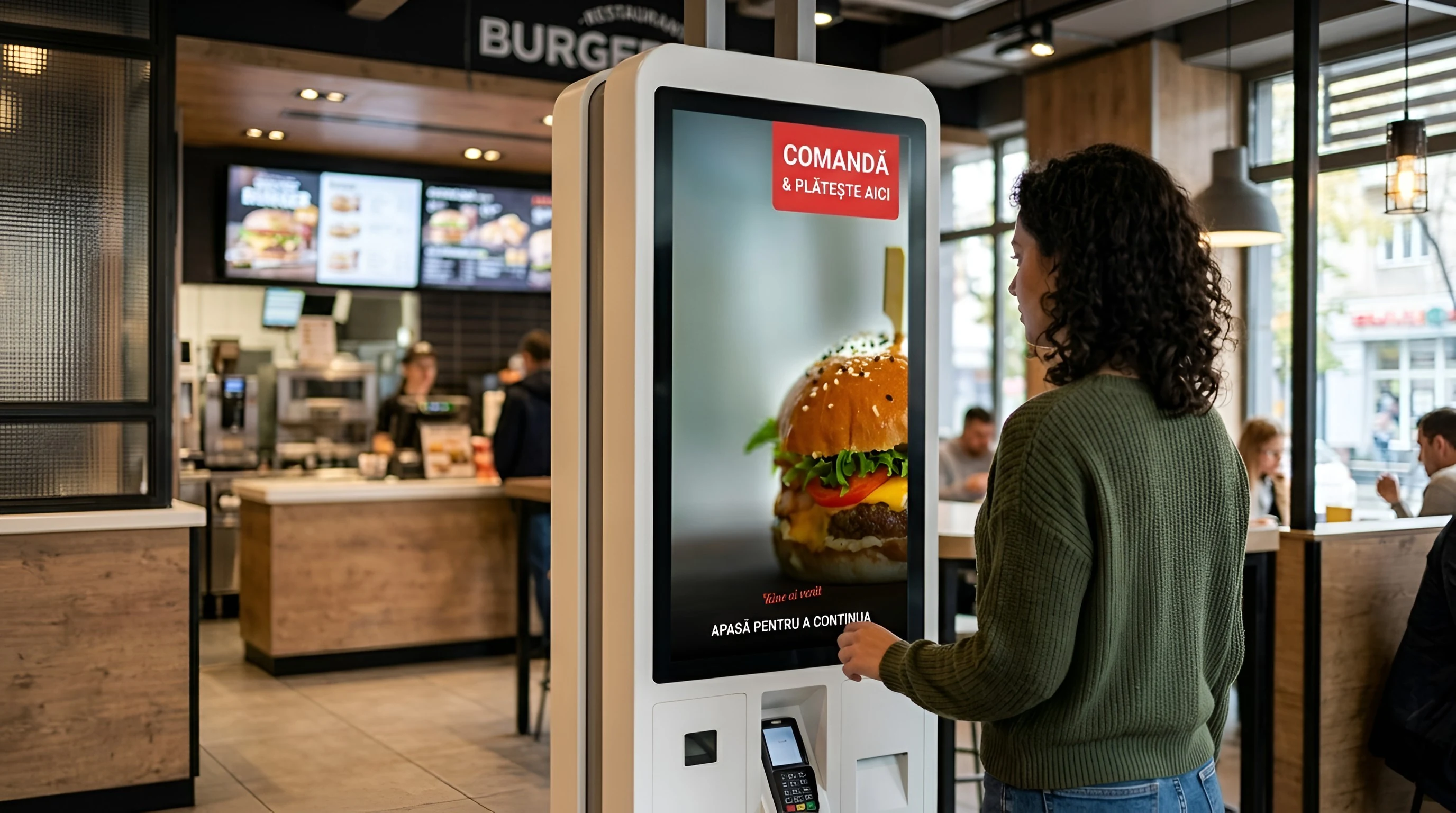
Customers order, your team handles and prepares the order, and you follow the activity in your location. Nexus Retail connects these stages through the applications that suit the way you work.
Managers of restaurants, coffee shops and locations with counter sales
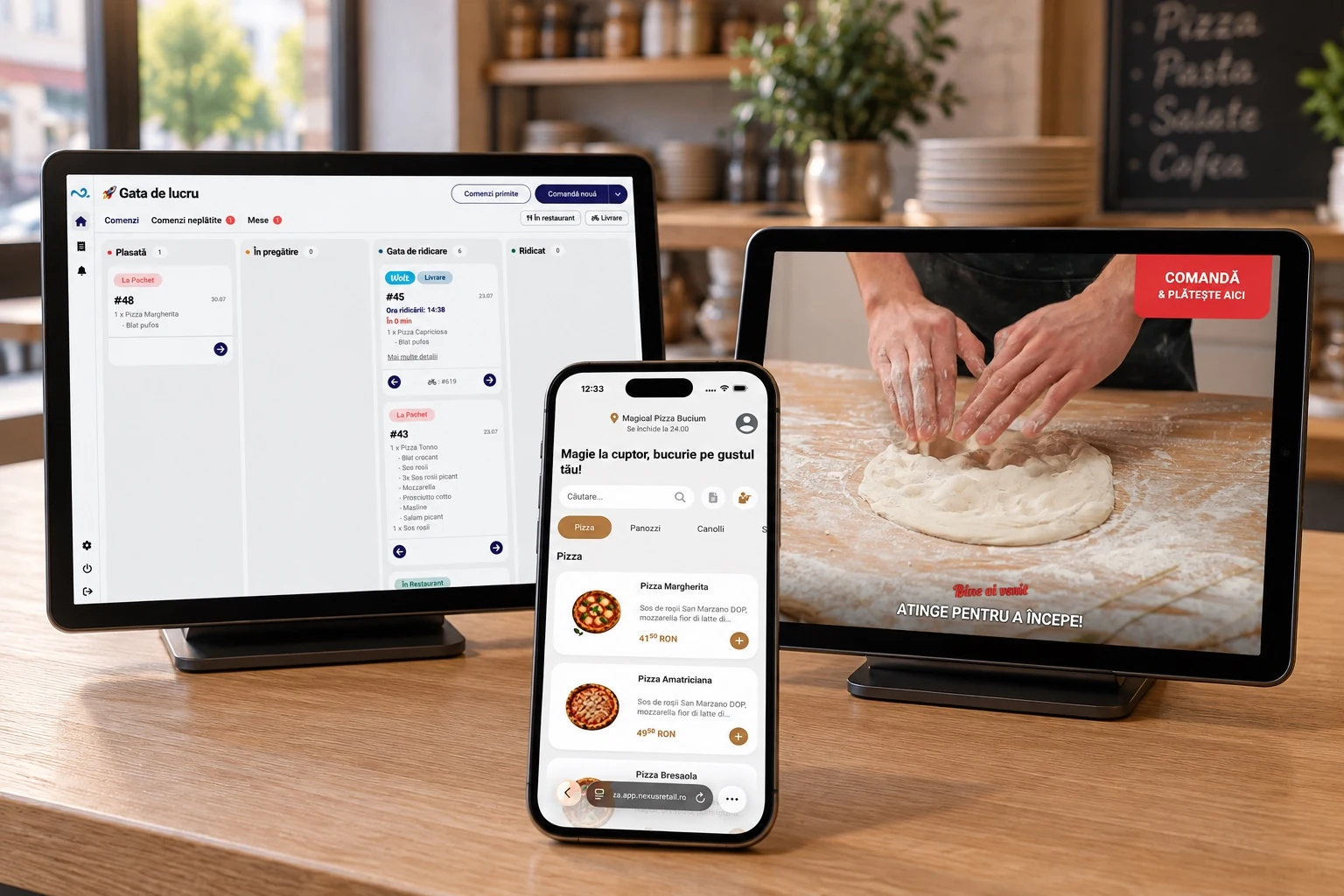
In POS & Orders, staff follow active orders and their current stage. Orders from the configured applications and integrations enter the point of sale workflow.
You do not need every application from day one. Choose where you take orders and the screens your team needs.
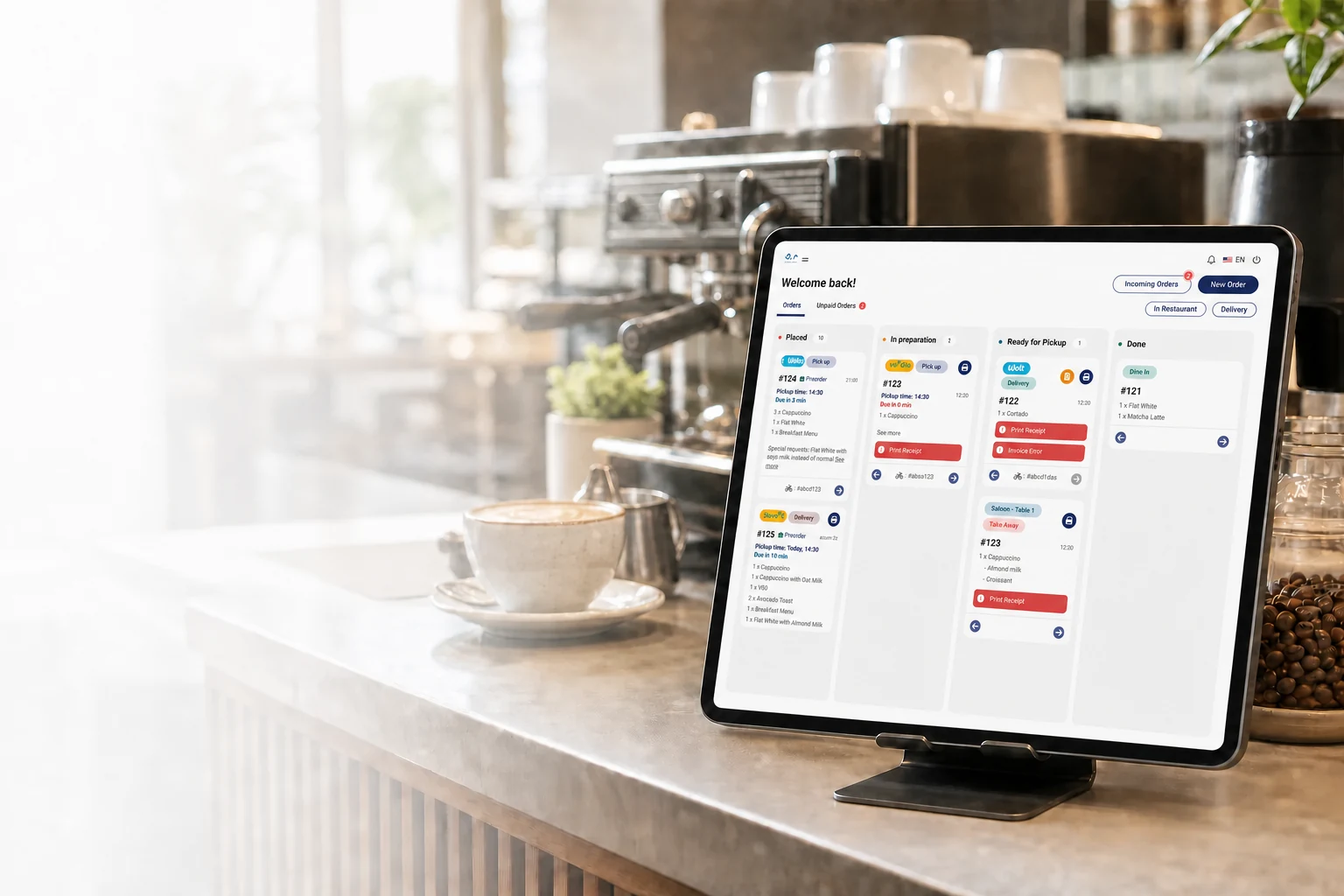
Take orders, follow active orders and handle payment at the point of sale.
Explore the application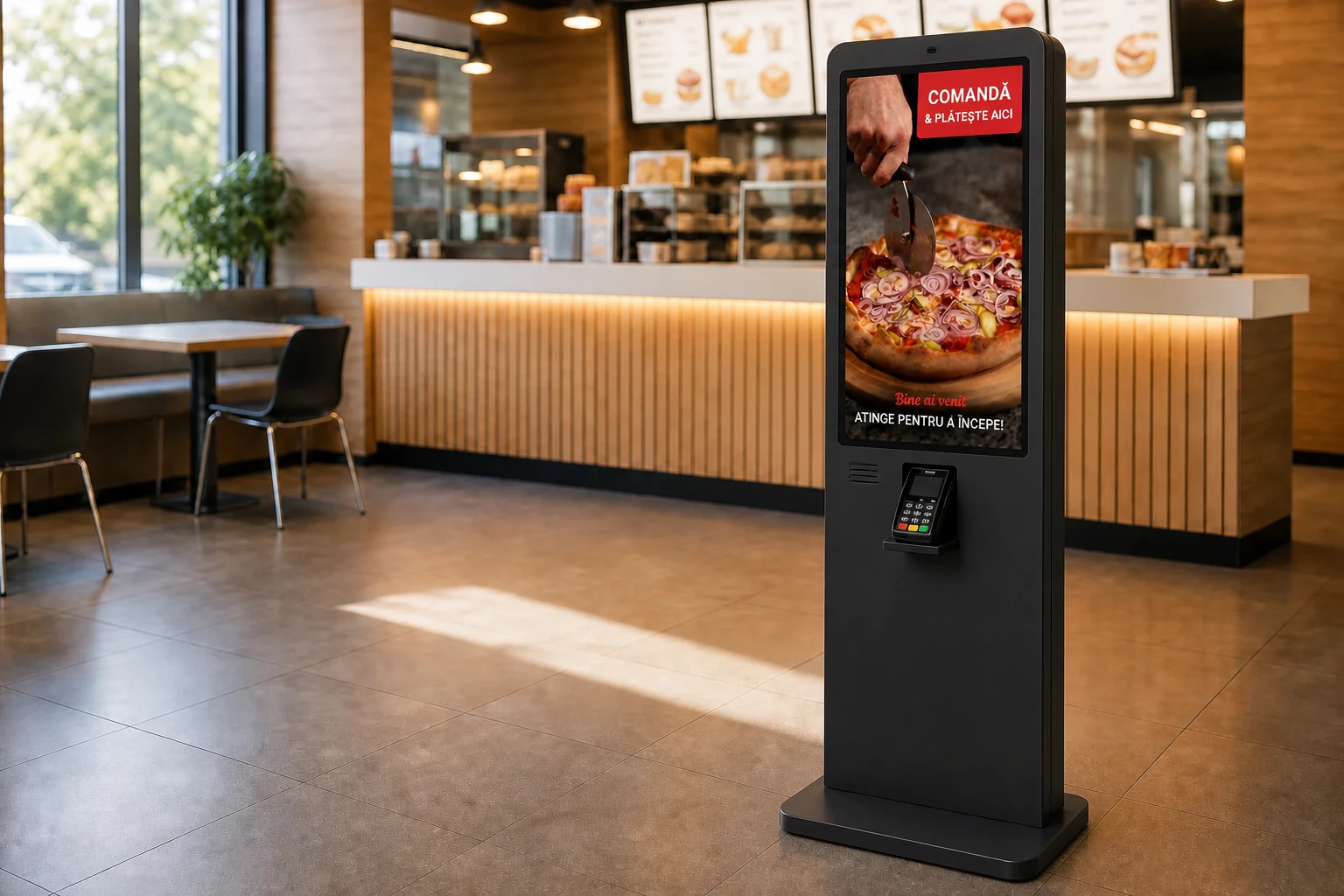
Customers choose products and options on screen. The order enters the location workflow, using the configured payment methods.
Explore the application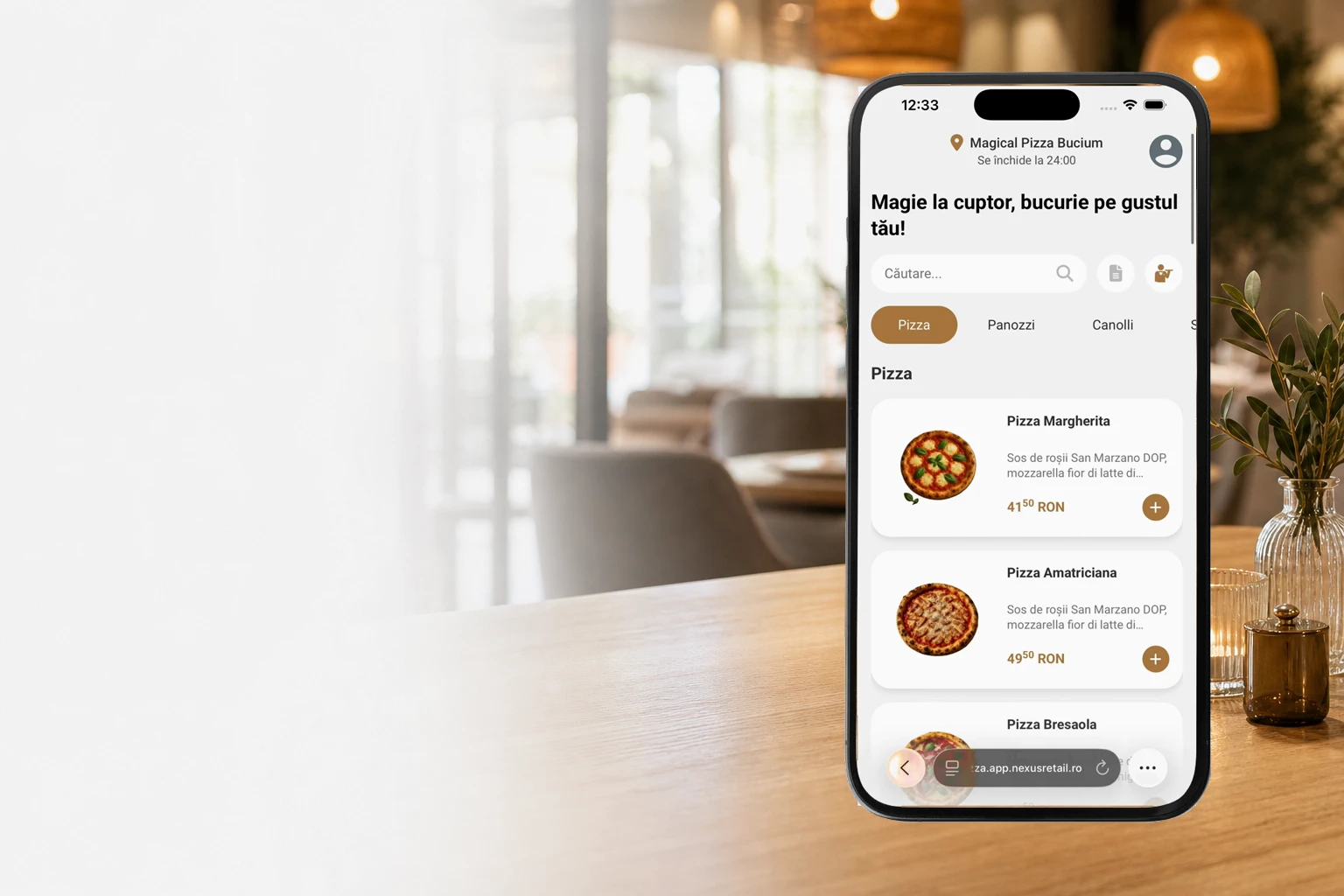
Customers open the menu from a link or QR code and order in their browser. Their order joins the same flow as orders from the other devices.
Explore the application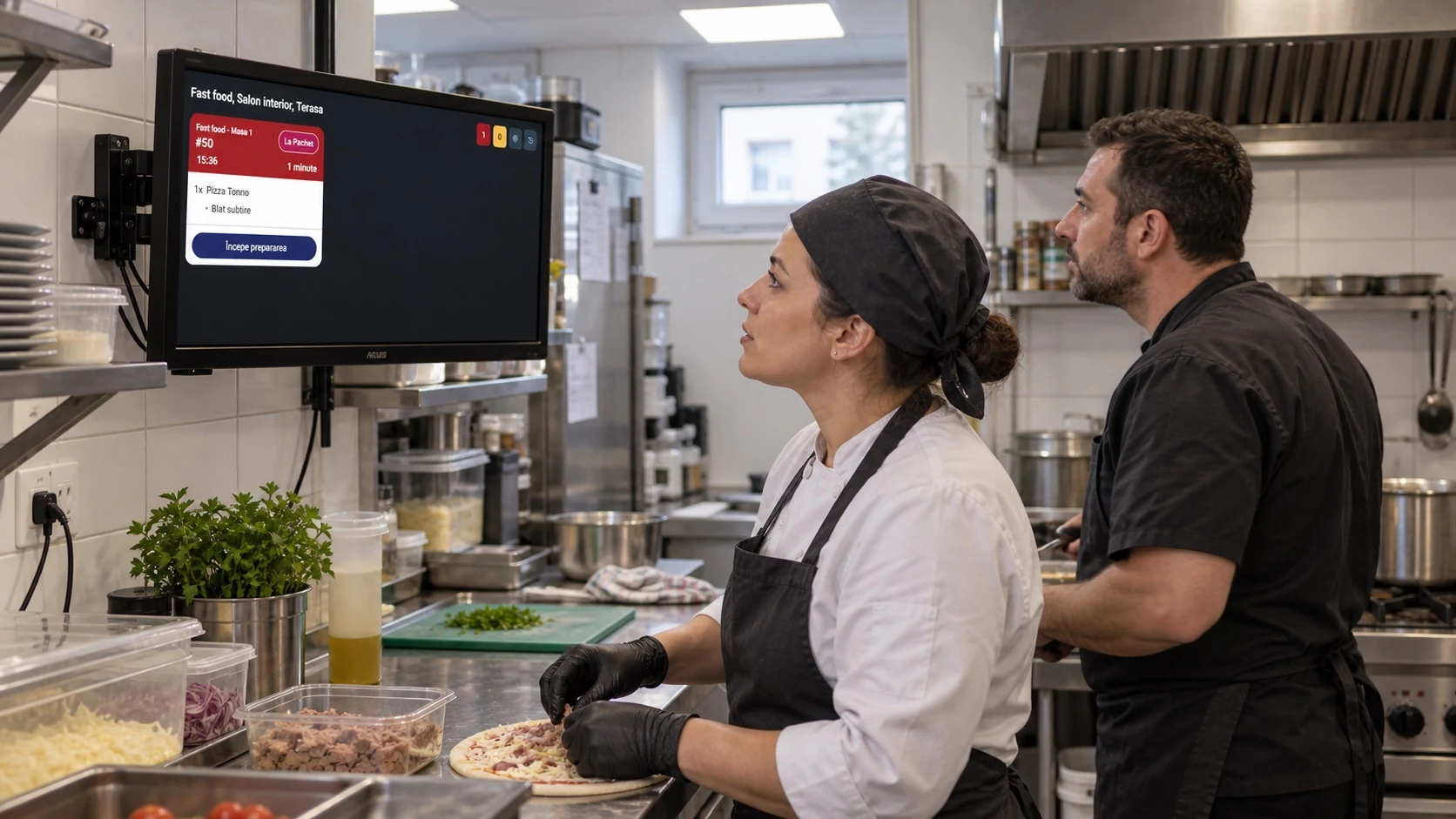
The team sees the items to prepare and the selected options, and updates progress directly on screen.
Explore the application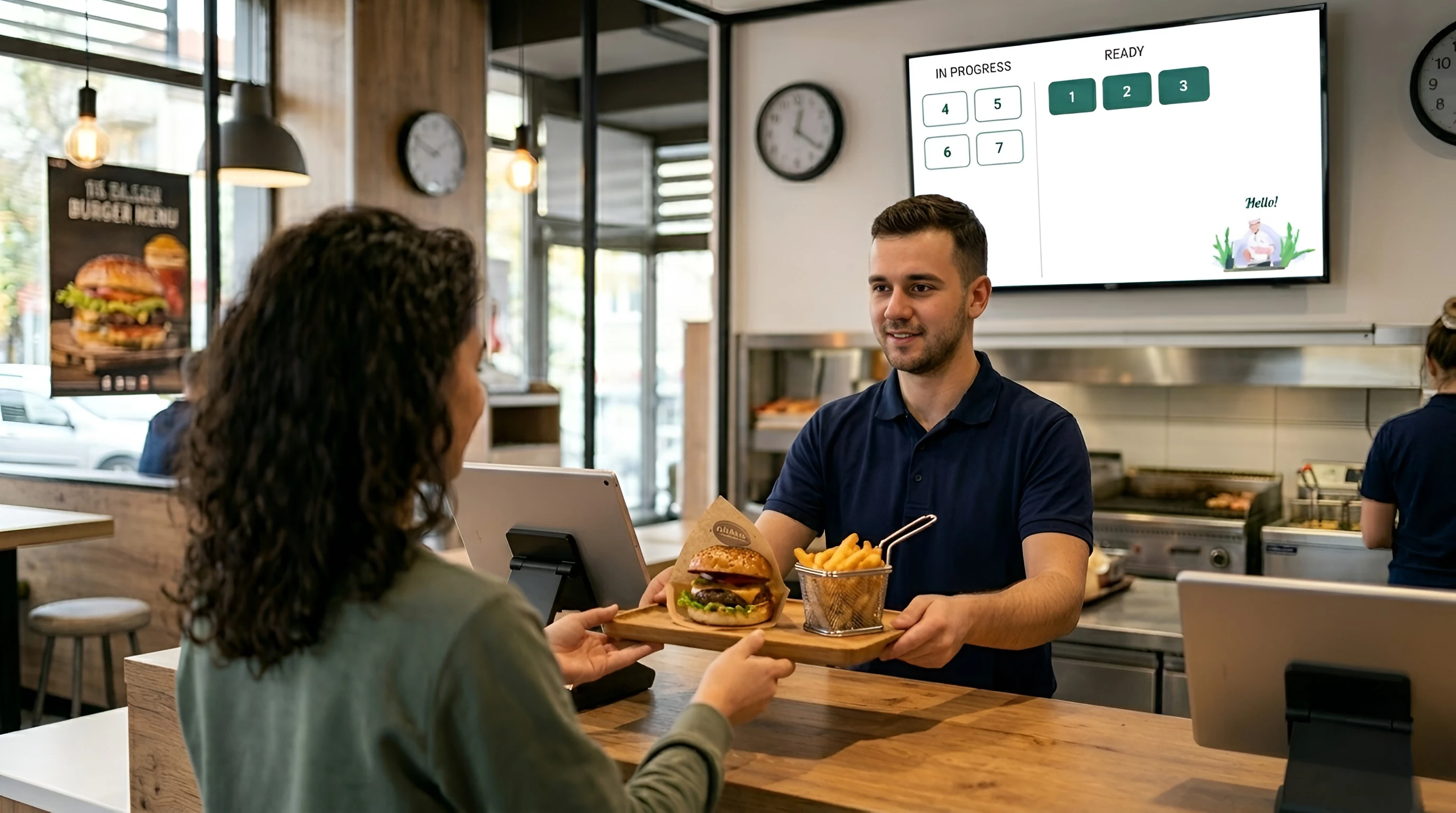
The display shows order numbers in preparation and those that are ready. Customers know when to collect their order.
Explore the application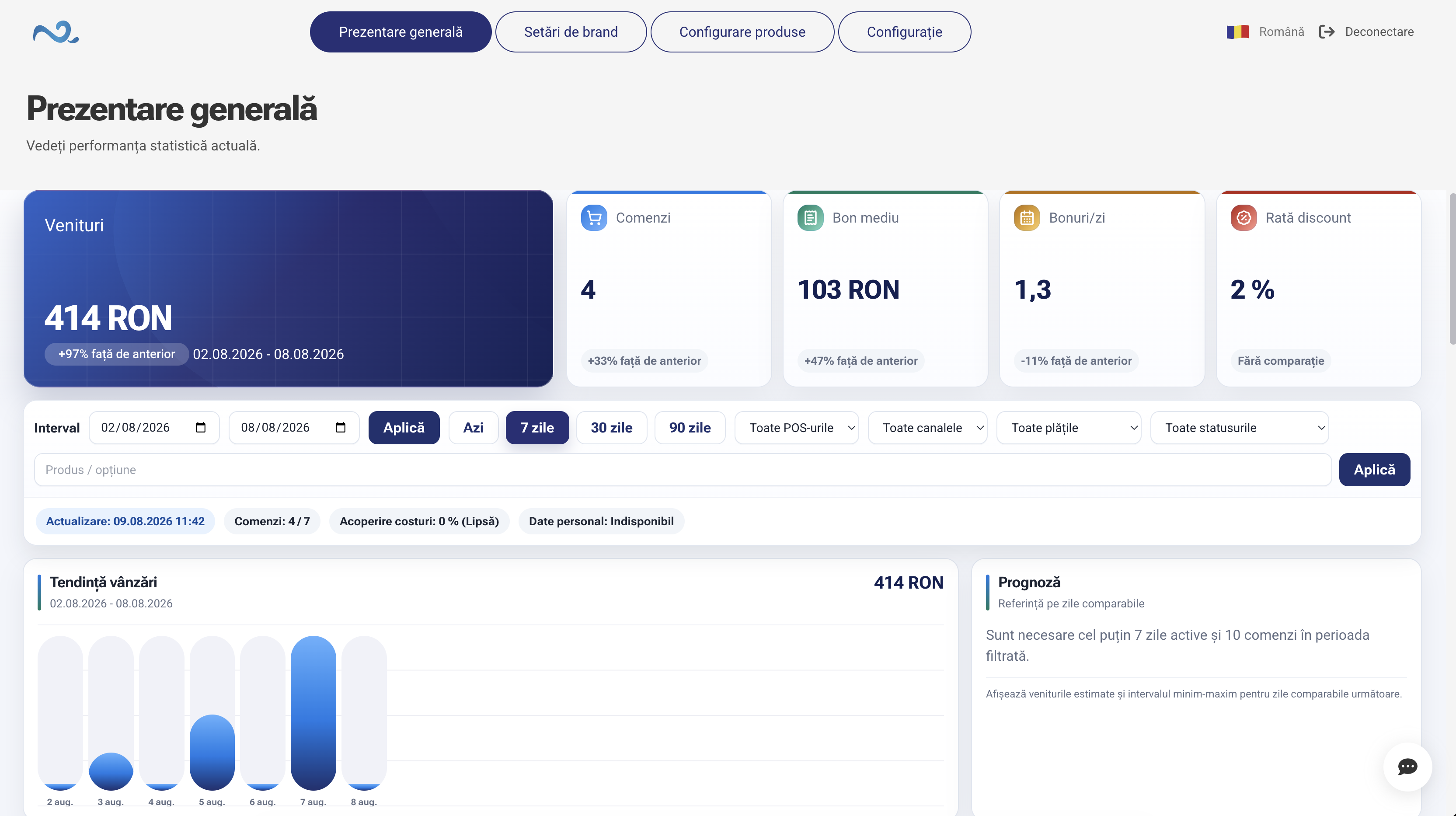
Configure products, prices, locations and devices. Follow the sales indicators available for your operation.
Explore the applicationChoose Orders, Restaurant, Quick Sale or Reservations & Appointments. Each module brings the actions your team needs into one workspace.
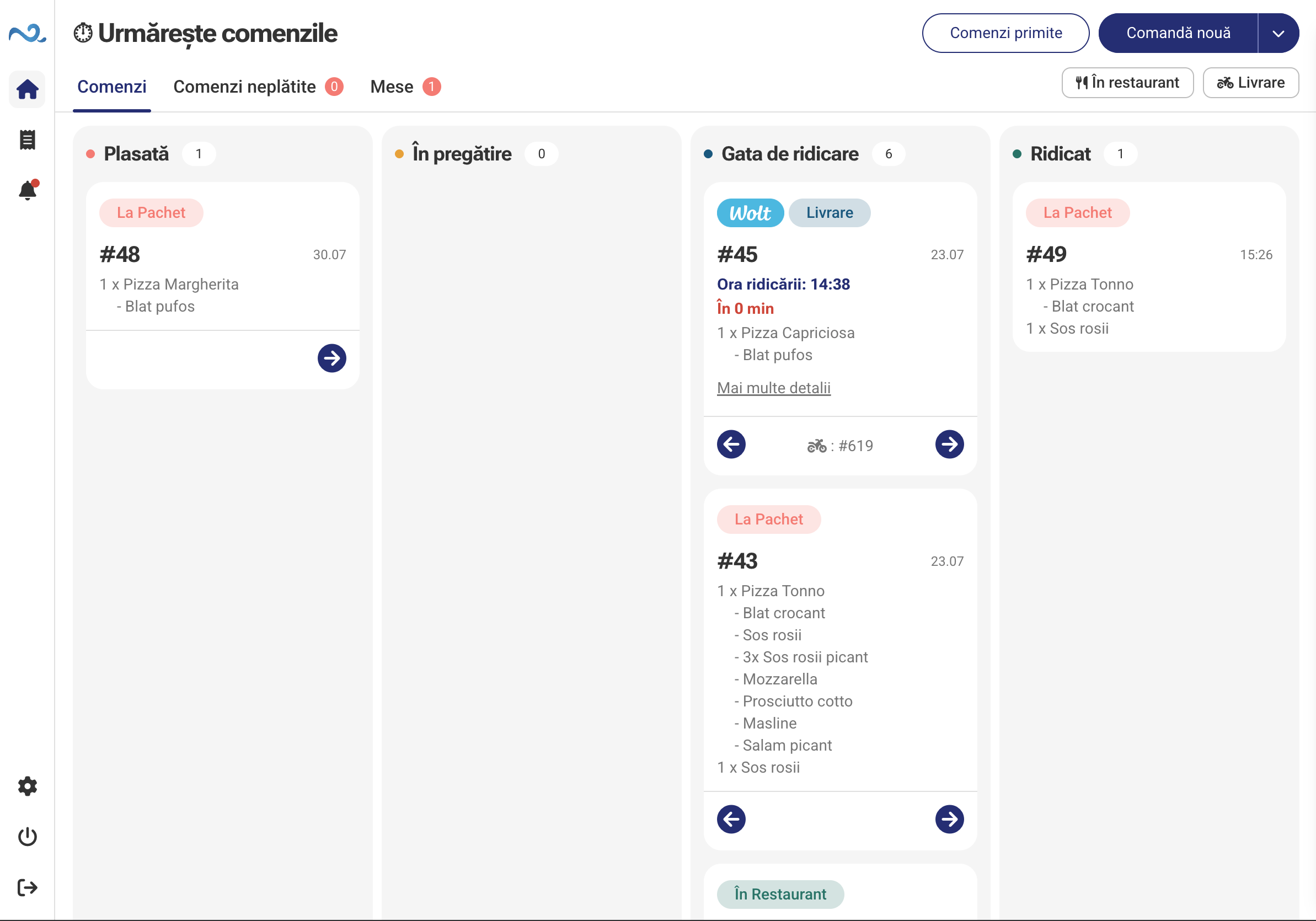
Take orders, track preparation and hand them to customers.
Explore the application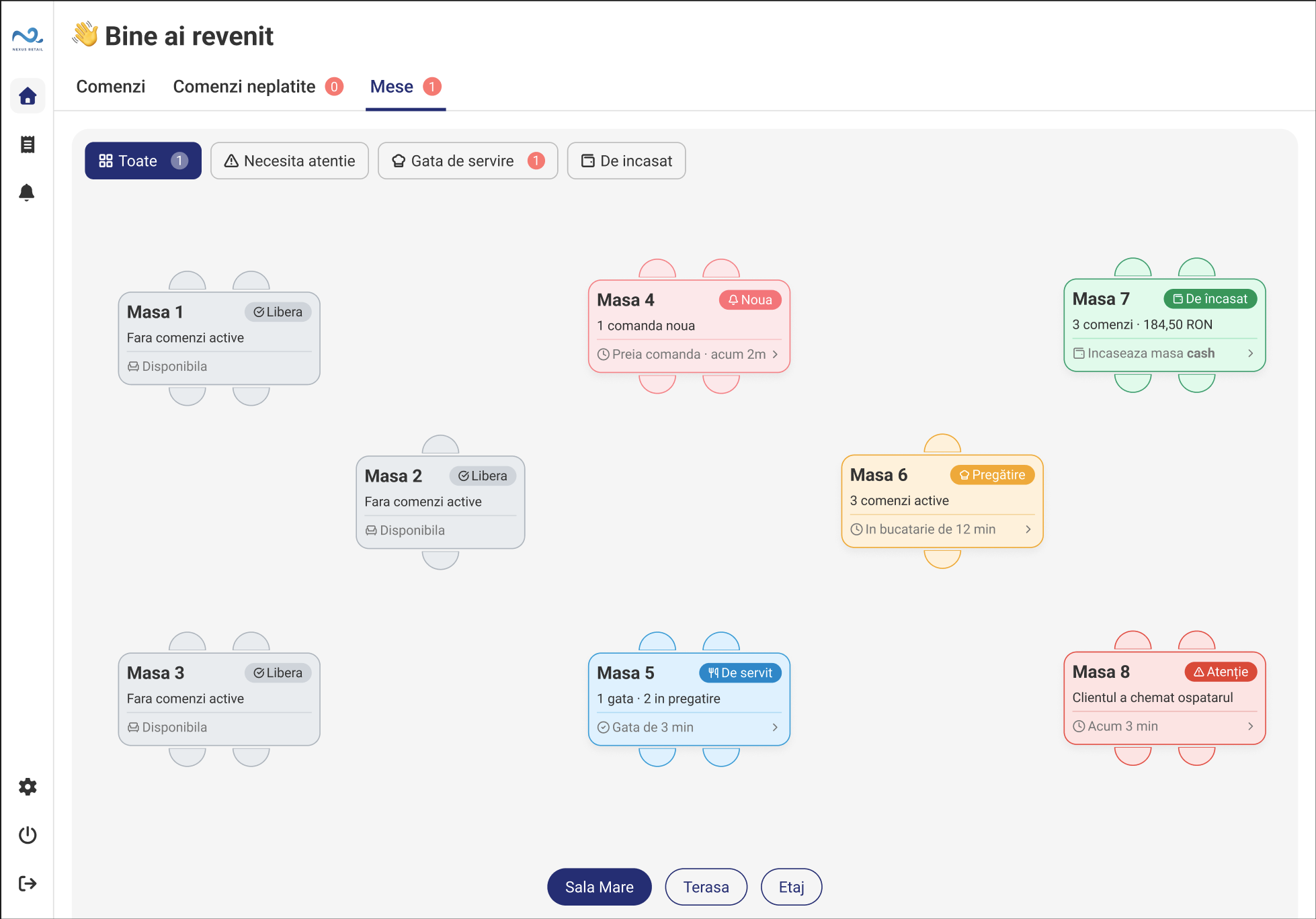
Track tables, orders, service and payment in the context of each table.
Explore the application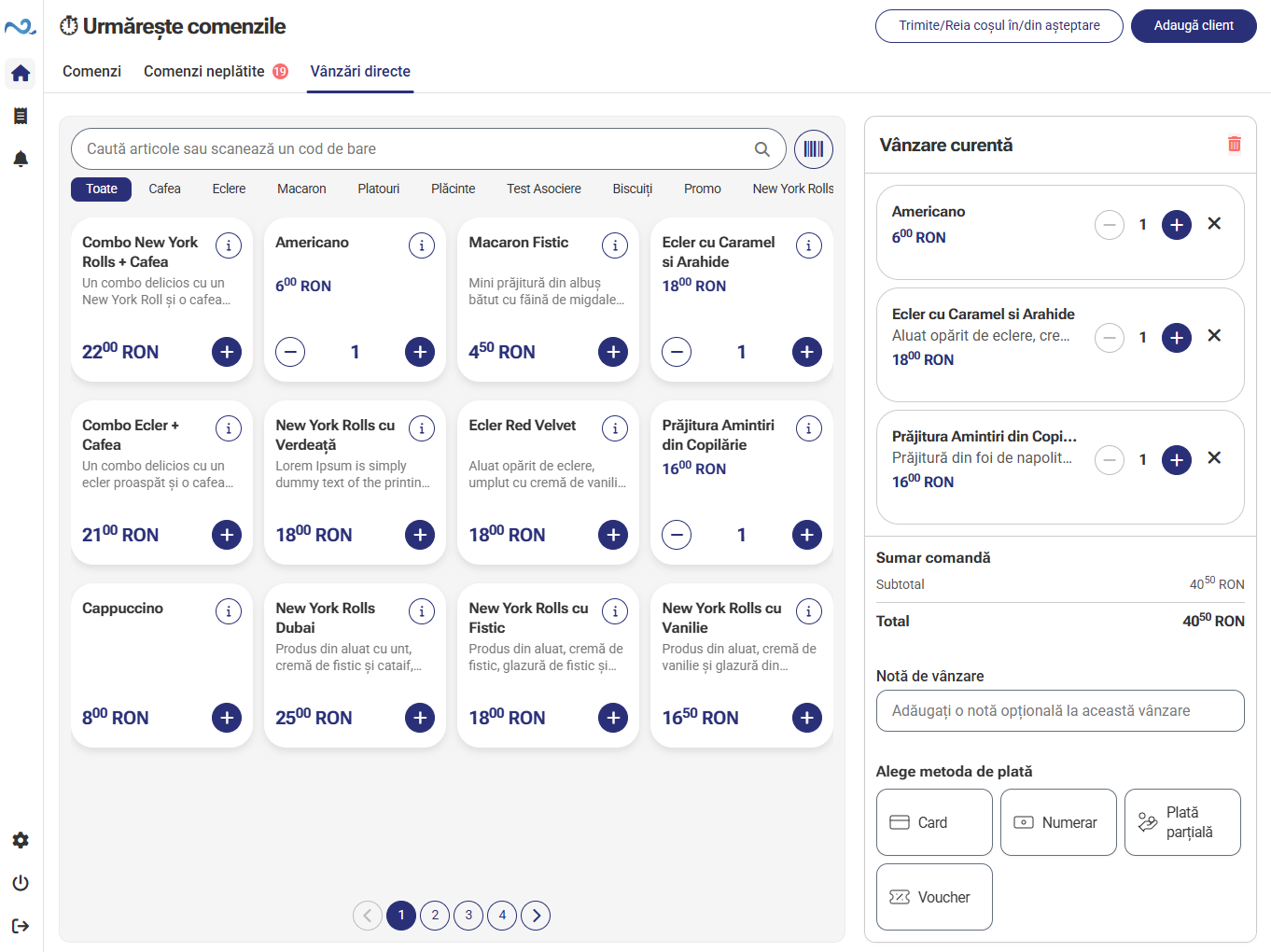
Add products or services, check the total and take payment.
Explore the application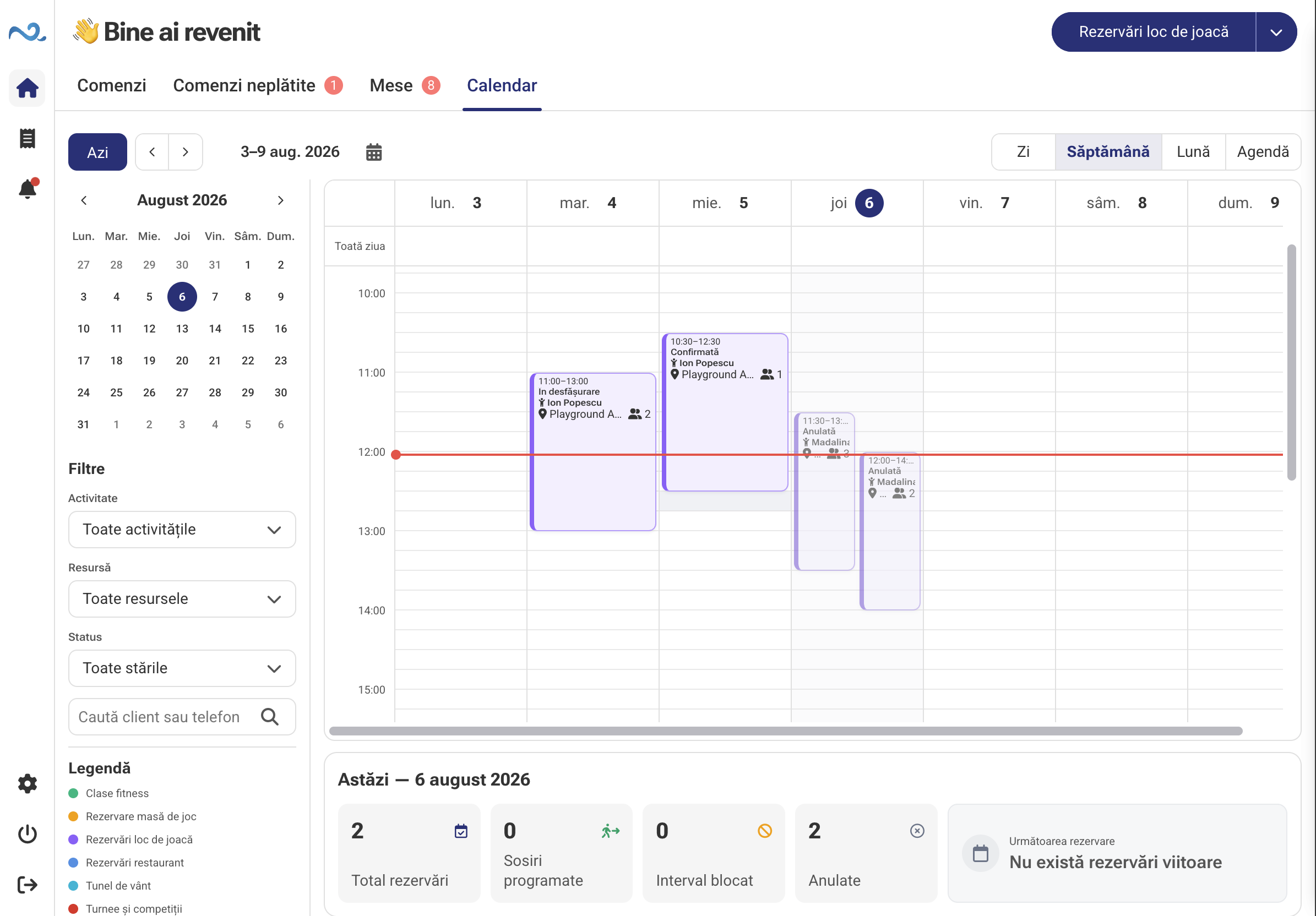
View the calendar, check resources and manage reservations.
Explore the applicationAn everyday example
In a self-service restaurant, the customer orders at a kiosk, counter staff follow the order, the kitchen prepares it and the status screen shows when it is ready.
At the kiosk, the customer selects products, quantities and options. They complete the order using the payment steps set up for that device.
In POS & Orders, staff see the order and its details. Its source remains visible, including when the location also receives online or platform orders.
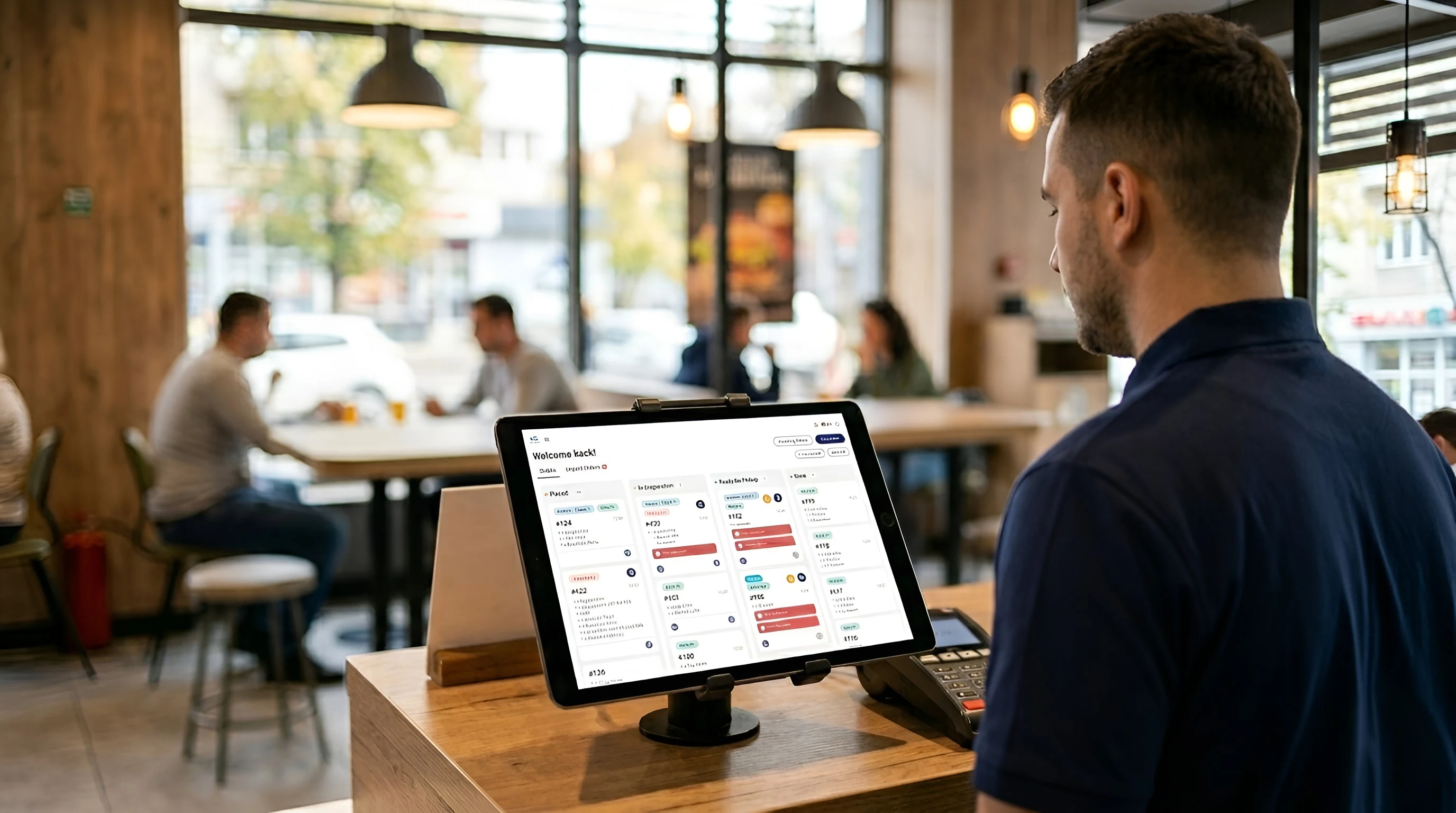
When the Kitchen Display is enabled, products appear on the configured preparation screen. The team checks the options and marks the work stages.
When the order is marked ready, its number appears in the pickup area of the status screen. Staff hand over the products and complete service.
Through the Nexus ERP integration, stock consumption, sales and payments received are automatically recorded in your accounts.
No manual data imports or transfers. No entering the same documents again. Less repetitive work for your accountant and a clearer picture of your business.

The administration application brings together your catalogue, prices, branding and device settings. In the same application, follow sales, order count and average receipt value for the selected period.
Explore the administration applicationIntegrations complement the applications in your location. Each is configured for your accounts, products and way of working.
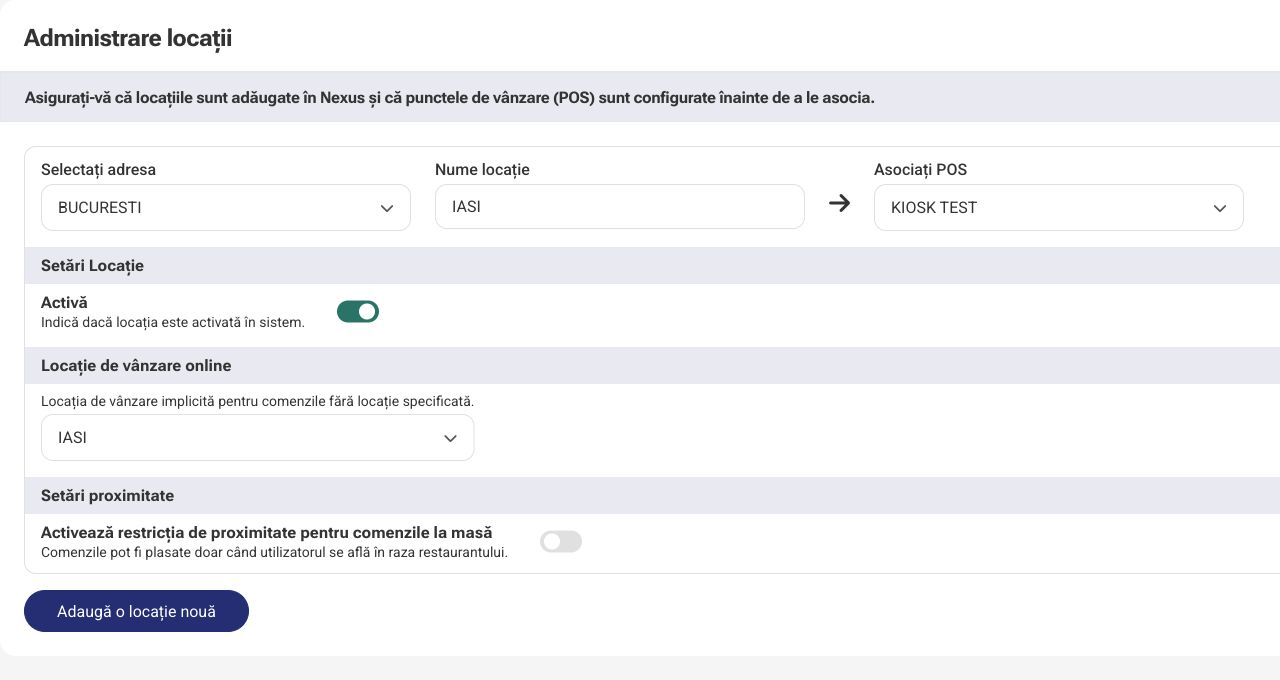

Connect location activity with the commercial data and documents configured in Nexus ERP, using linked items and points of sale.
View integration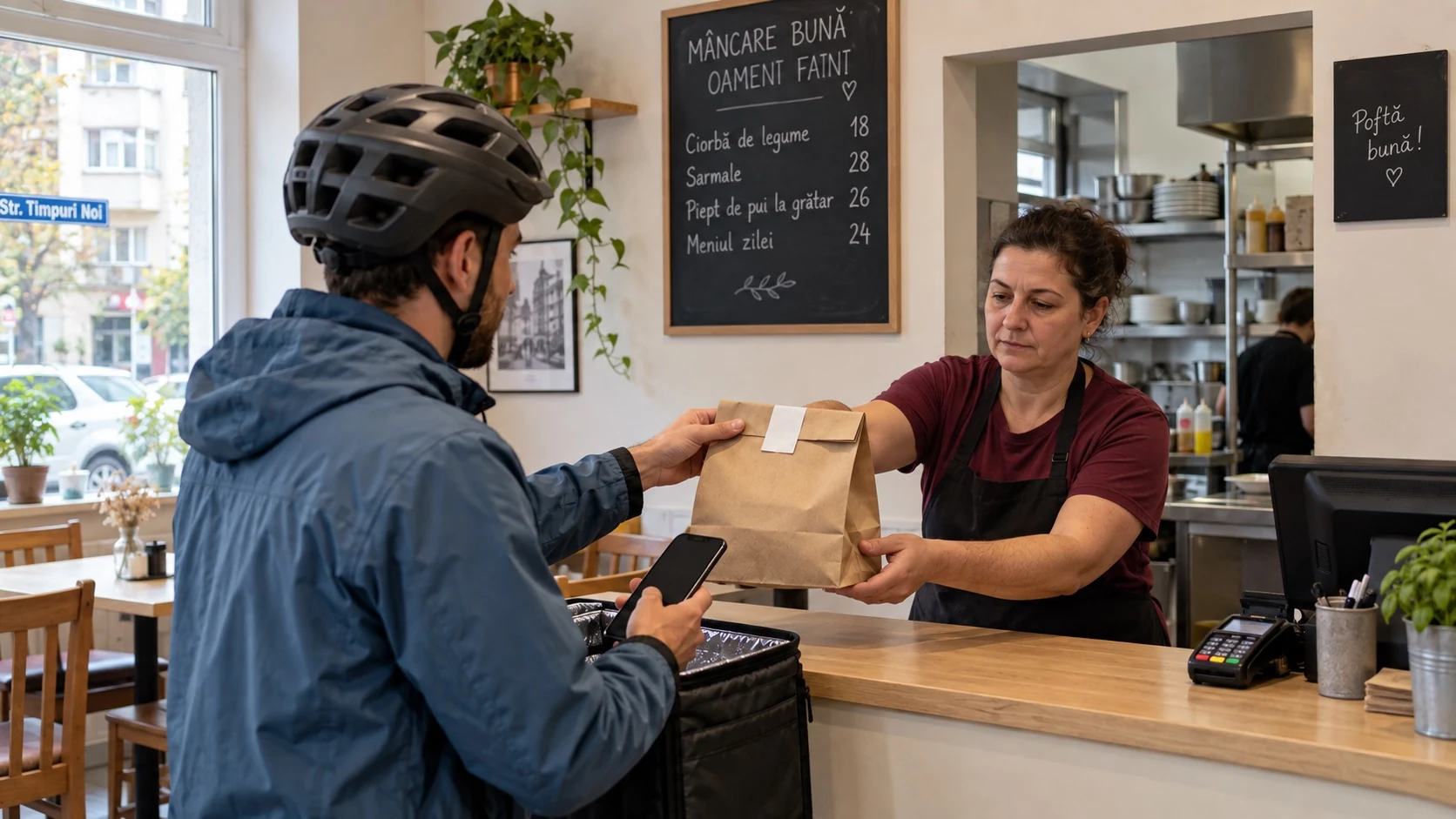


Platform orders enter POS & Orders for handling and preparation. Product matching and status updates follow each platform’s configuration.
View integration

For online and QR flows, the customer continues payment through Stripe. Payment confirmation is associated with the relevant order.
View integrationNo. Choose the applications your location needs. For example, you can use POS & Orders at the counter and add a kiosk, online ordering or preparation screens when needed, after setup.
Yes, for channels that are enabled and configured. POS & Orders keeps the order source visible, and staff follow the work stages set for the location.
No. Kitchen Display is for teams that want to track preparation digitally. Whether to use it and how products are routed depends on the organisation of the kitchen or bar.
Yes. The administration application organises locations, points of sale and devices. Available applications, catalogue and settings are defined in the structure configured for your company.
Tell us how you receive orders and how your team works. We will show you the relevant applications and walk through an order together, from customer to handover.
 Nexus Retail