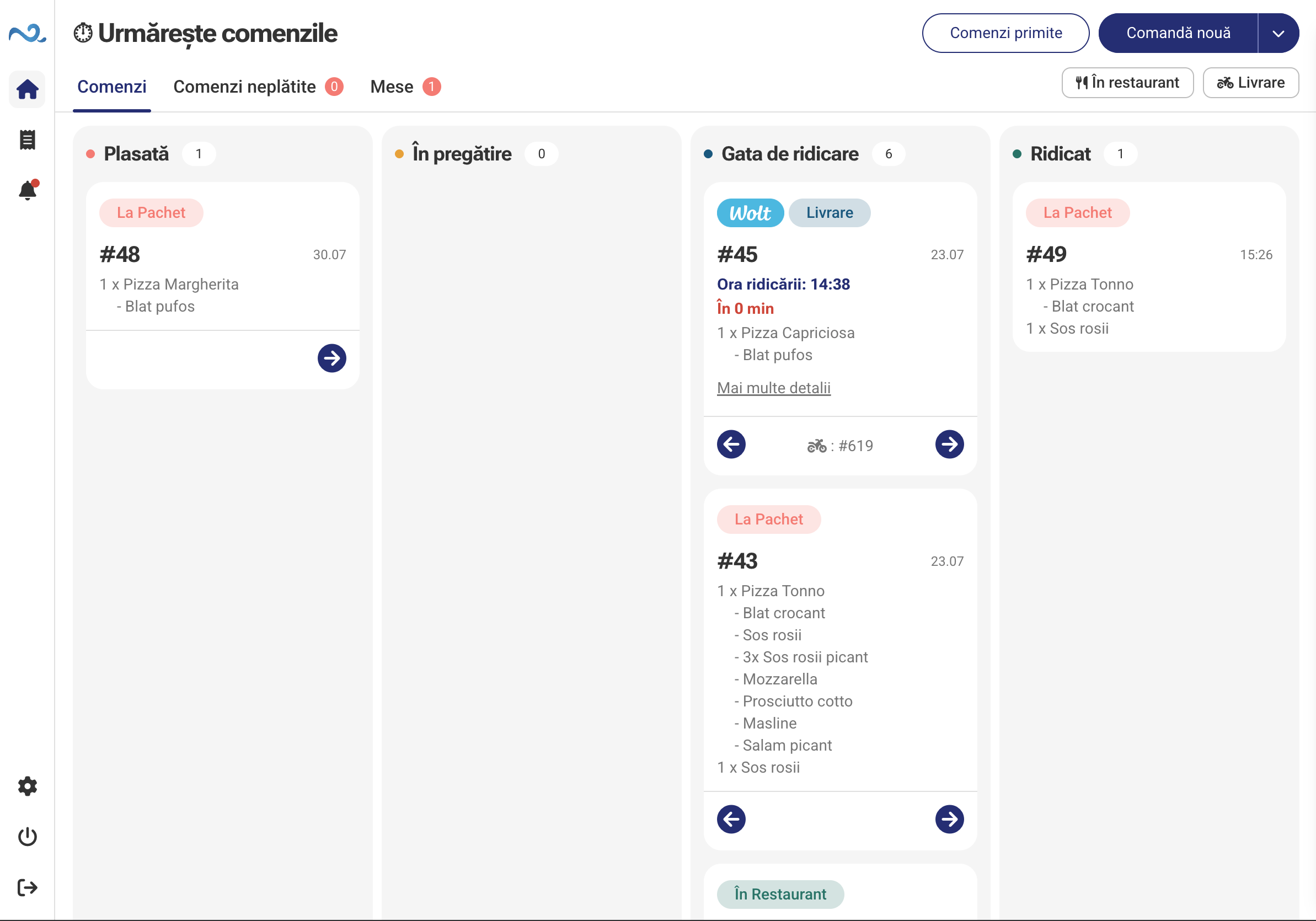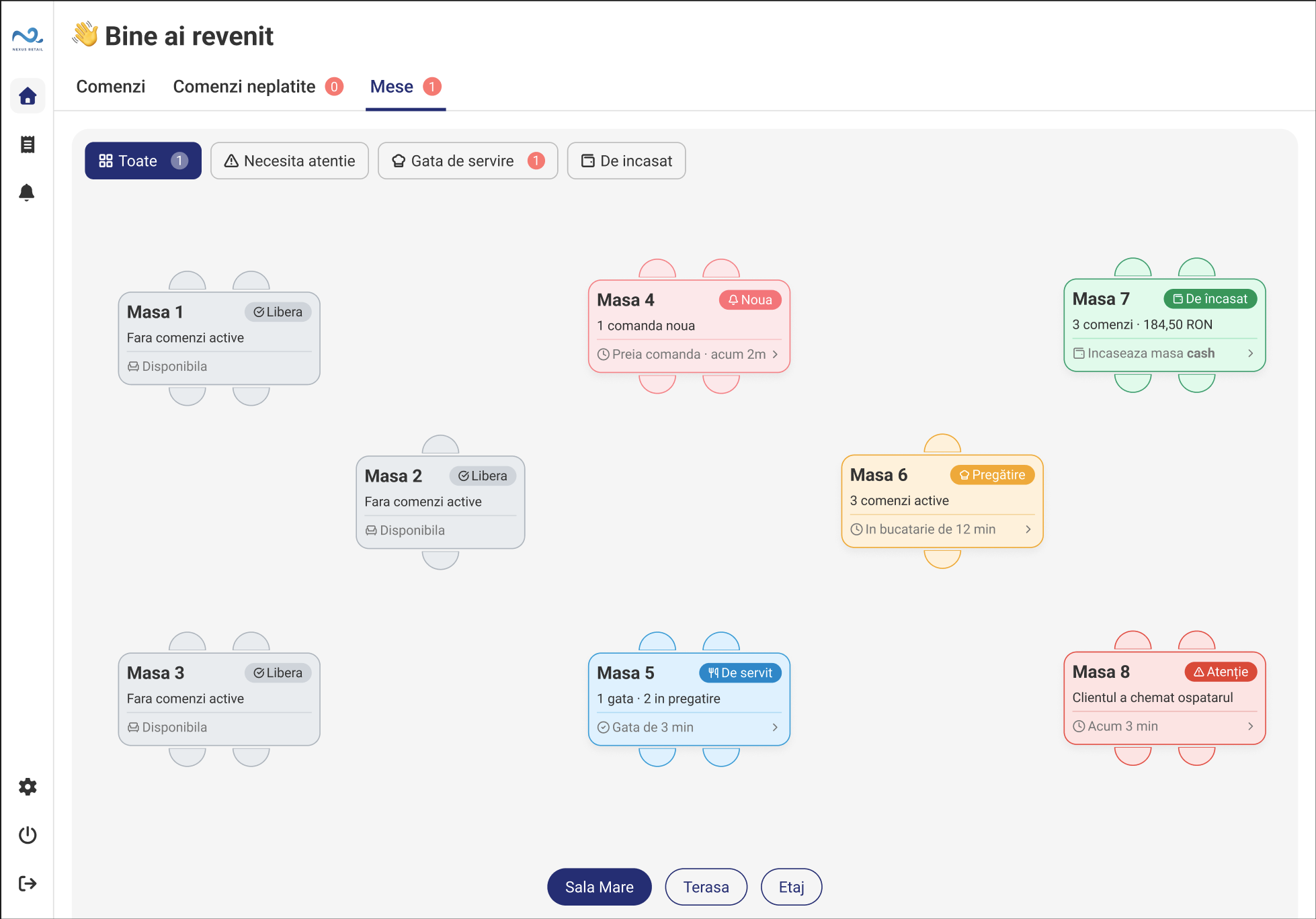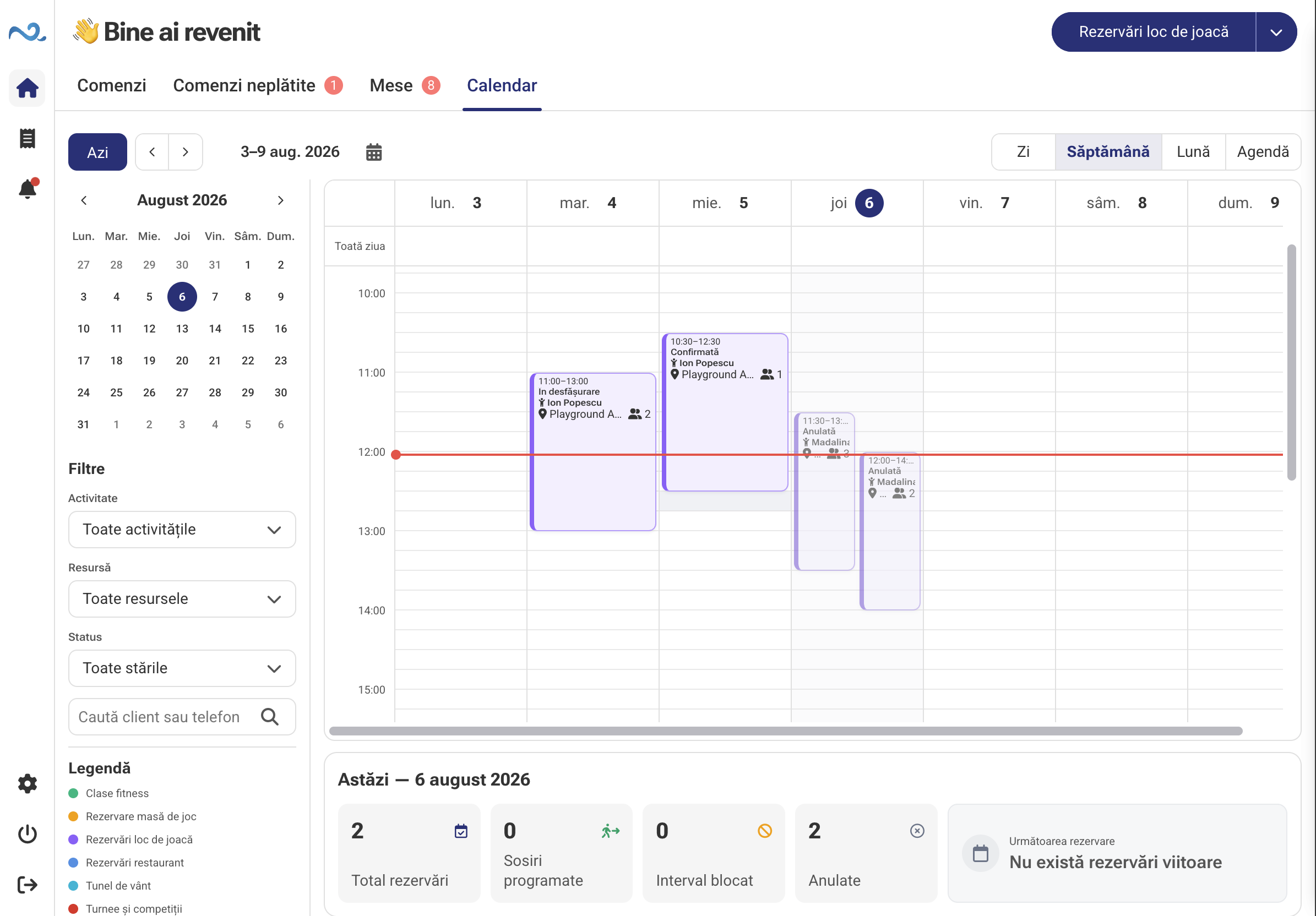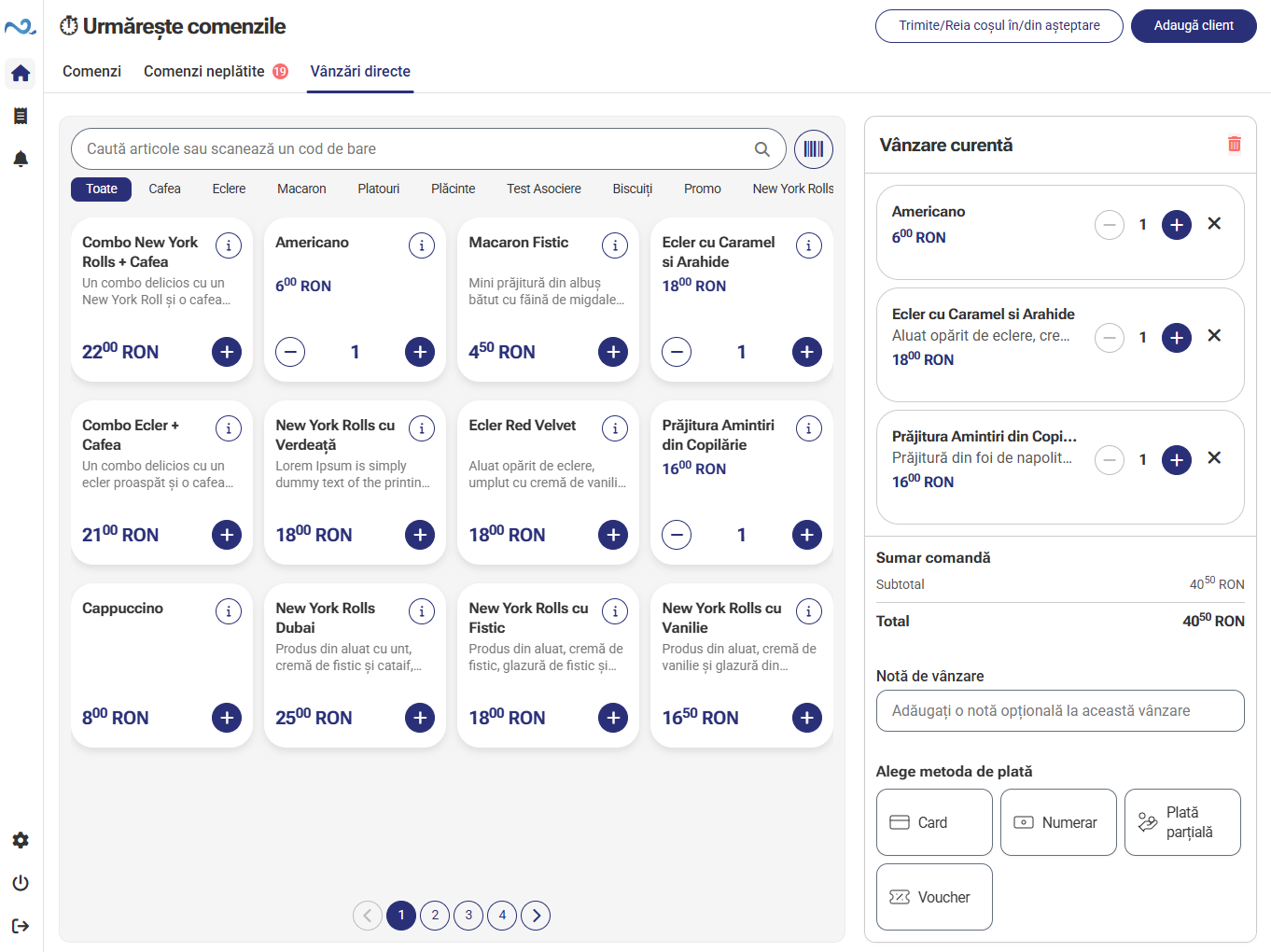
Add items directly to the sale
Find or select items in the catalogue and add them to the current sale.
In Quick Sale, staff add products or services, check the total and take payment. Everything happens in POS & Orders, in a flow dedicated to direct sales.
Key capabilities
Find or select items in the catalogue and add them to the current sale.
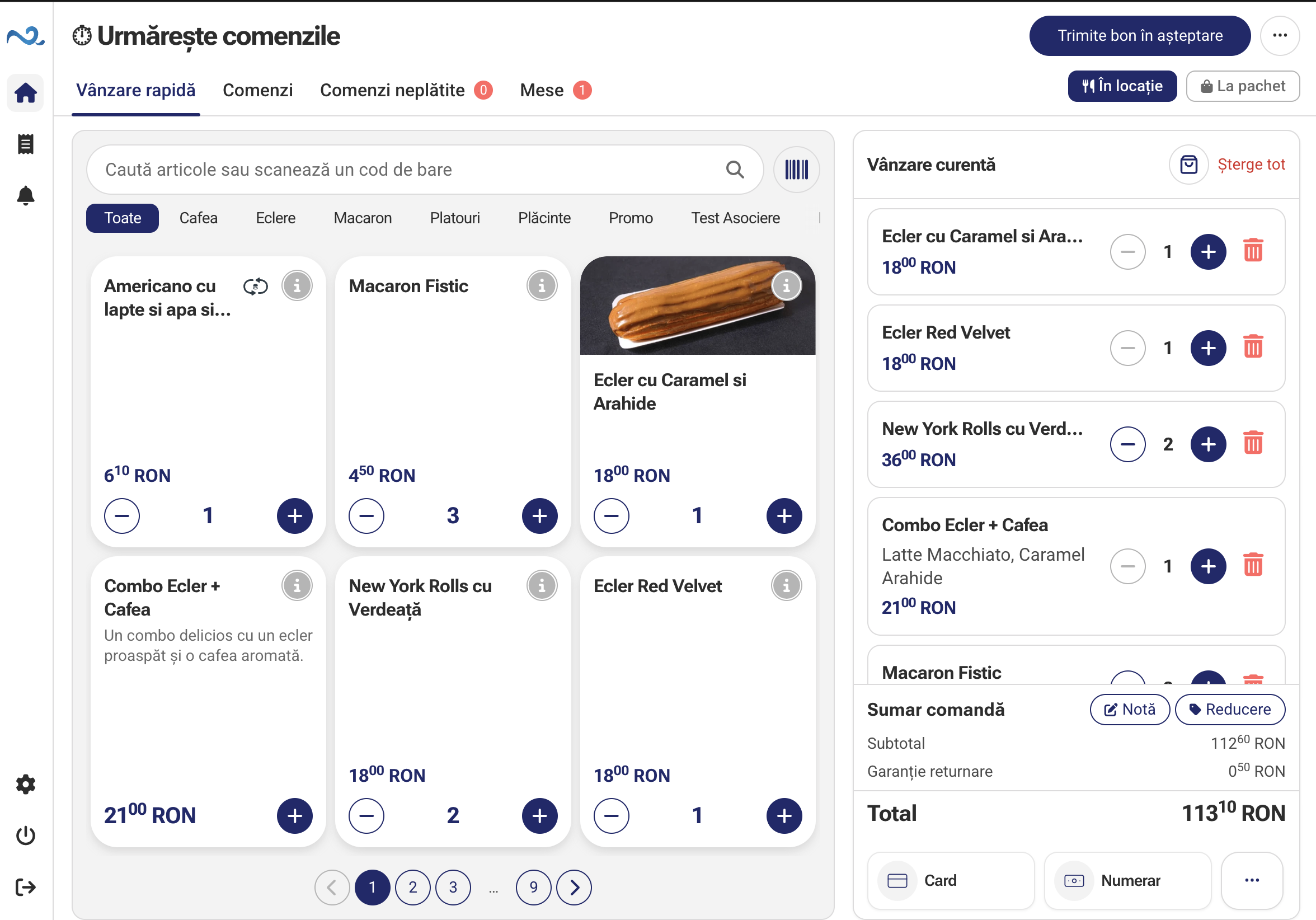
Sell products and services from the catalogue configured for your location.
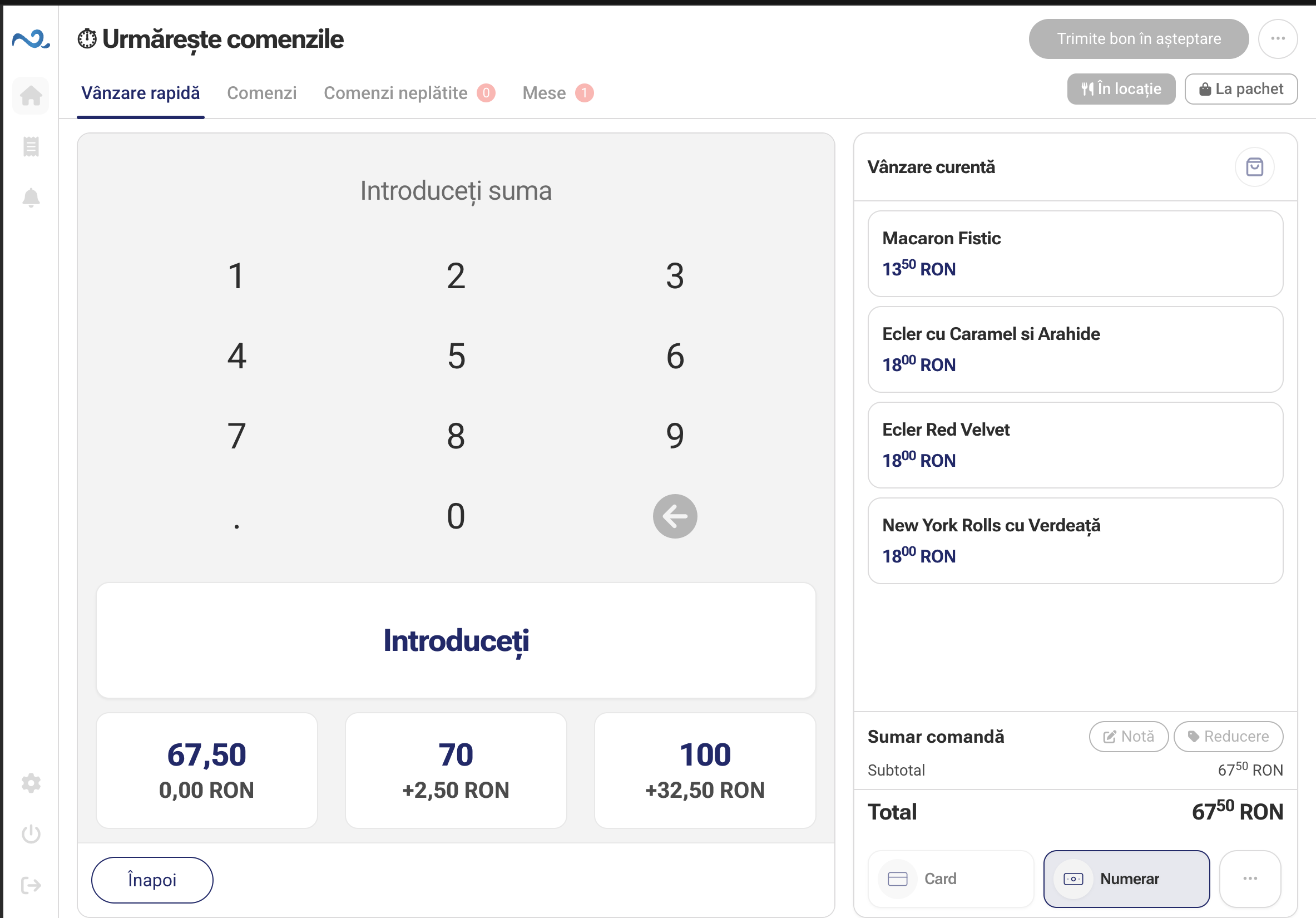
Check the total and choose a payment method. For cash, enter the amount received and see the change due.
Direct sales
Staff select the purchased items, adjust quantities and continue to payment. Products, the total and payment stay in the same interface.
How It Works
Four steps for a sale at the counter, in a shop or at reception.
Select products or services from the catalogue and add them to the current sale.
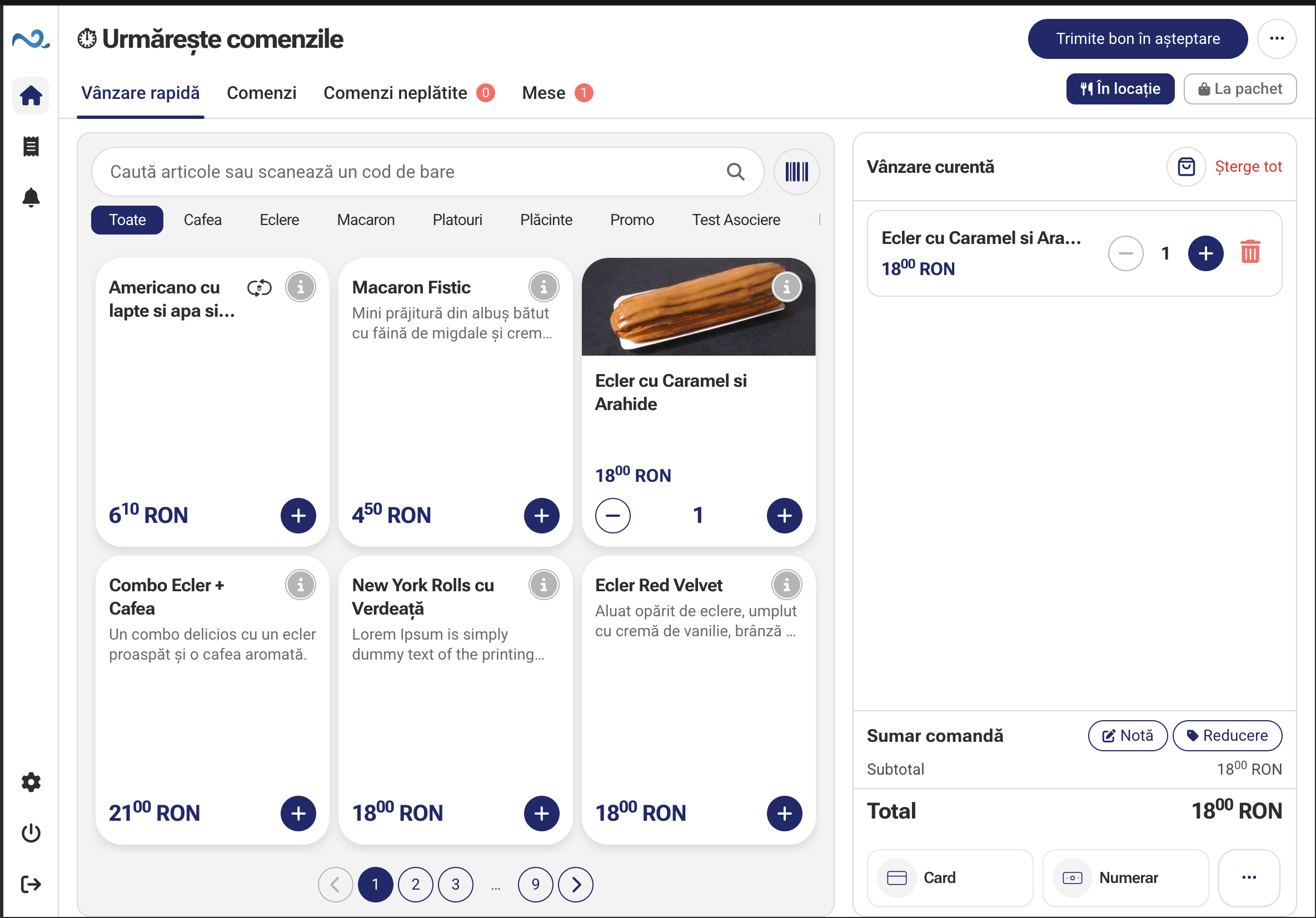
Check items, quantities and the total. Make any changes before taking payment.
Choose a payment method. For cash, enter the amount received and see the change due.
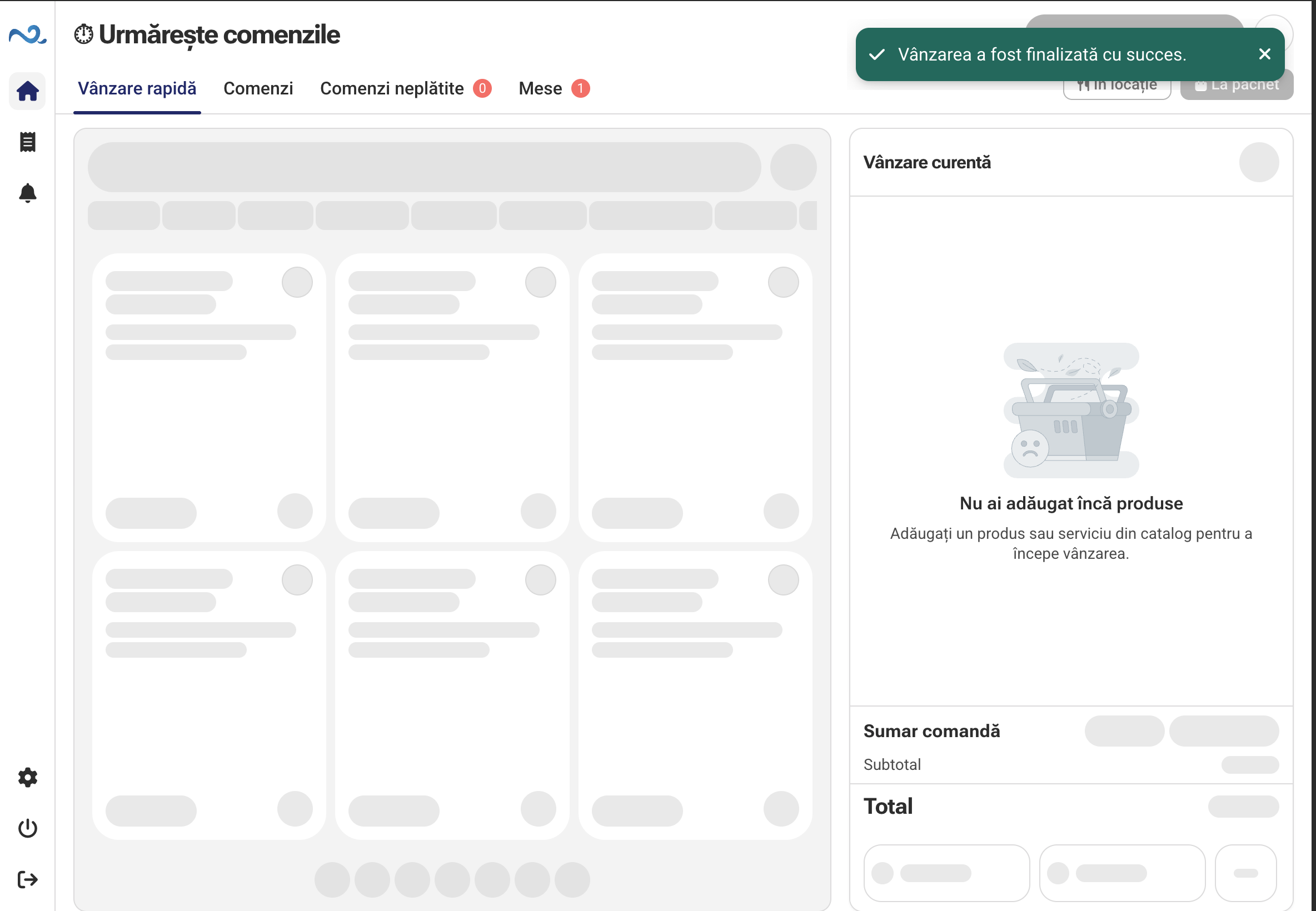
Confirm payment and complete the sale. You can immediately start the next sale.
Customer Display
Connect a Customer Display to POS & Orders. Products, quantities and discounts update in real time, so guests can see the total before paying.
When enabled, guests can add a tip on Customer Display. Their choice is reflected in the order total.
Part of POS & Orders
Quick Sale is part of POS & Orders. The catalogue and workflow options are configured for your business in the administration app.
POS & Orders FAQ
For direct sales in shops, at counters or reception: add the purchased items, check the total and take payment.
Orders suits fast-food workflows, where the team tracks preparation and collection. In Quick Sale, staff add items and take payment directly, without those stages.
Yes. Select services from the location’s catalogue and take payment in the same flow as products.
No. Modules are selected according to the location's activity. We can discuss a suitable setup and which functions are currently available.
POS & Orders
See how to add items, check the sale and take payment with the setup that suits your business.