Activity calendar
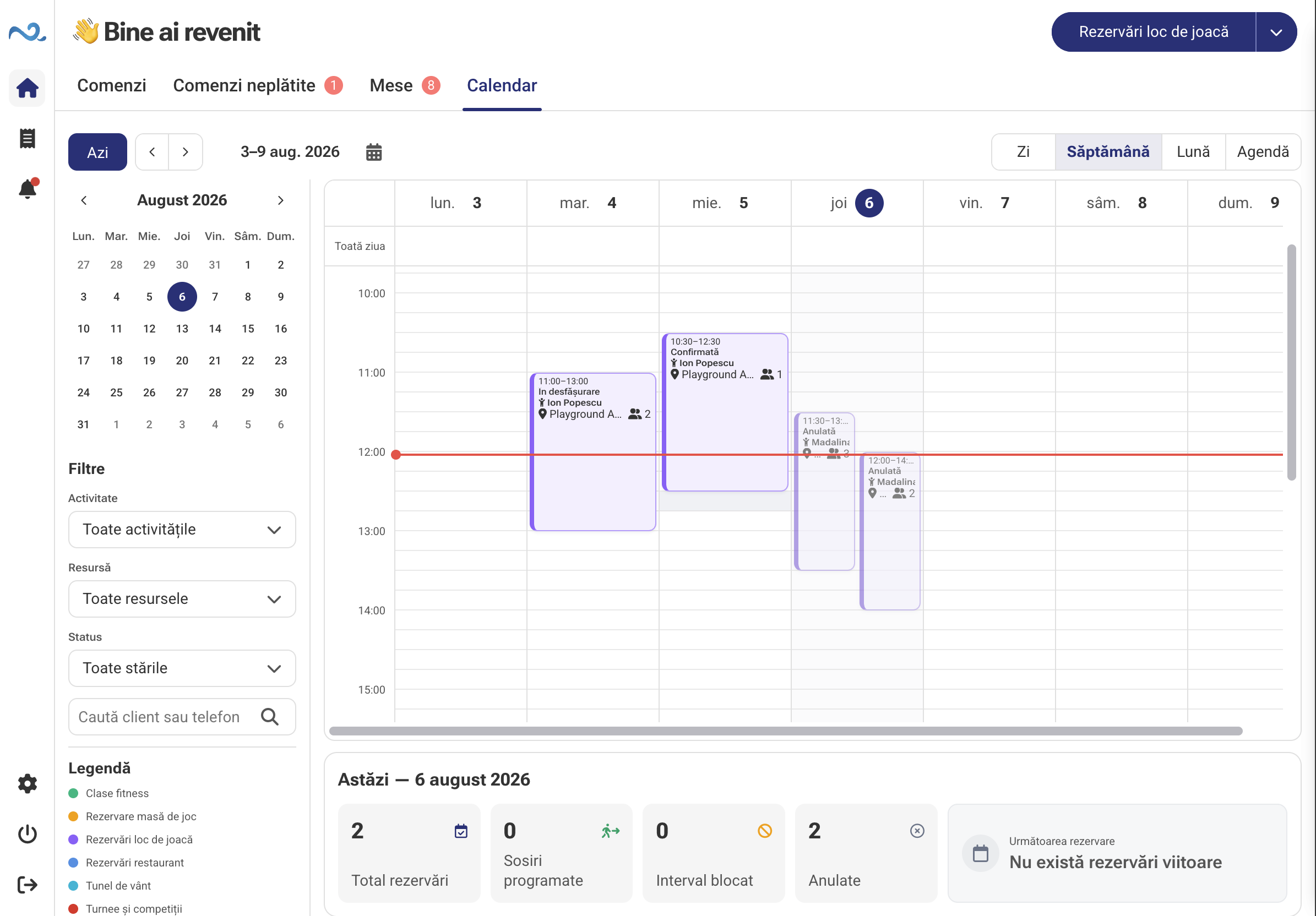
See reservations and appointments by day and time in a shared team calendar.
Calendar is available now in POS & Orders. Organise bookings, appointments and resources, check occupied slots and update the schedule in the same app.
Key capabilities
See reservations and appointments by day and time in a shared team calendar.
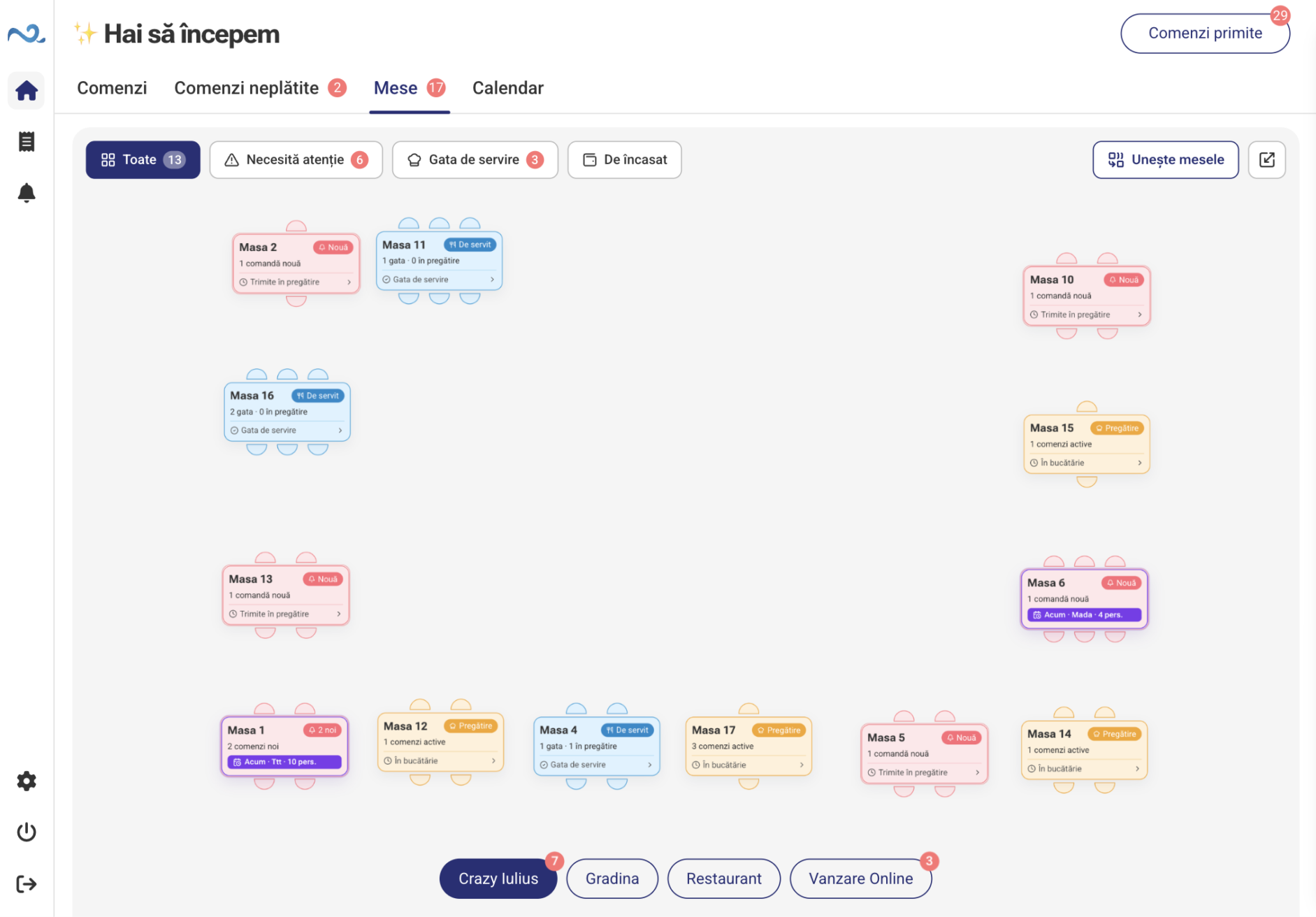
Choose the day and resource, then check occupied slots in the calendar before adding a reservation.
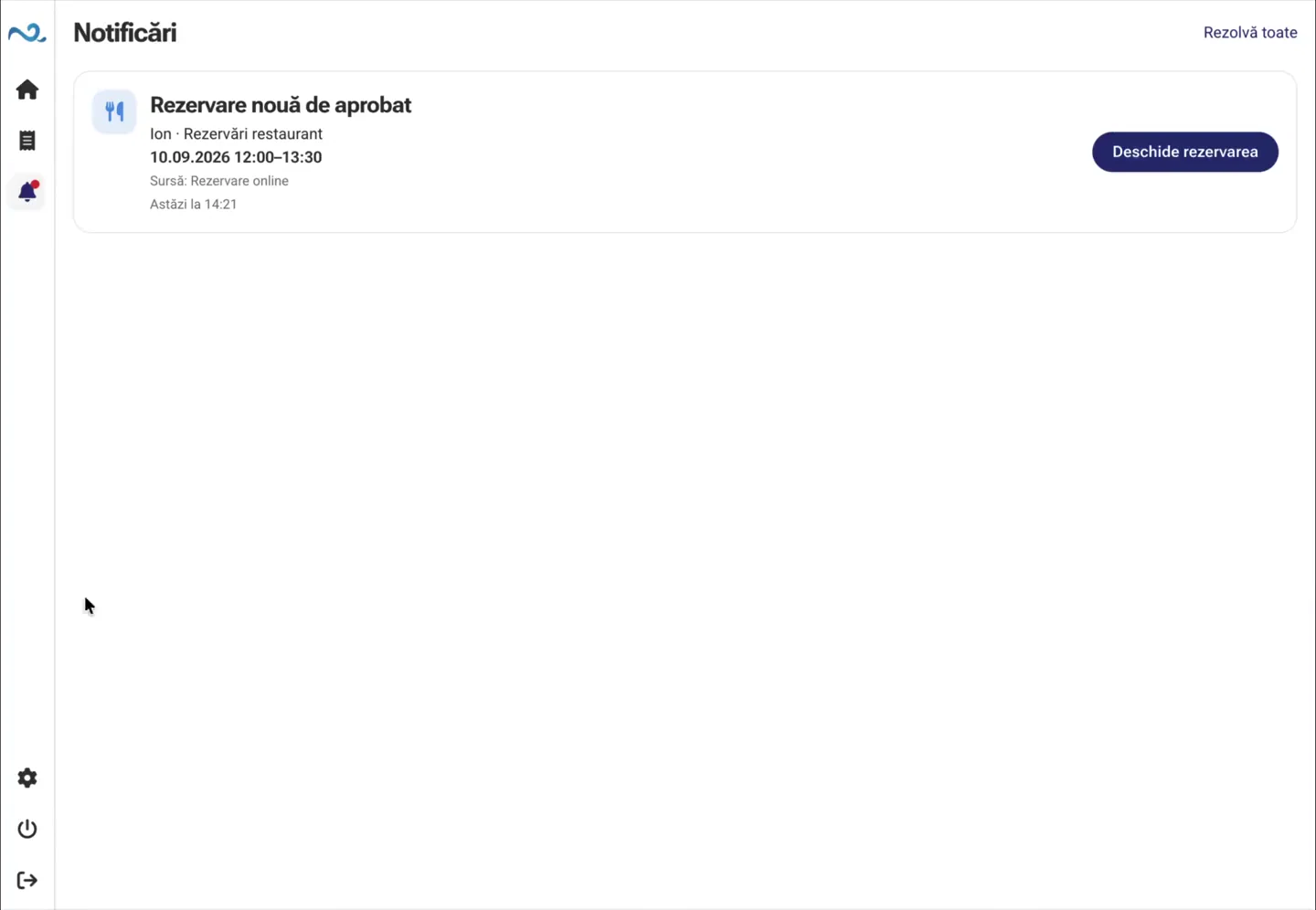
Open a reservation to check its details and update information when the schedule changes.
Calendar and resources
The calendar brings together scheduled activity and the location’s resources. Staff check existing reservations and choose a suitable slot for the next appointment.
How It Works
Check the schedule, choose a slot and manage the reservation as plans change.
Select a day or period to see the reservations already recorded.
Choose a resource and check occupied slots. Set the time and duration for the new reservation.
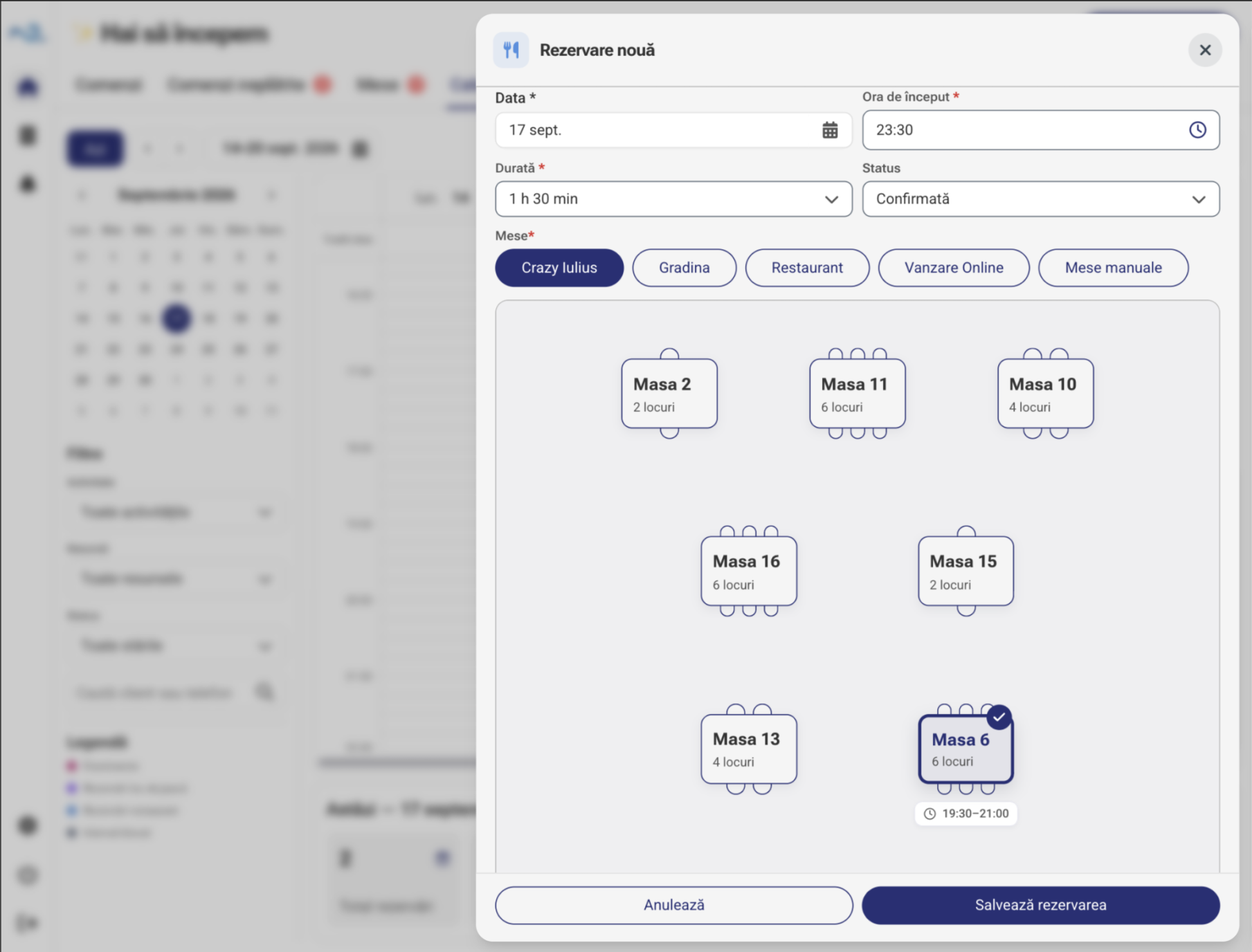
Enter the reservation details and check them before saving it in the calendar.
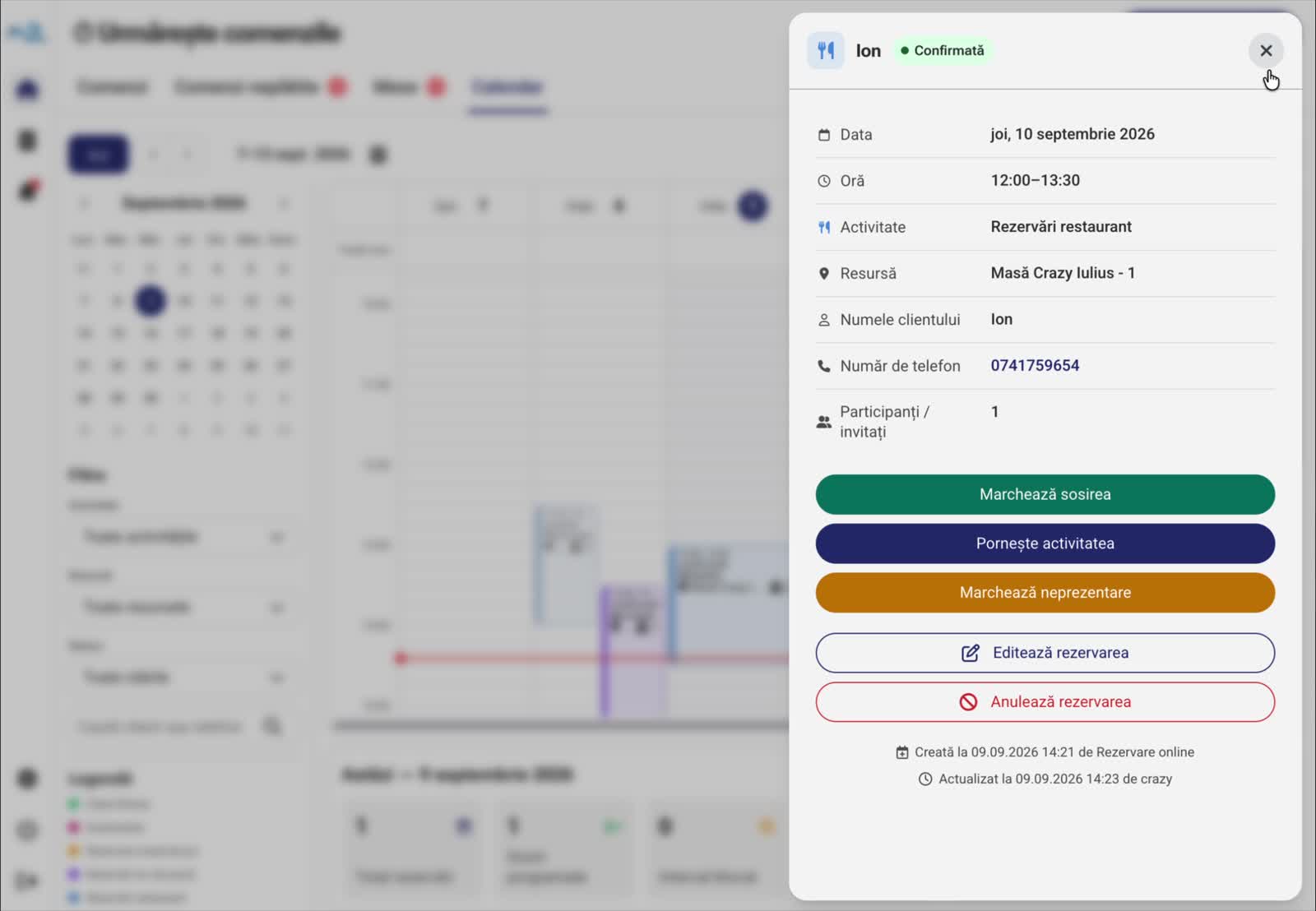
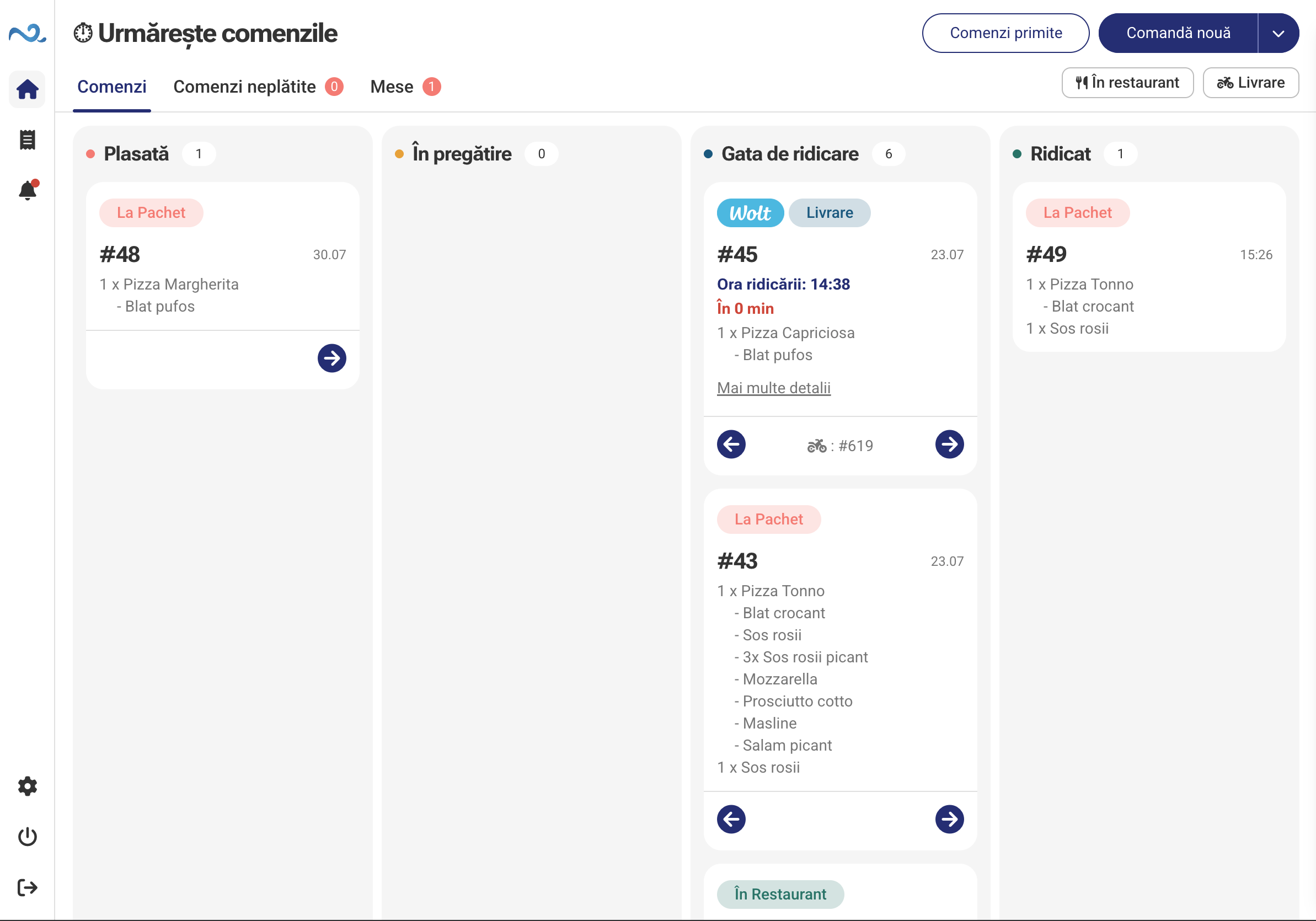
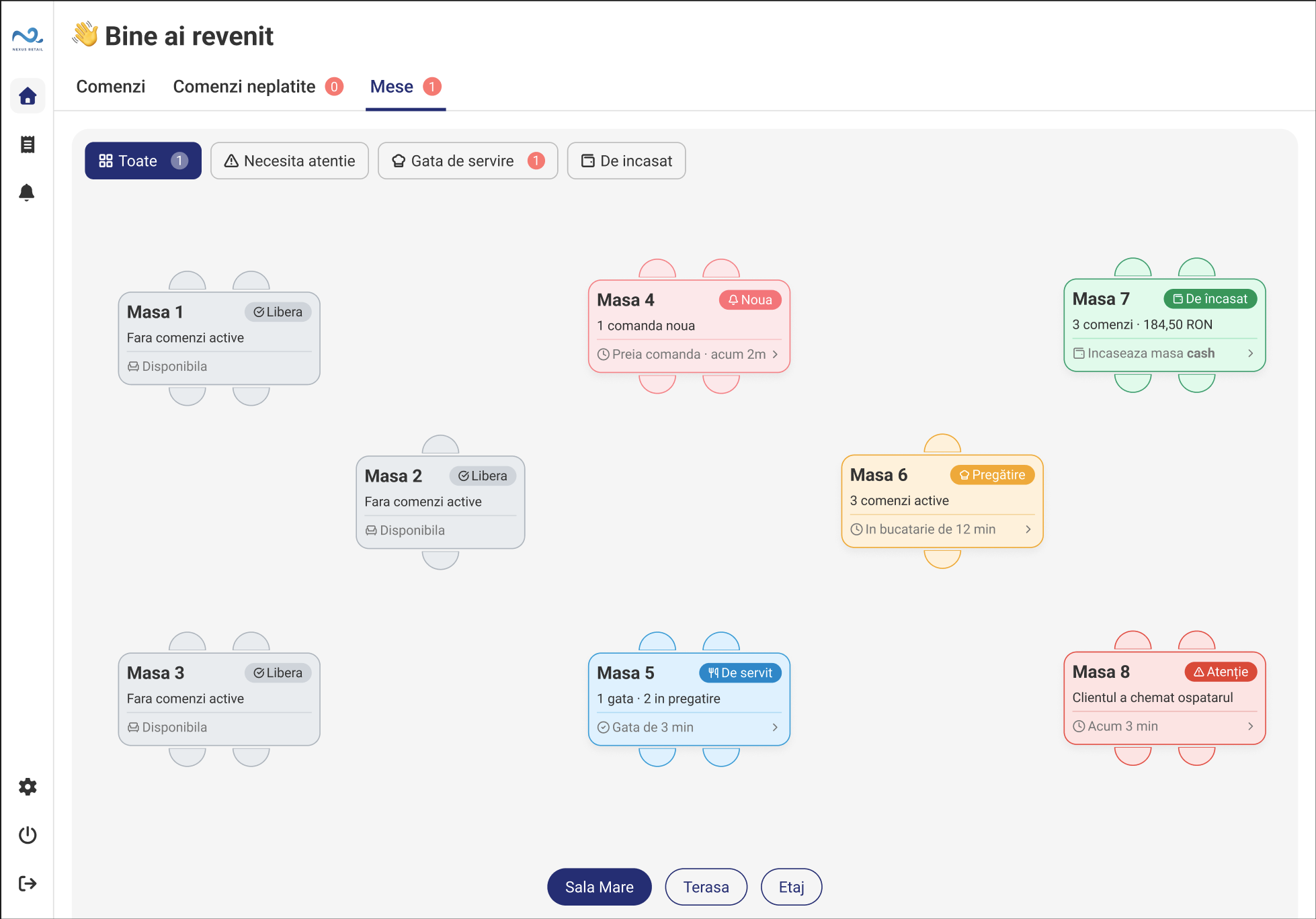
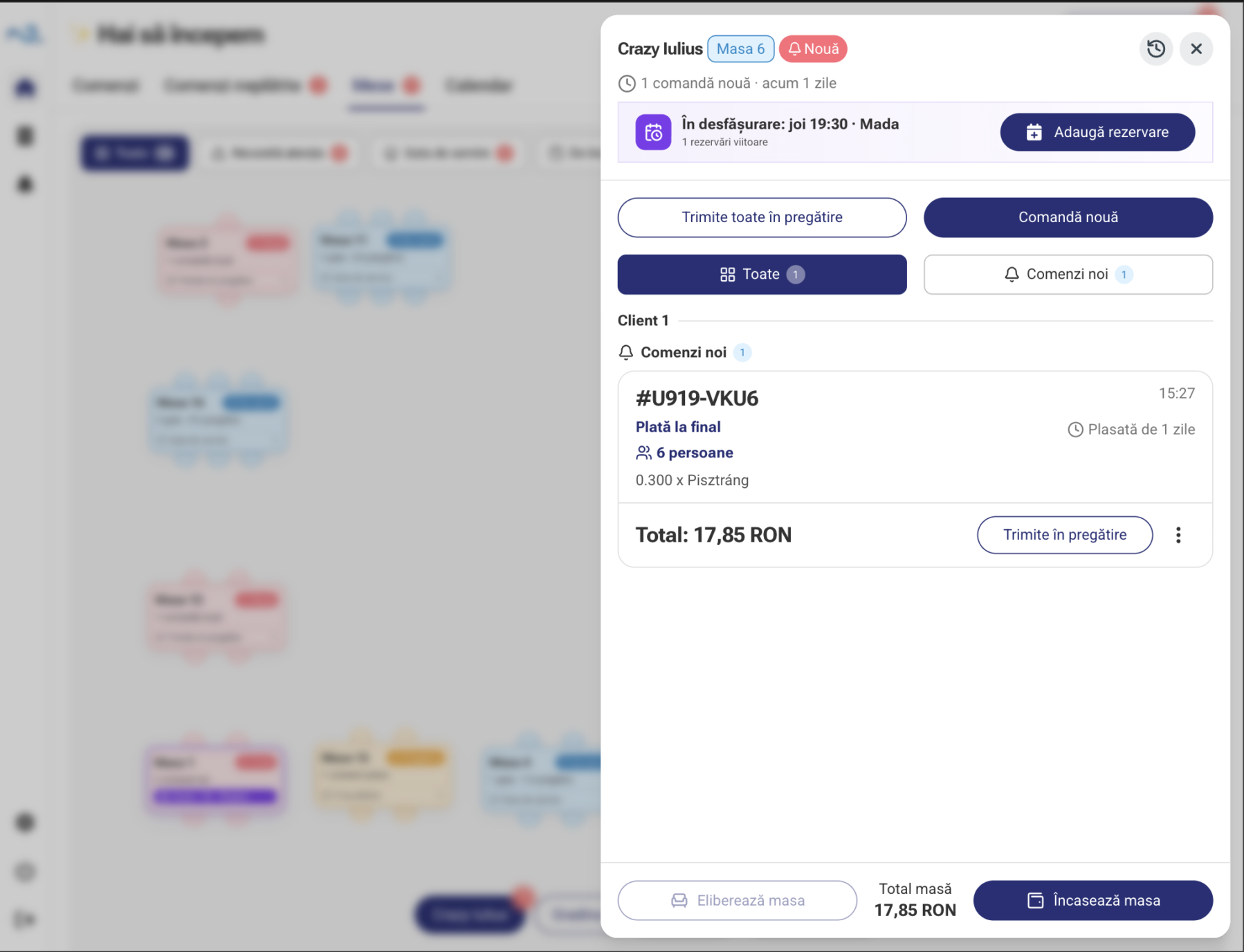
See the reservation linked to a table alongside active orders. Open its details to review or update the reservation.
Part of POS & Orders
Reservations & Appointments is a module in POS & Orders. The team manages the calendar in the same app used for the location’s daily work.
POS & Orders FAQ
Existing reservations and appointments, organised by day and time. Check the schedule before adding a new reservation.
No. The calendar is a module in the same app, dedicated to reservations, appointments and resources.
Select the day and resource, check existing reservations in the calendar and choose a free slot that fits the appointment’s duration.
Calendar is a module available now in POS & Orders. The complete Services & appointments solution is in development and will include dedicated online booking and availability workflows for service businesses.
POS & Orders
Tell us which reservations and resources you manage and we will show you a setup for your location.