



Kitchen Display (KDS)
The primary source for preparation-related status changes.
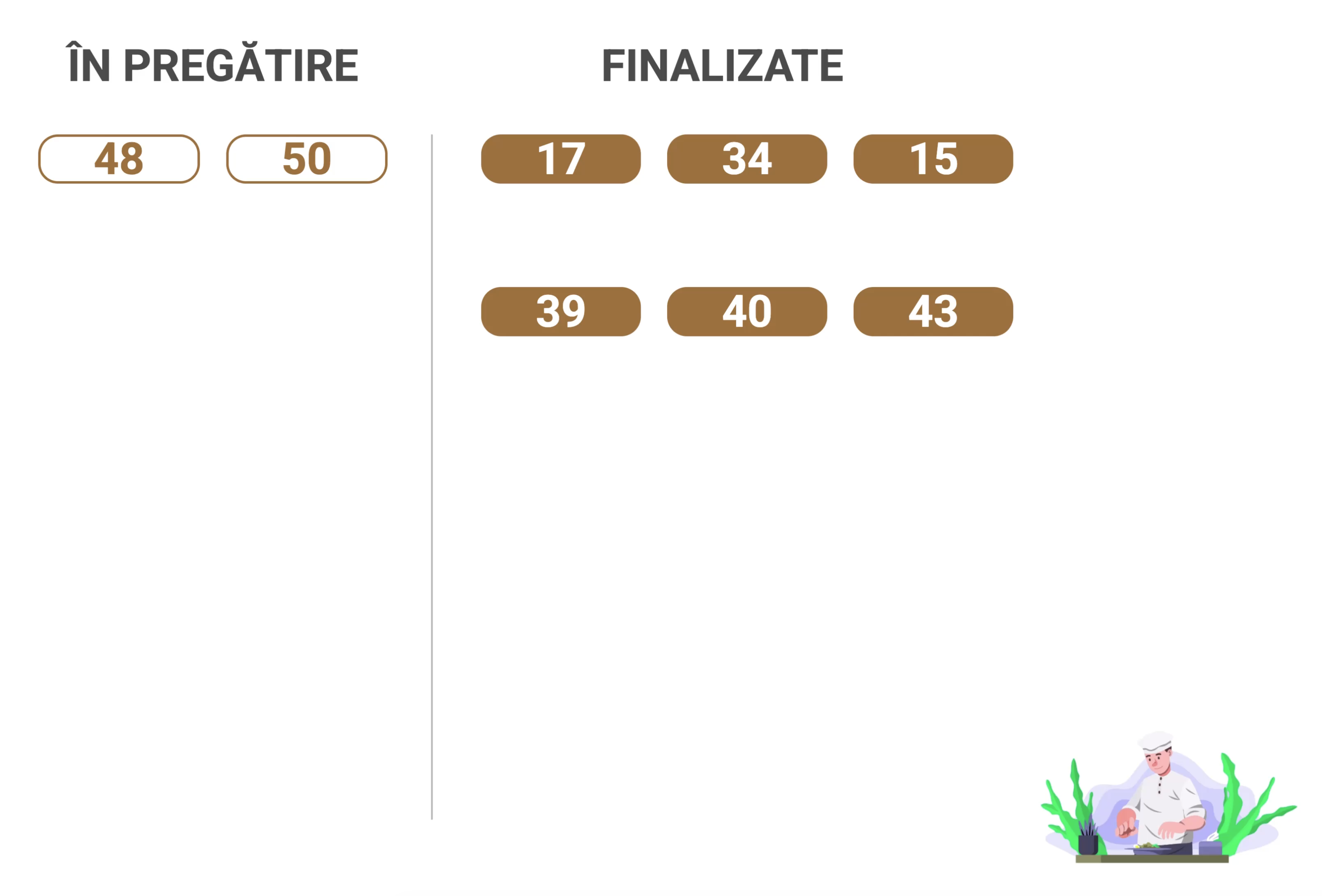
Order Status shows orders being prepared and those ready for pickup on a dedicated screen, using statuses updated by Nexus Retail applications.
For the pickup area
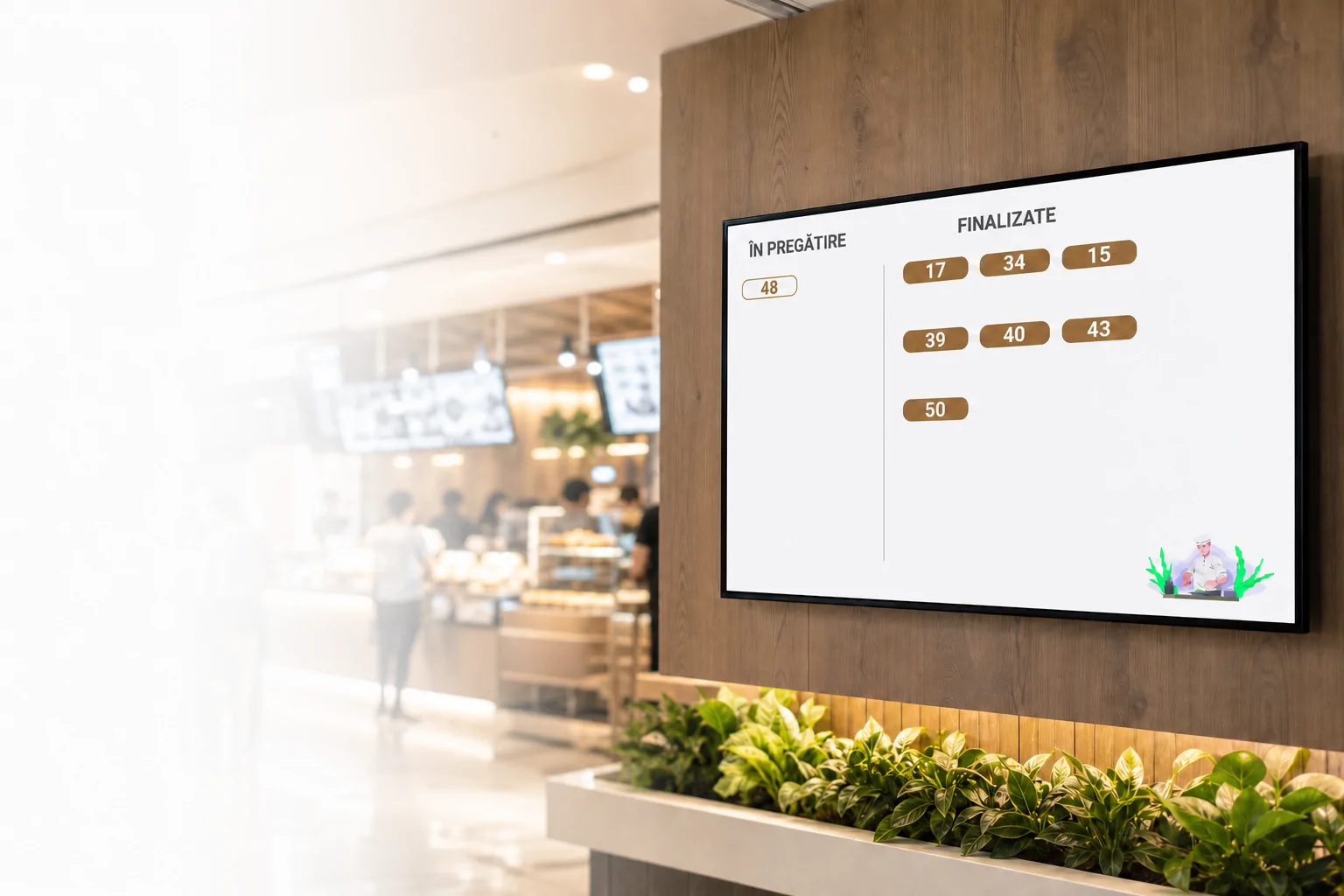
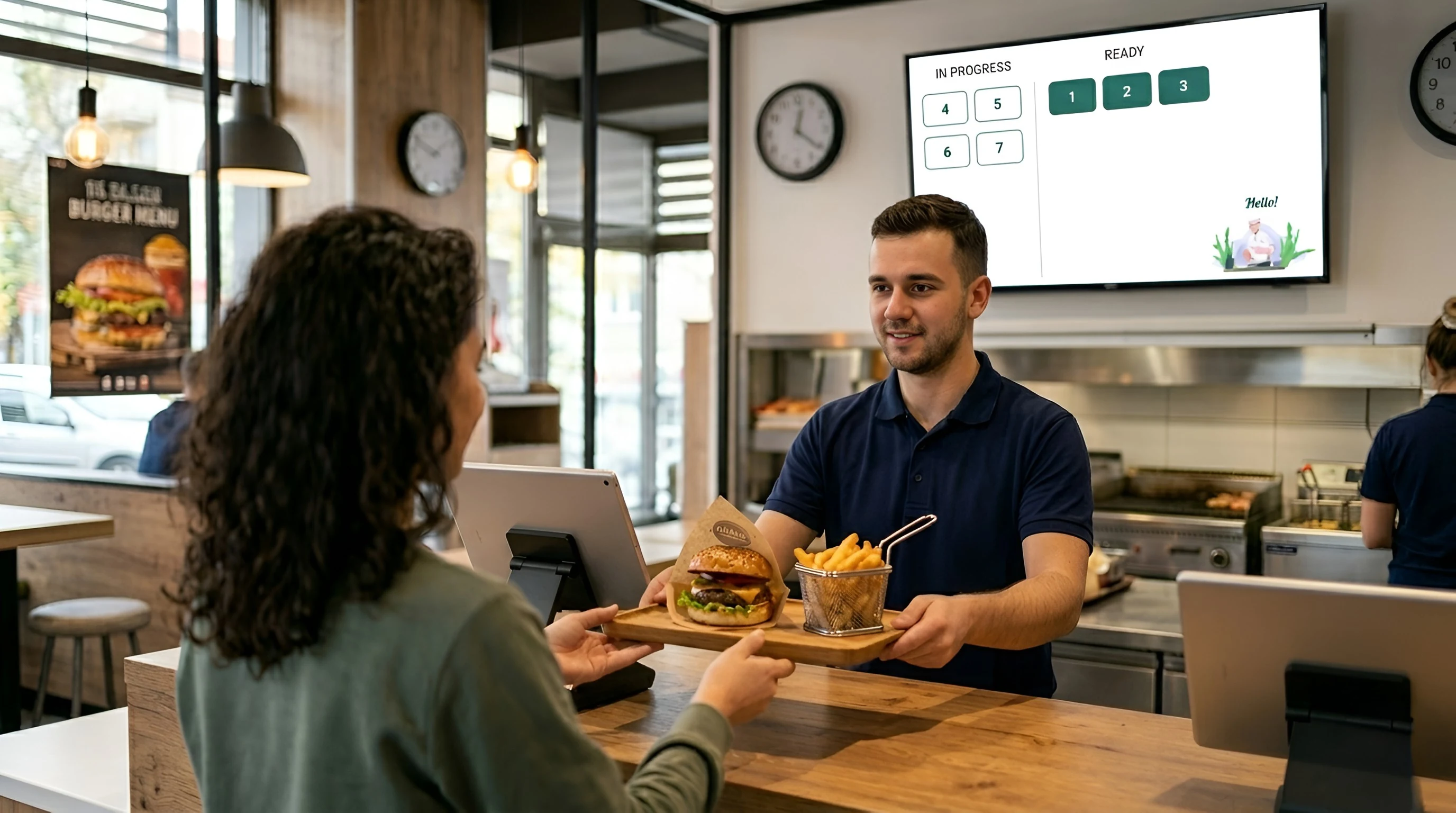
Order Status shows order progress on a monitor or television in the location. Customers can quickly see whether an order is still being prepared or is ready for the next step.
Updates come directly from connected applications, with no separate manual step for the screen.
Order Status is designed for visibility from a distance. It does not reproduce everything from POS & Orders or Kitchen Display (KDS), only what is useful to the customer.
Order number
Order status
Custom branding
Order Status receives status changes from connected applications. The team does not have to operate the customer-facing screen separately.
Order Status does not require separate order management. It shows statuses received from the Nexus Retail ecosystem.
The primary source for preparation-related status changes.
Can view and update orders according to the available operations.
Self-service orders can enter the same flow and later appear on Order Status.
Phone orders can be followed through the same system when the flow is configured.
Configures the device, appearance, and connections.
Order Status is designed for monitors and televisions in waiting or pickup areas, where information must be identified quickly.
Television
Monitor
Landscape screen
Fullscreen mode
Large text and high contrast
Generous spacing
Easy-to-read numbers
Adapts to different resolutions
Order Status shows orders being prepared and those ready for customers on a dedicated screen.
Statuses are received from connected Nexus Retail applications and updated automatically on screen.
No. When order status changes in the operational flow, Order Status can reflect it automatically.
The screen shows relevant customer information such as the order number and its status.
Yes. Visual identity and available elements can be configured in Administration.
Order Status is intended for monitors or televisions and optimized for landscape display.
Devices can be associated and configured in Administration according to the location's structure and capabilities.
The order moves automatically to the ready area when the corresponding status is received from the connected application.
In a demo, we show real-time order updates, display options, and how Order Status communicates with Nexus Retail applications.