Self‑service ordering in a simple, intuitive experience
Kiosk Self-Service is the self-service application that lets customers discover products, configure options, review their entire order and complete payment through an interface tailored to the business identity.
For self-service ordering
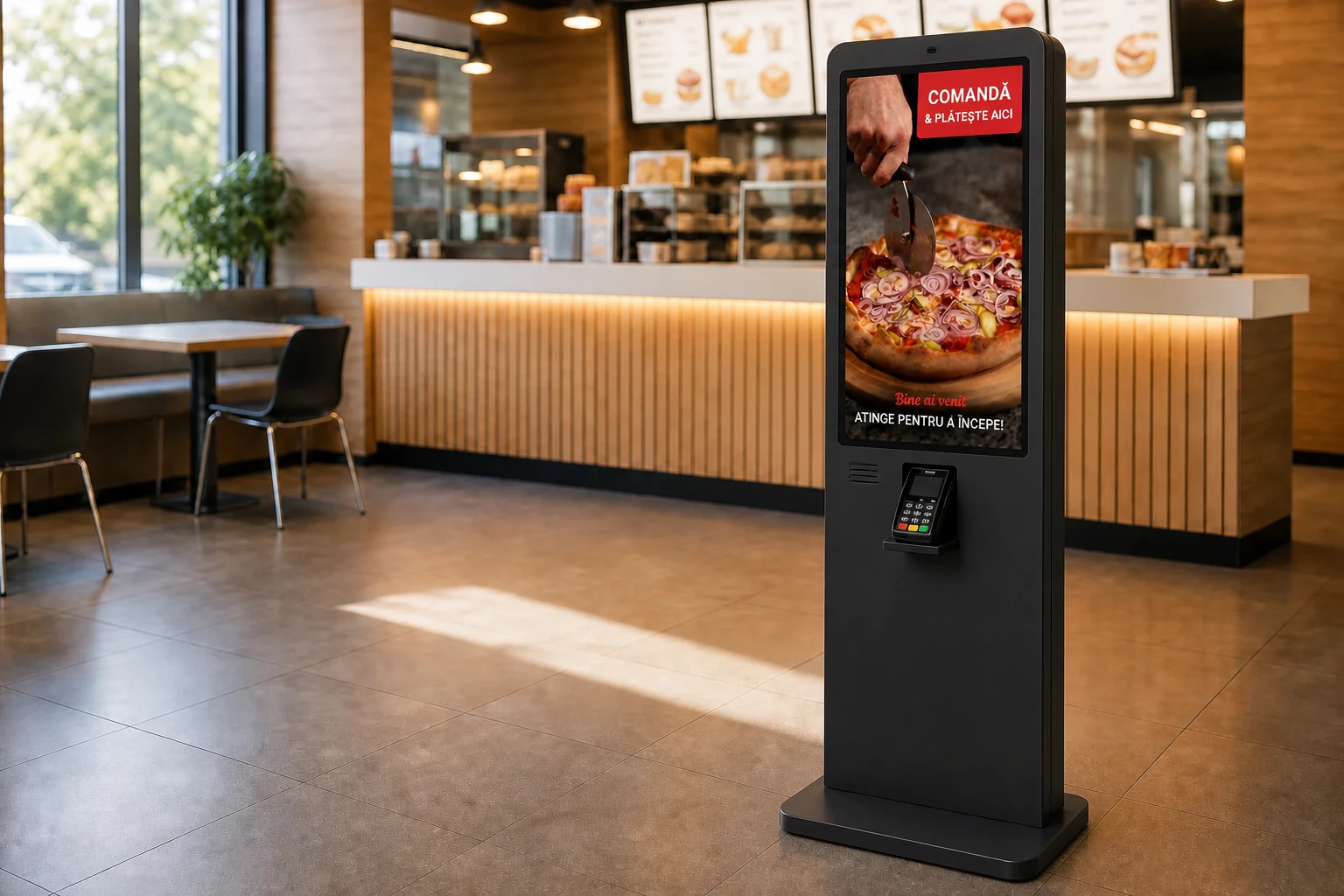
A customer-focused ordering point
Kiosk Self-Service moves part of the ordering process directly to the customer. Products, categories, and options configured in Administration are presented in an easy-to-navigate touch interface.




Once completed, the order automatically enters the Nexus Retail operational flow without staff entering it again.
The same experience on the device that fits your space
Kiosk Self-Service can run as a dedicated setup or on a tablet, depending on the available space and selected equipment.

Dedicated Kiosk Self-Service
-
Larger screen
-
Touch operation
-
Pedestal mounting
-
Integration with compatible equipment
-
High visibility in the venue


Kiosk Self-Service on tablet
-
Compact format
-
Flexible installation
-
Table support or stand
-
Suitable for limited spaces
-
The same Nexus Kiosk Self-Service interface
The self-service order enters the same operational flow
Once completed, the order is sent to connected applications. Staff do not need to copy or enter it again.
Administration
Configures products, prices, branding, languages, payment methods and devices.
Kiosk Self-Service
The customer places the order
POS & Orders
Centralizes the orders
Kitchen Display (KDS)
Prepares the order
Order Status
Informs the customer
Nexus ERP
Receives the data available through the configured integration.
Clear answers about Kiosk Self-Service
What is Kiosk Self-Service?
Kiosk Self-Service is the self-service application that lets customers select products, configure options and complete an order on a touch device.
Can Kiosk Self-Service also be used on a tablet?
Yes. The application can run as a dedicated setup or on a tablet, depending on the selected equipment and space, regardless of the operating system.
How are products configured?
Products, categories, images, prices, and options are managed in Administration.
Can the experience be visually customized?
Yes. The logo, colors, images, videos and other experience elements can be configured for the venue identity.
Can it be used in multiple languages?
Yes. The available languages are configured for each Kiosk Self-Service experience.
Which payment methods are available?
Kiosk Self-Service displays the payment methods enabled for the venue and device configuration.
Where does the order go after completion?
The order is sent to connected applications such as POS & Orders and, optionally, Kitchen Display (KDS), and can be tracked in the same flow as other orders.
What happens if payment fails?
The customer receives a clear message and can retry the payment or select another available option.
Does Kiosk Self-Service work independently of POS & Orders?
Kiosk Self-Service is configured in Administration and can be connected to POS & Orders, Kitchen Display (KDS), Order Status, and other ecosystem components.
Discover the Kiosk Self-Service experience
During a demo, we present the full customer flow, customization options and how orders connect to the other Nexus Retail applications.